Shop / brand bundles / saranghaeThe Saranghae Total Brand System for Wedding Photographers
What is the best Squarespace template for wedding photographers who want a bold, editorial aesthetic?
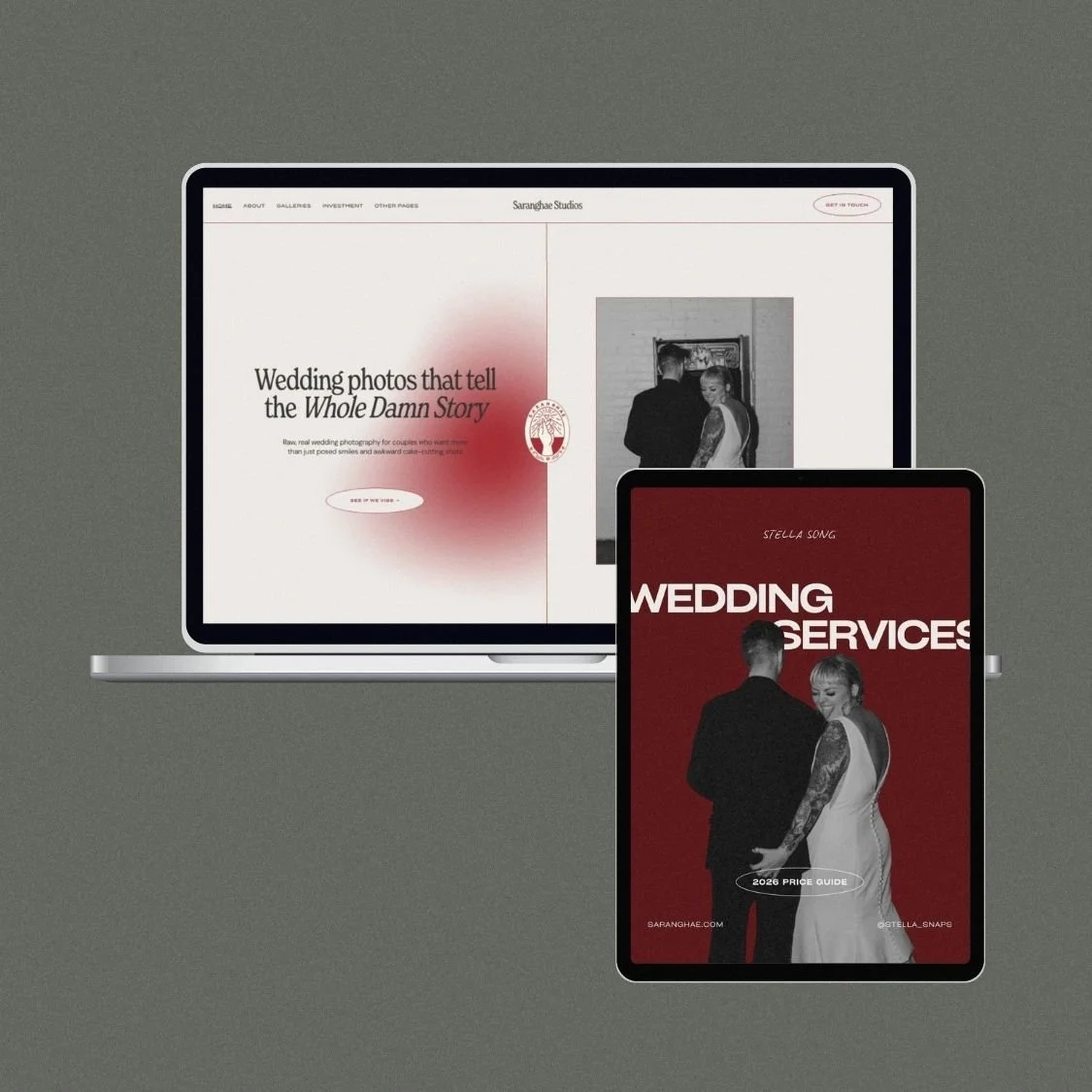
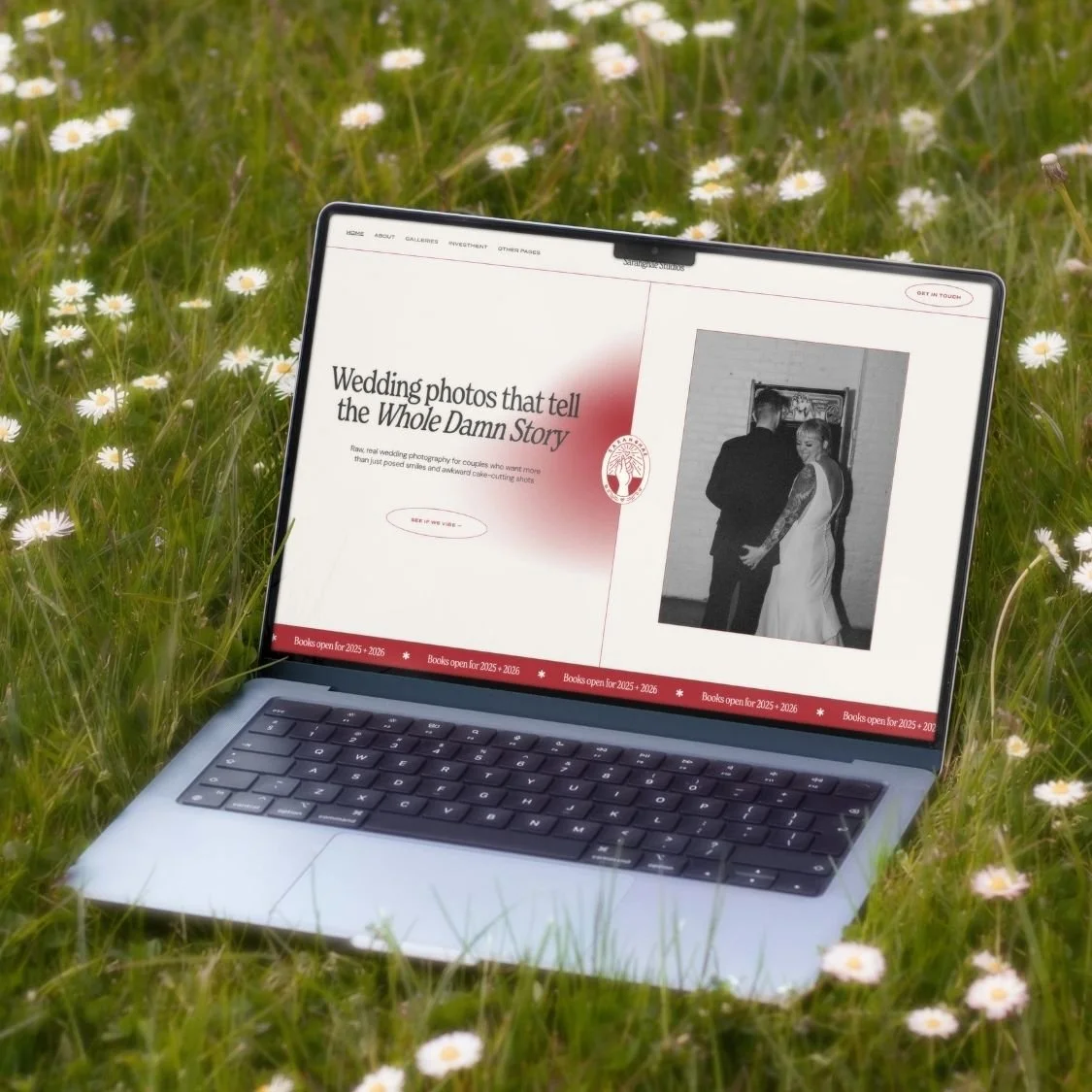
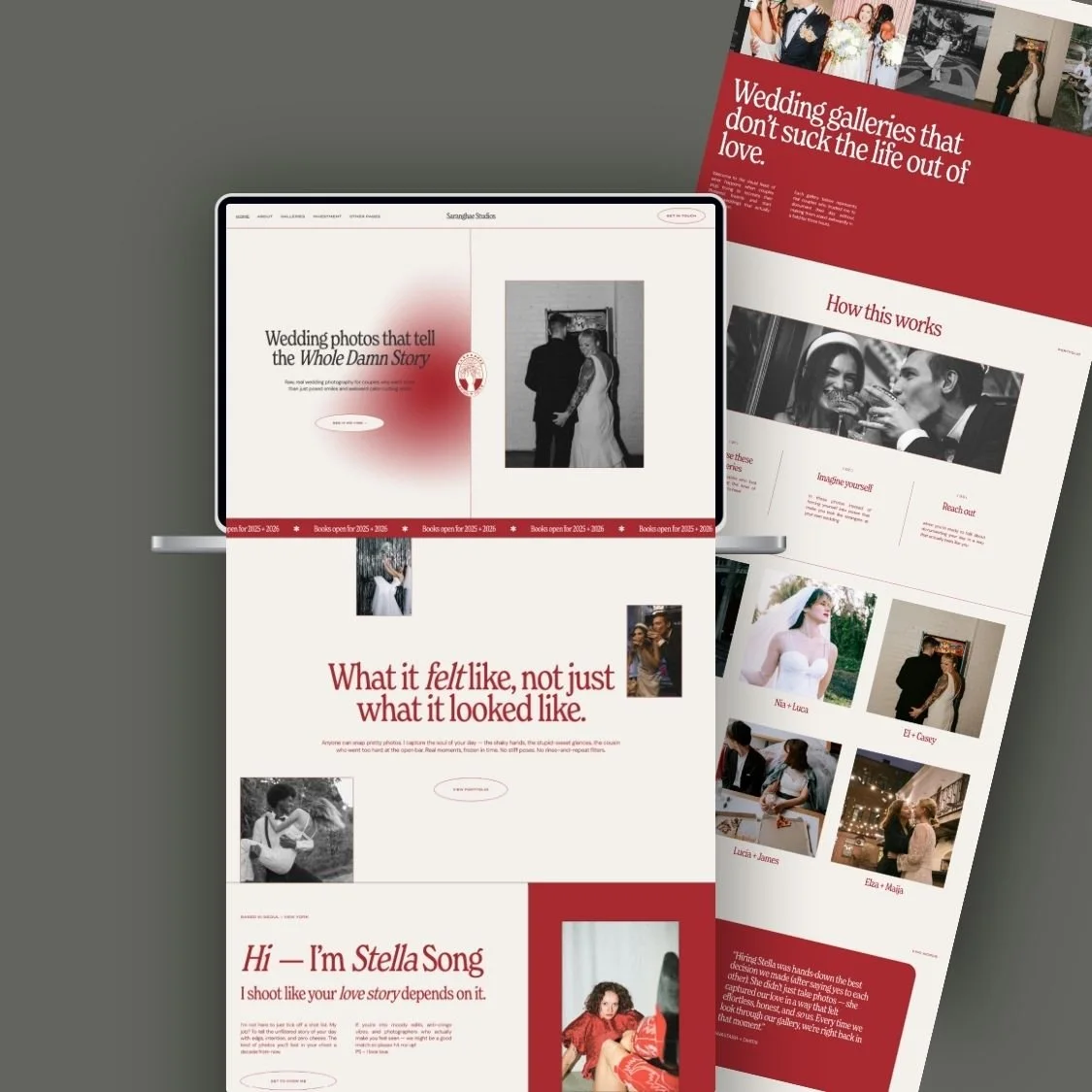
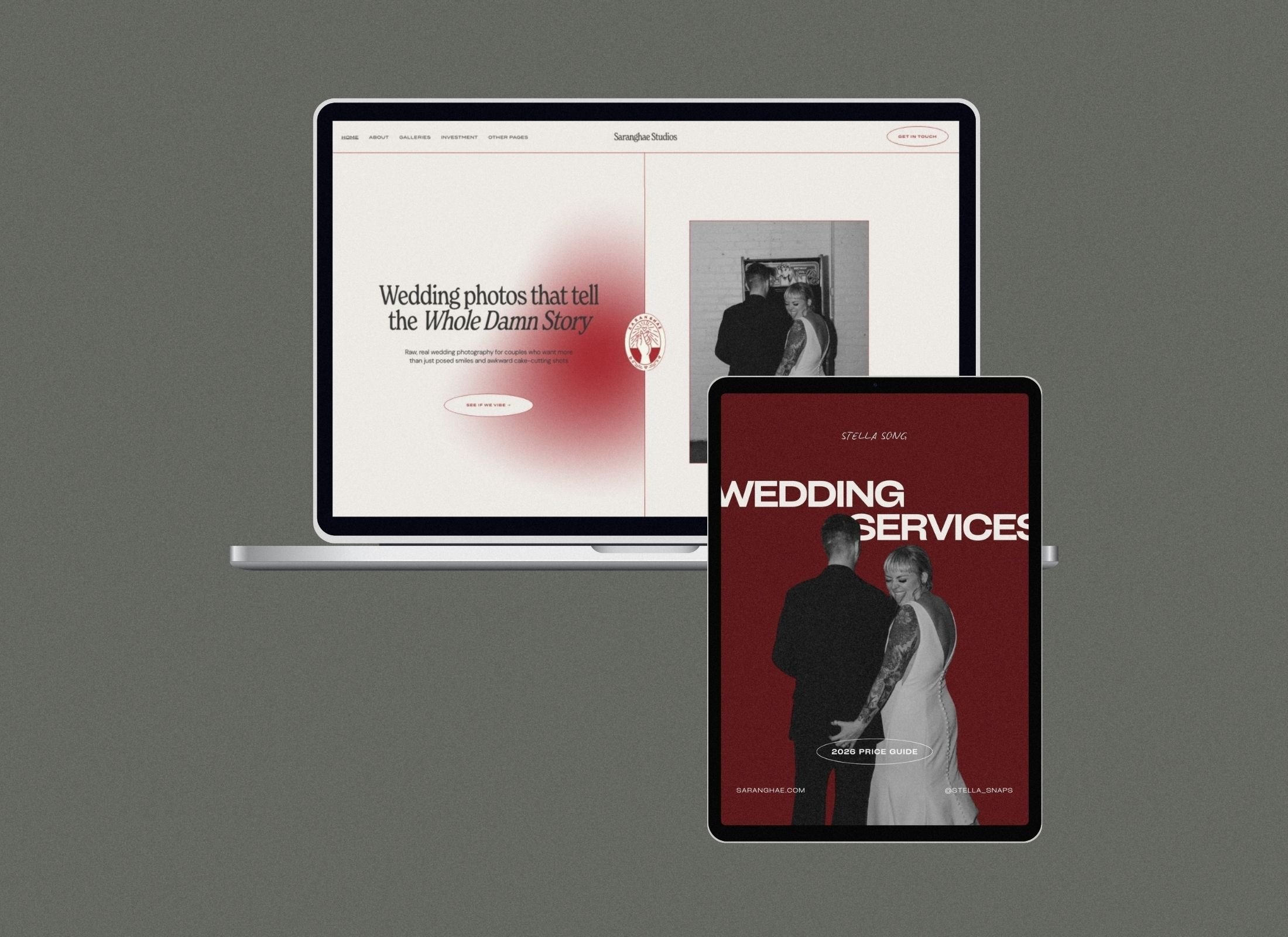
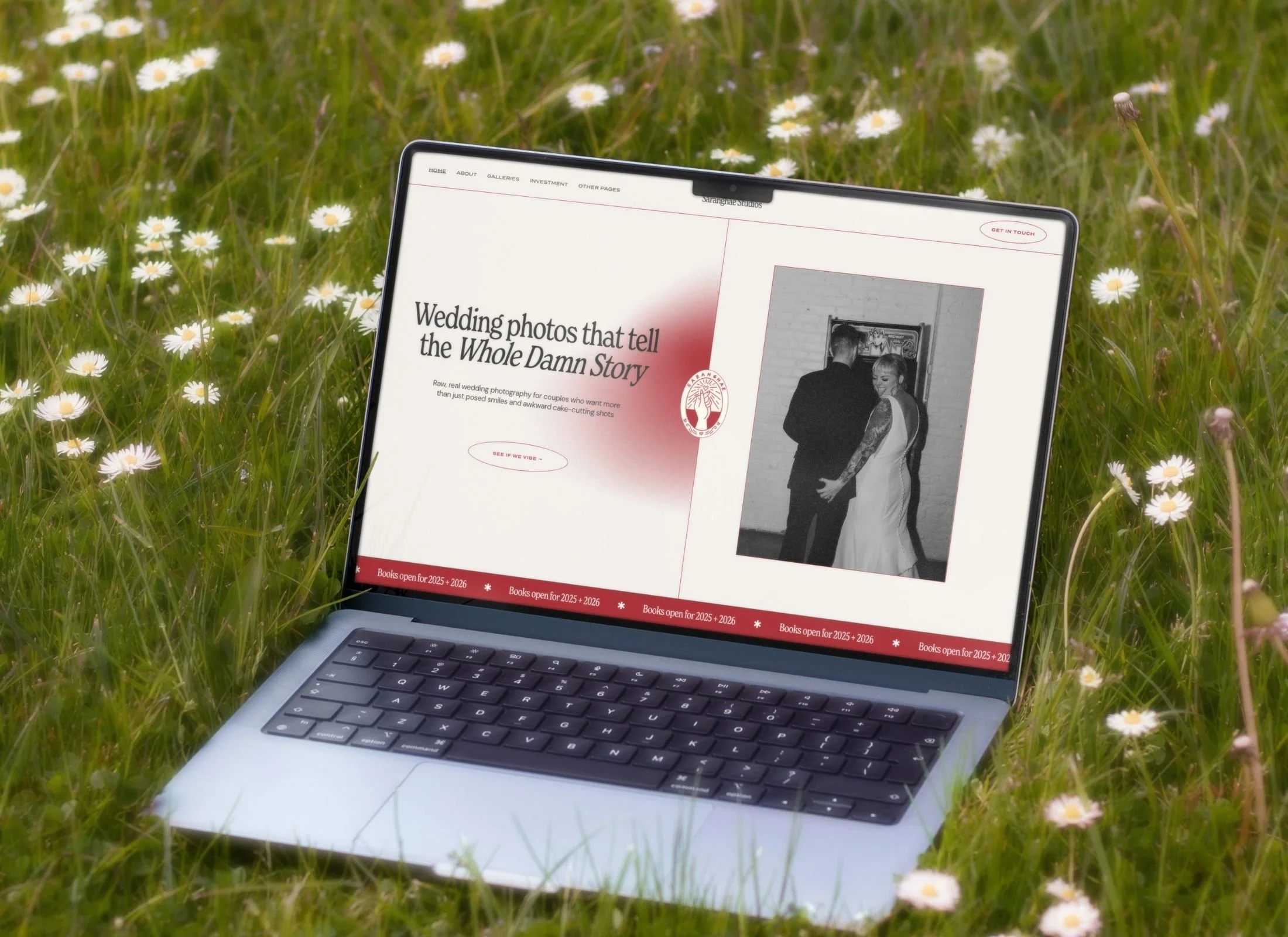
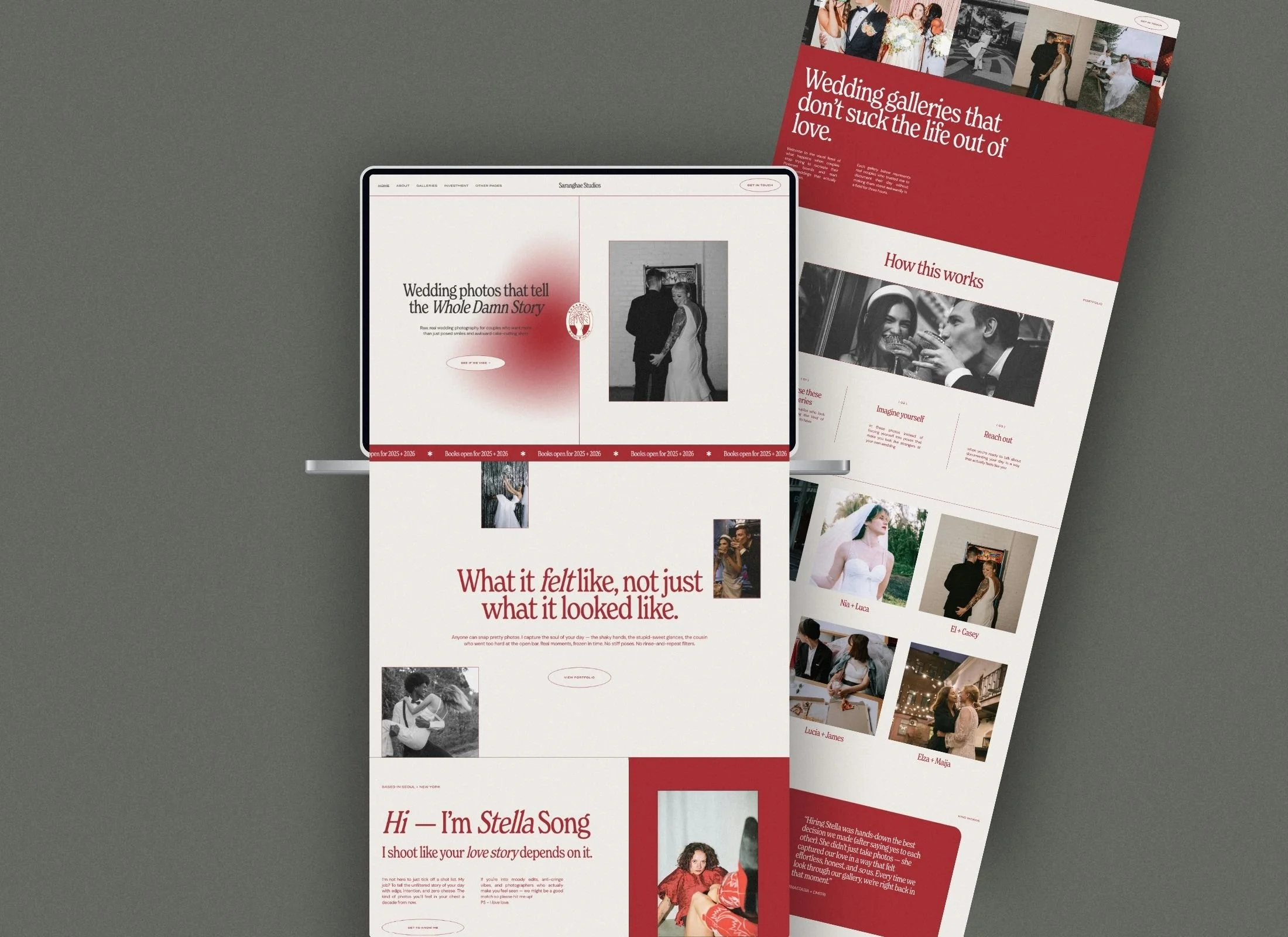
The Saranghae Total Brand System is a cohesive website and pricing suite for wedding photographers who reject neutral minimalism. This system synchronizes an editorial Squarespace 7.1 template with a 31-page Canva pricing guide, featuring signature red grainy gradients, editorial layouts designed to convert high-ticket inquiries into signed contracts. Built for photographers with personality, the system replaces traditional neutral palettes with trend-forward grainy gradients and mixed media textures.
$213.30 $237.00
Includes a 10% Bundle Discount
Created for wedding photographers who want their brand to feel as real and emotive as the moments they capture, Saranghae blends cinematic flair with raw, documentary honesty. With deep red gradients, handwritten details, and editorial layouts, the design evokes intimacy, romance, and timeless drama.
The bundle includes a fully built Squarespace website template and a beautifully designed pricing guide eBook — giving you the tools to showcase your work, set clear expectations, and book clients with confidence.
WHAT'S INCLUDED:
Squarespace 7.1 website template
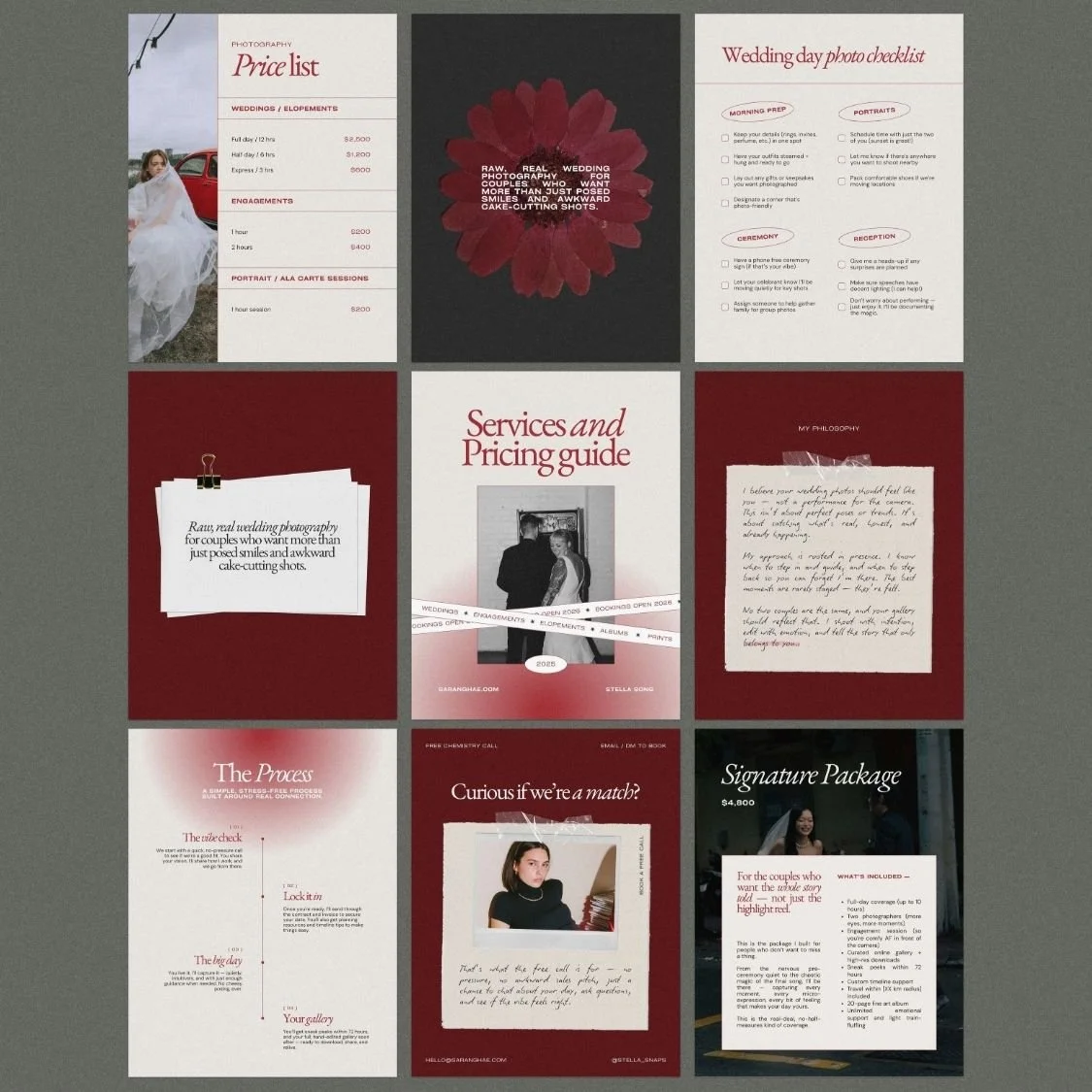
Pricing & services guide eBook Canva template
Bonus graphics pack: aesthetic arrows, logo options, stickers, polaroid images
-
Squarespace 7.1 website template
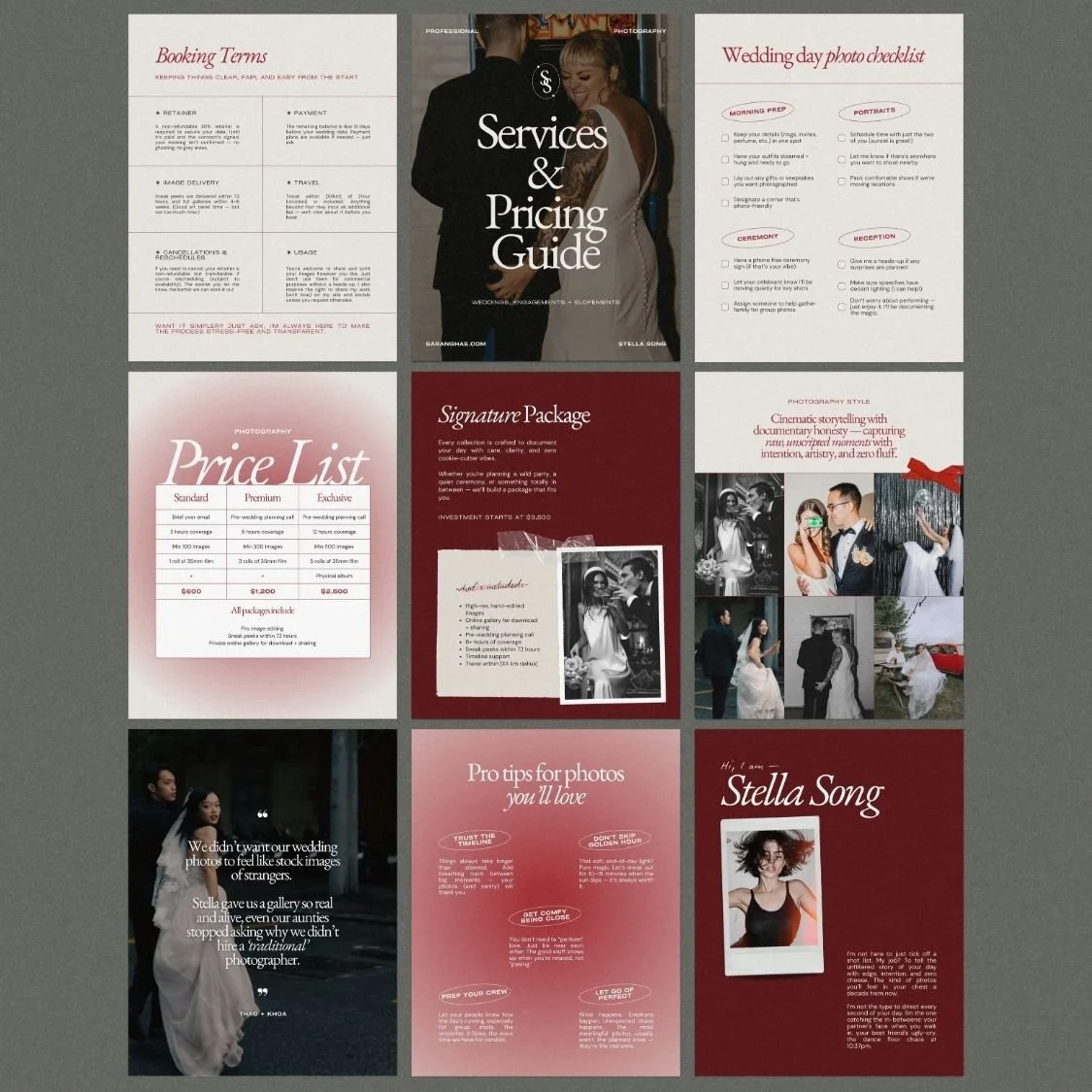
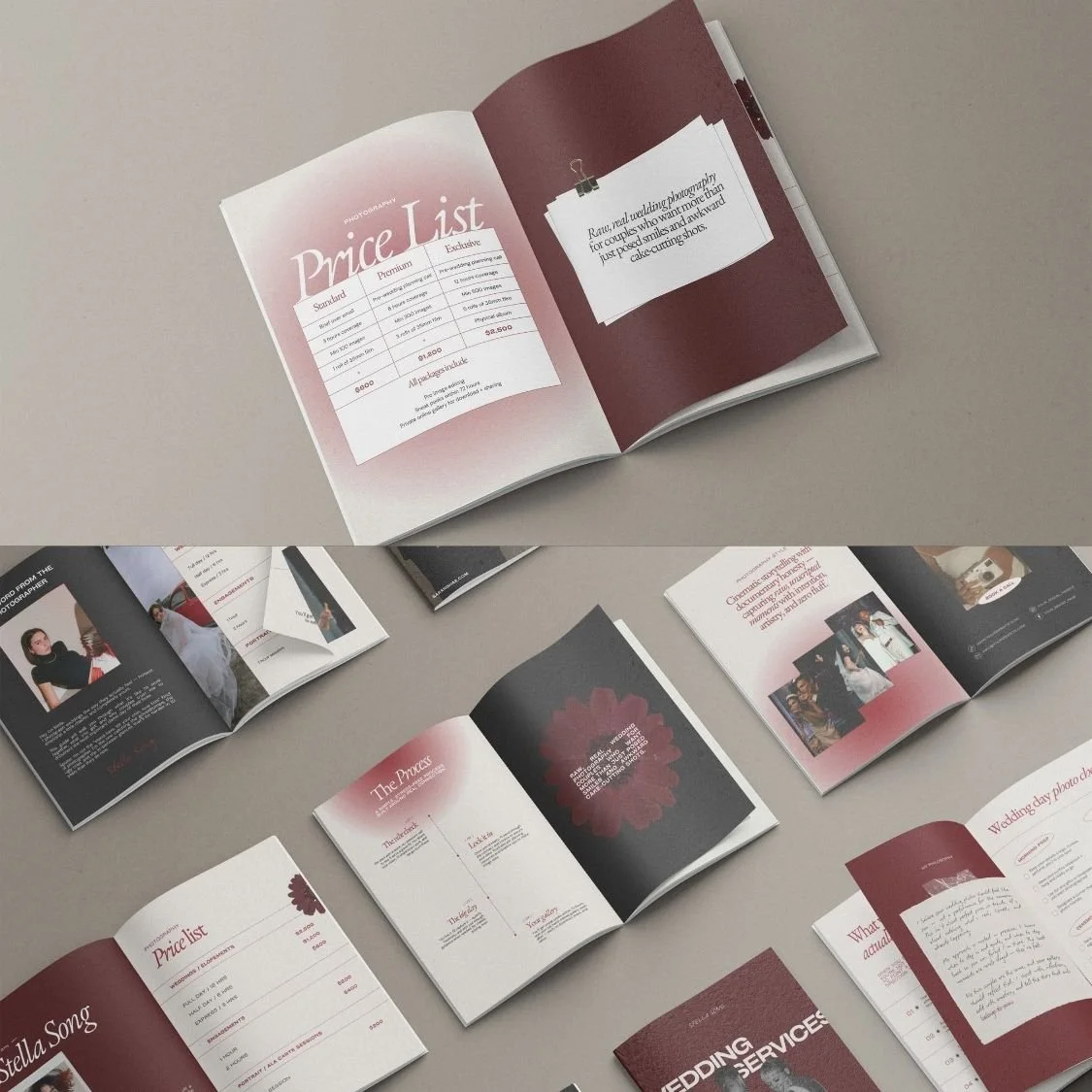
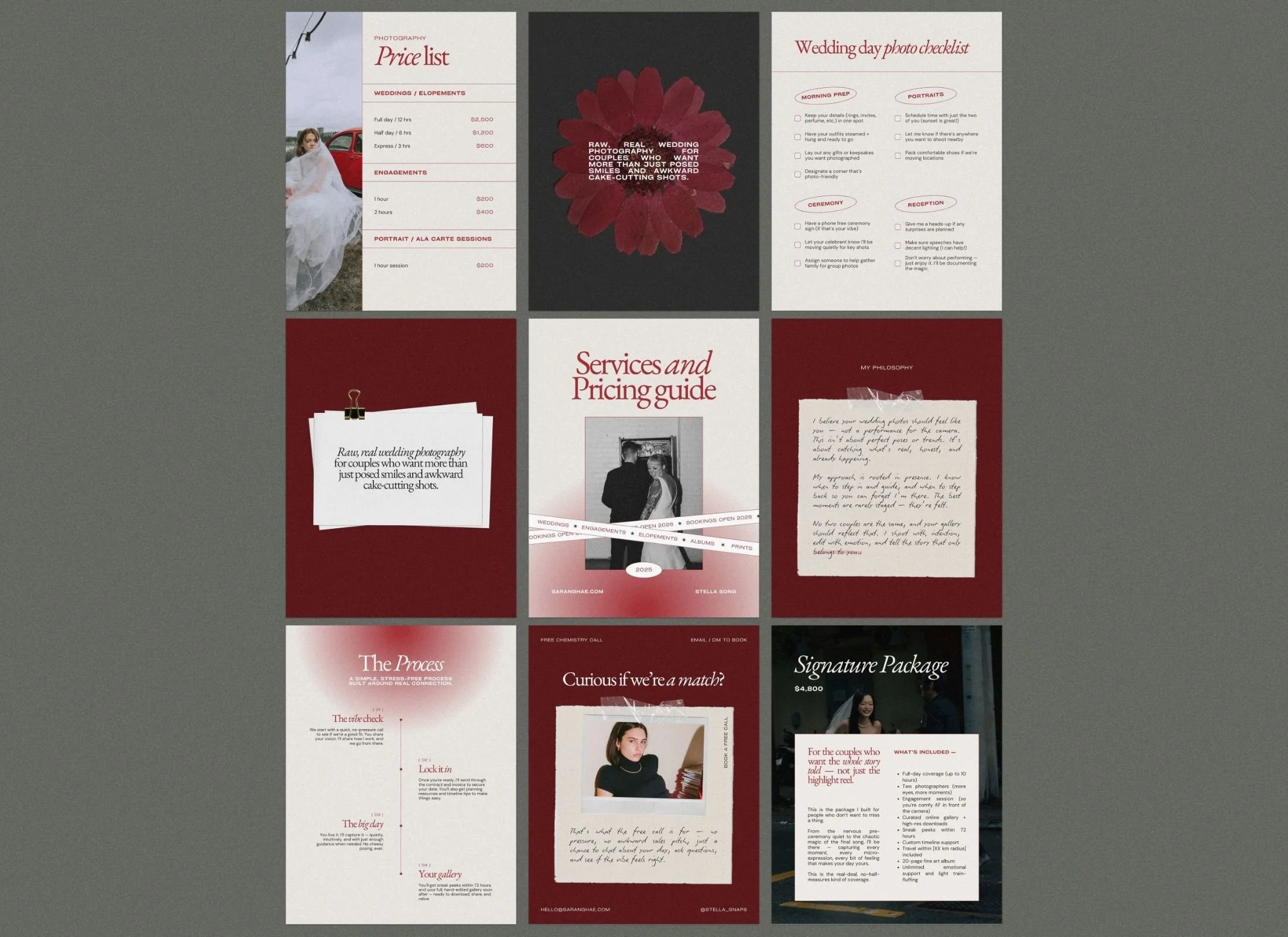
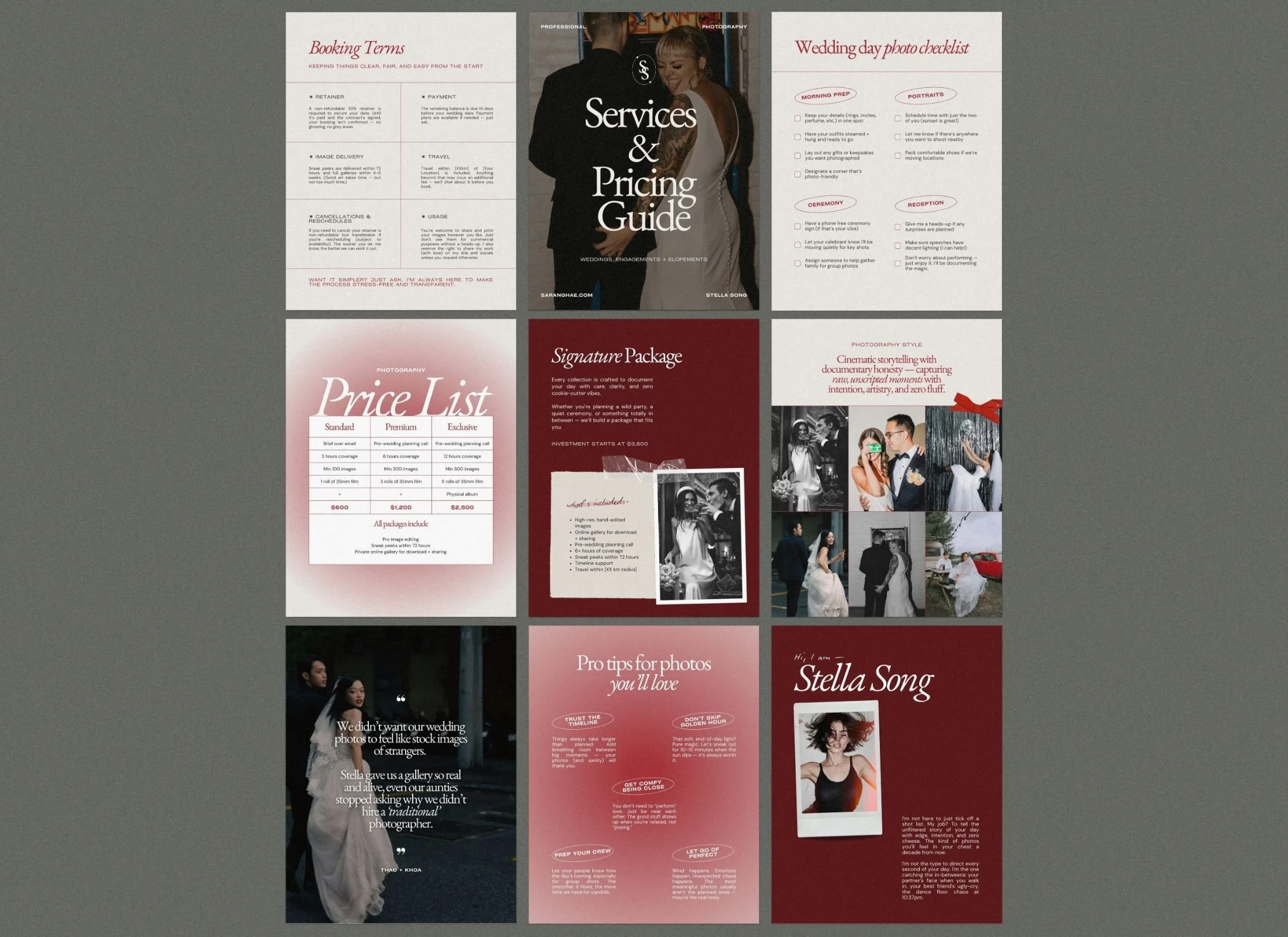
Pricing & services guide eBook Canva template (31 pages)
Bonus graphics pack: aesthetic arrows, logo options, stickers, polaroid images
-
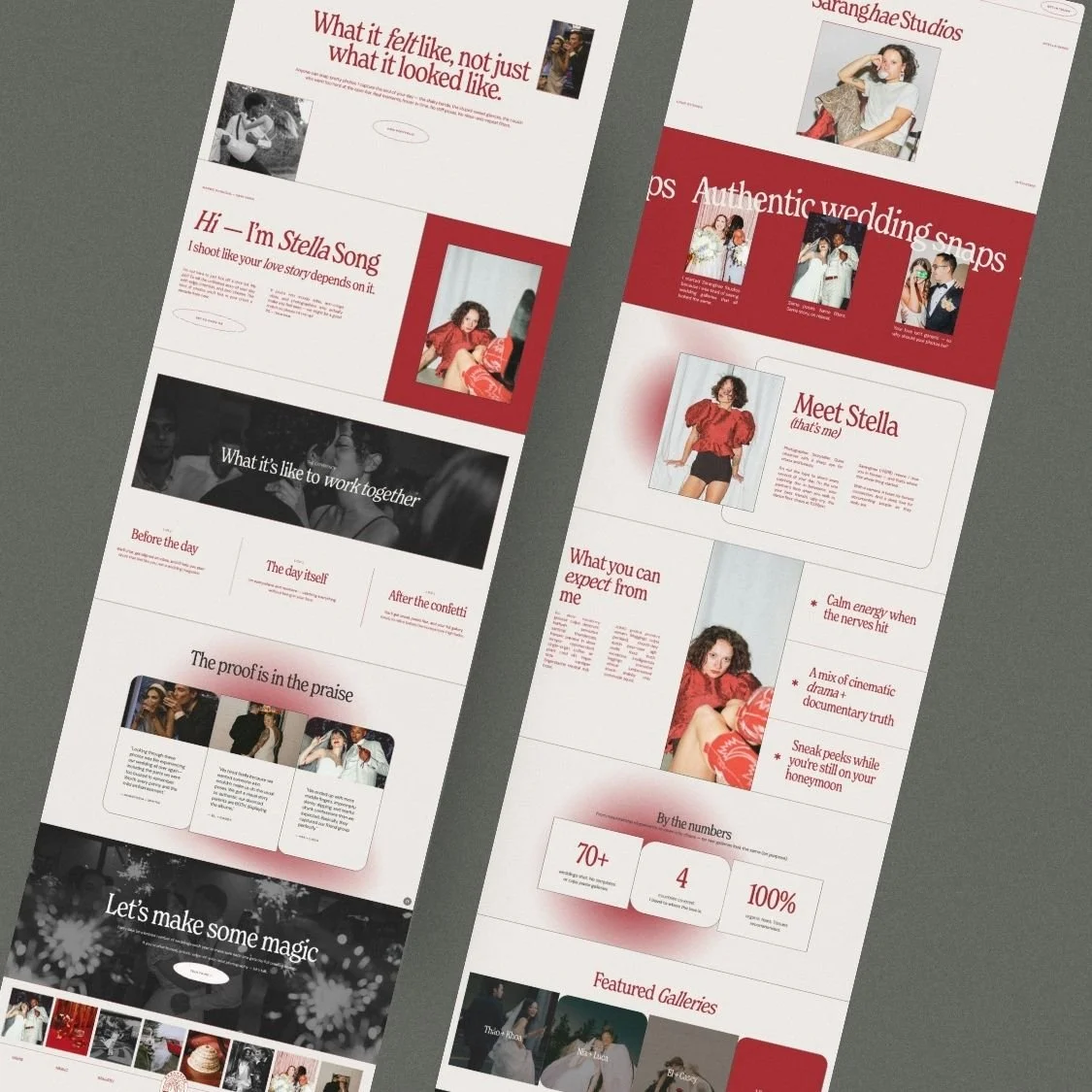
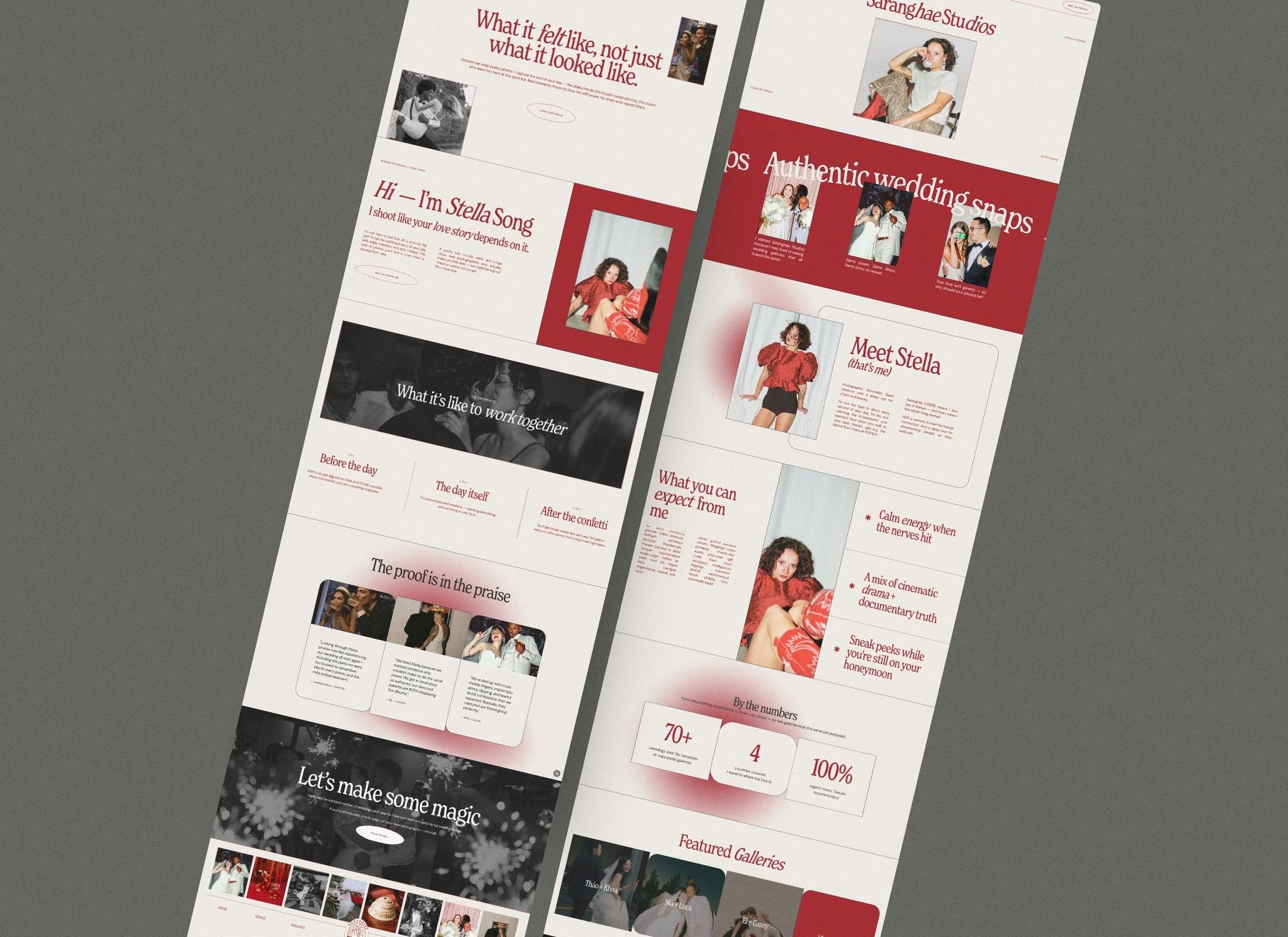
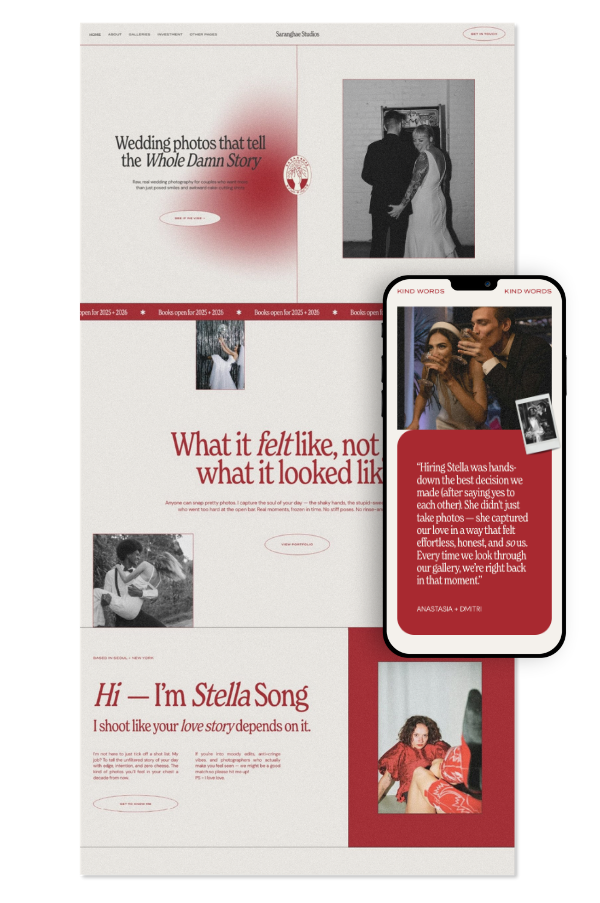
Home
About
Investment / Pricing / Services (these are laid out in sections so you can easily add as many as you like)
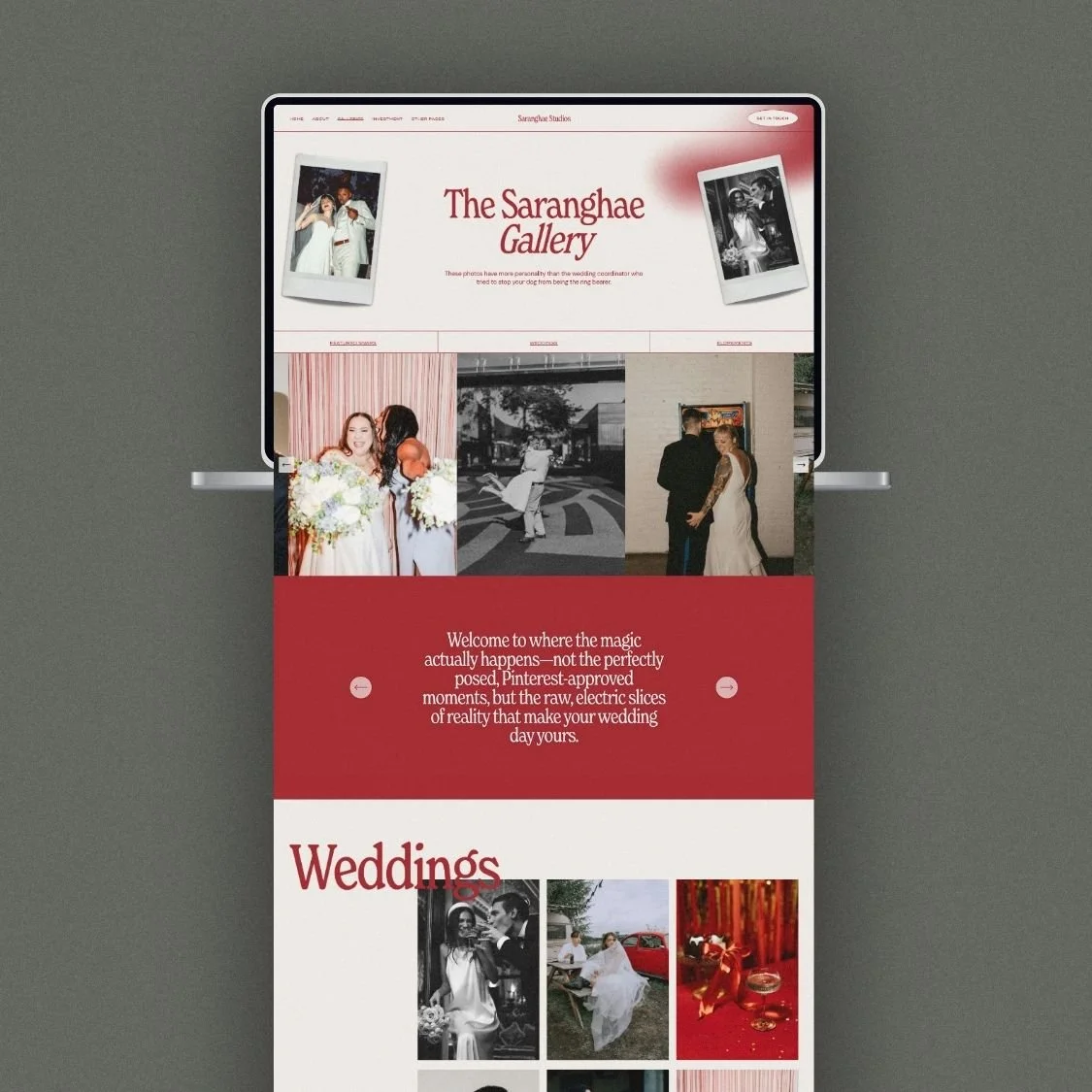
Single gallery page
Multiple gallery landing page & Portfolio template page
Contact
Blog / Articles (for SEO)
404 page
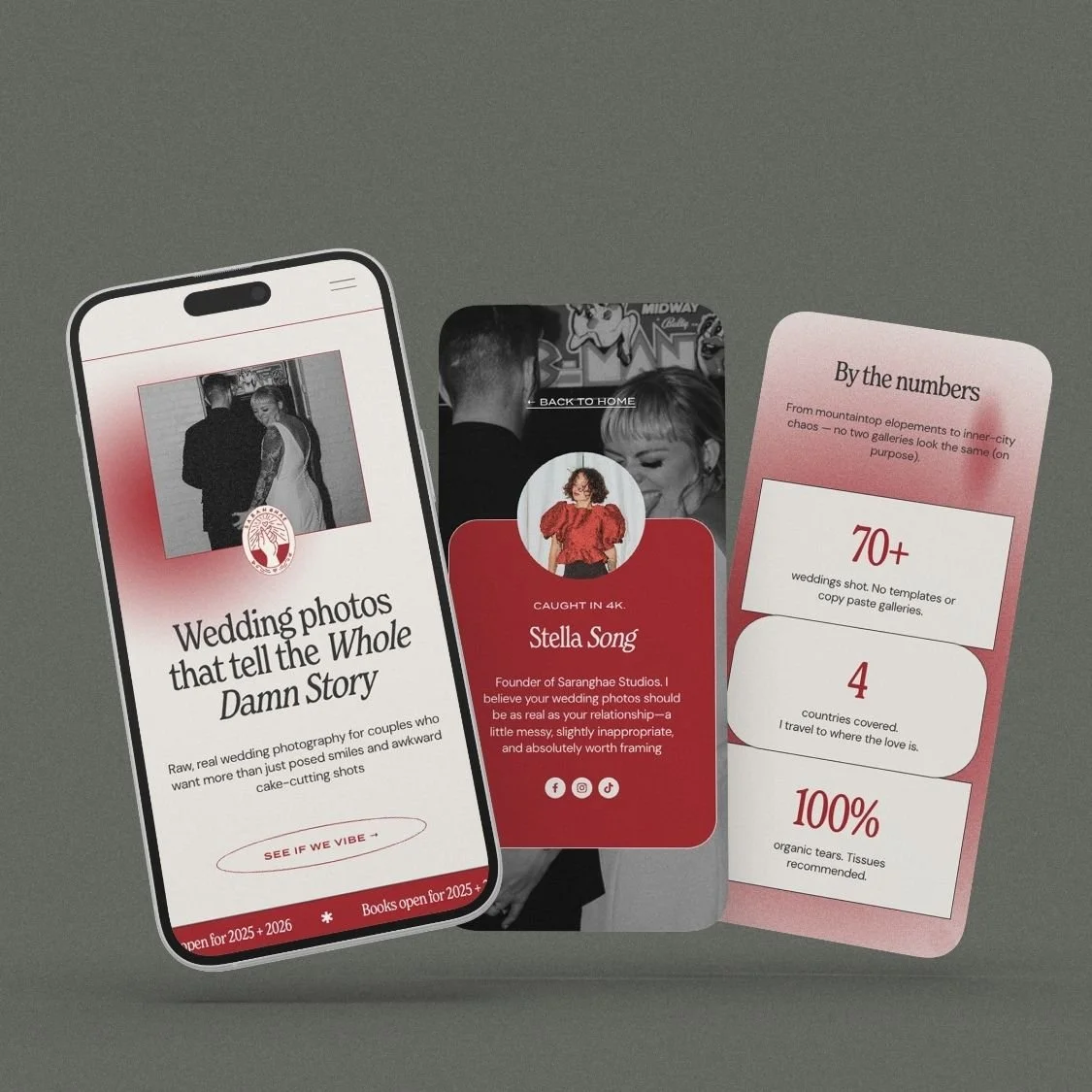
Link-in-bio page (don't pay for linktree or similar)
-
Covers x 3
About x 3
Quotes
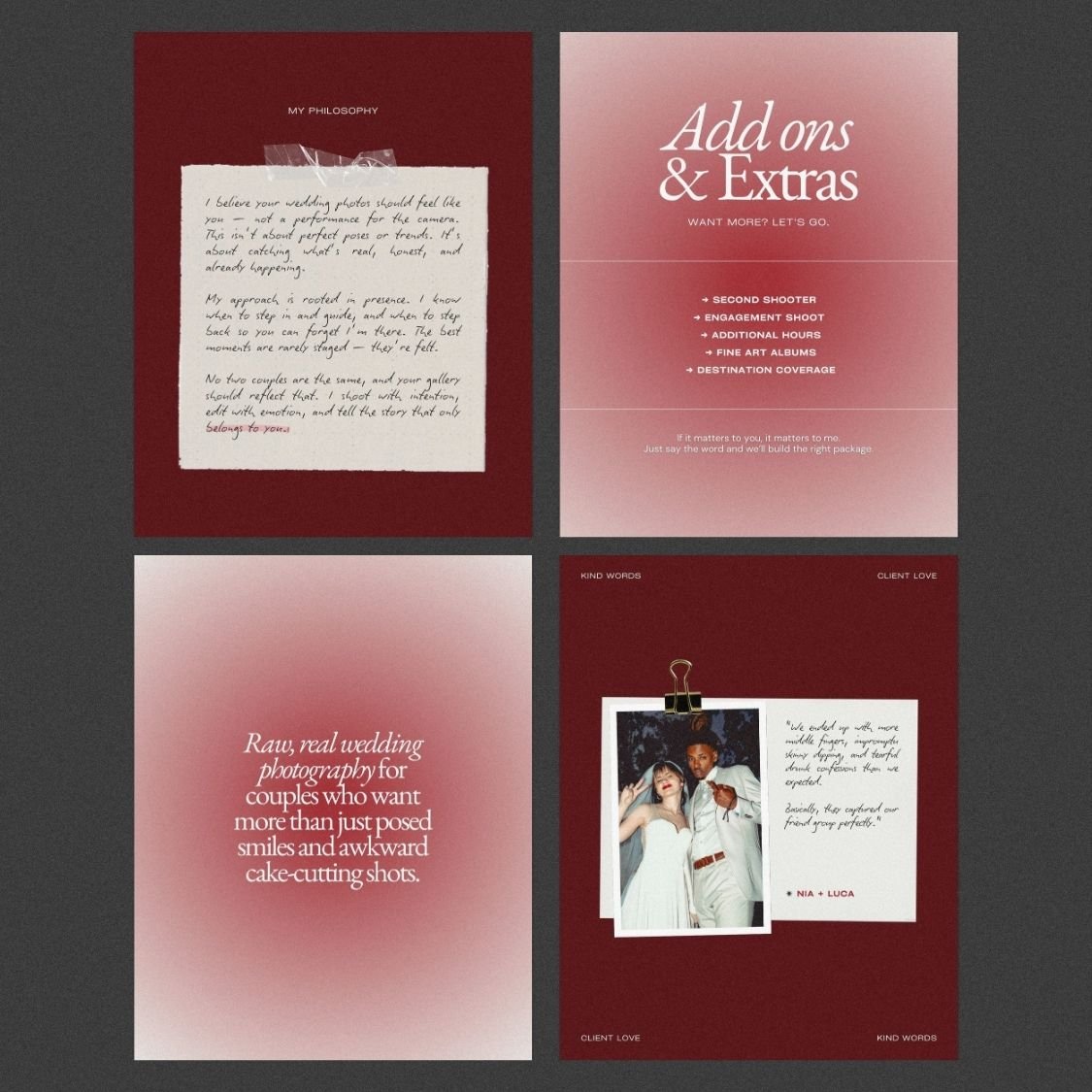
Photography style
The experience
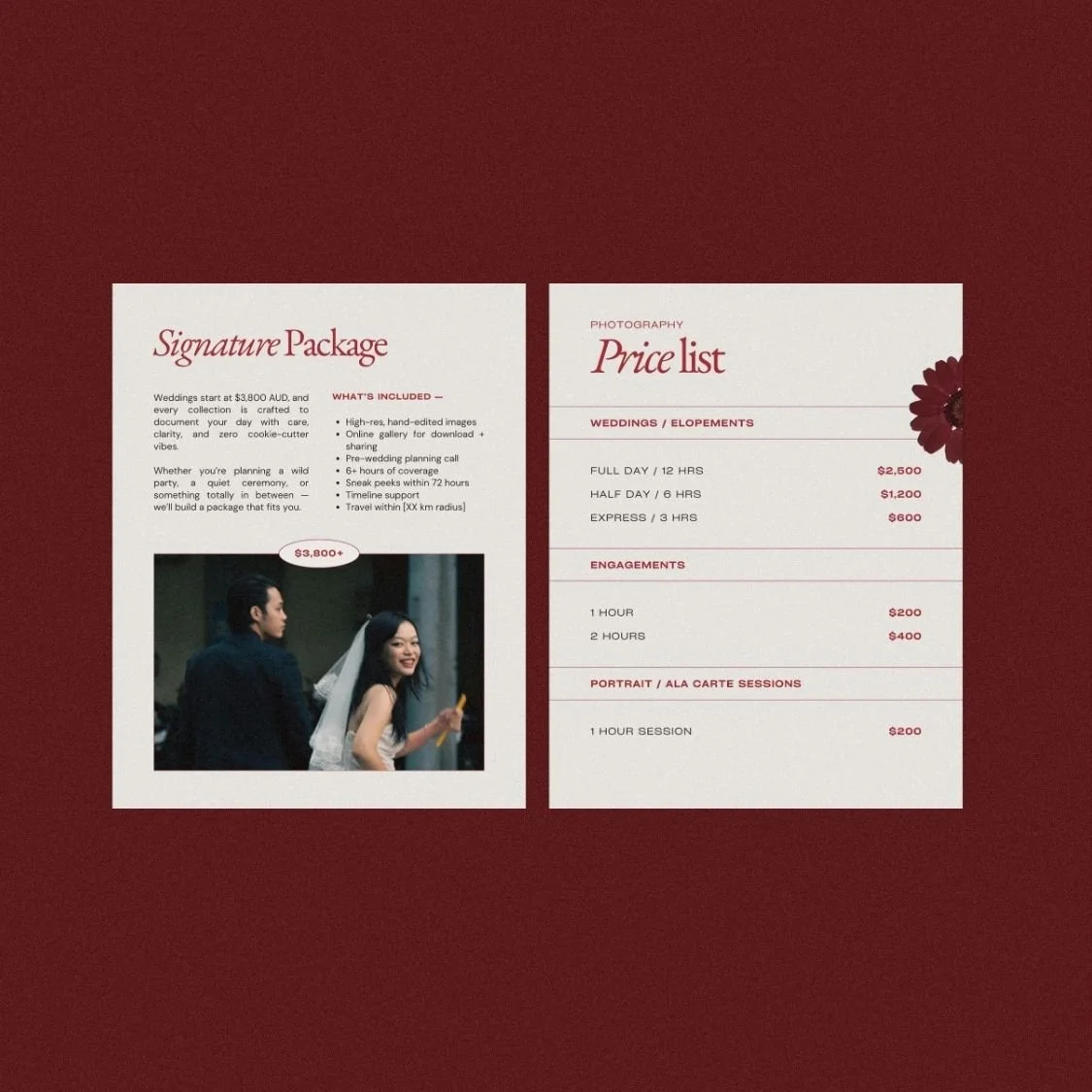
Price list x 3
Package / Service details x 3
Extras / Add-ons x 2
The process
FAQs
Skill / Why invest
Checklist
Tips
Testimonial x 2
Booking terms
Call to action x 2
Products in this bundle
Squarespace 7.1 website
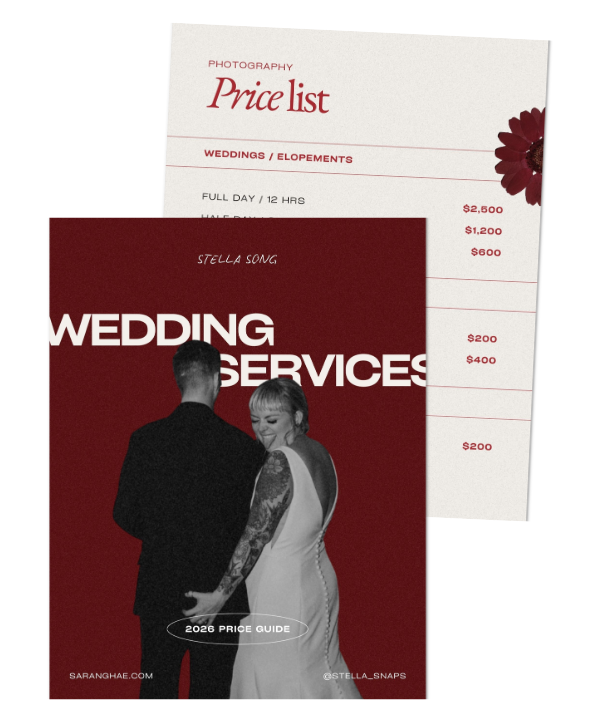
Pricing + services guide
The Website

9 strategically designed webpages
9 conversion-optimized pages including investment pricing, dual gallery systems, and SEO blog structure.

Signature Grainy Gradient Aesthetic
Bold red color palette with editorial textures that differentiate you from neutral competitors.

55% off Squarespace annual plan
12-month free Squarespace trial plus 55% off annual plans your first year.
The Pricing Guide

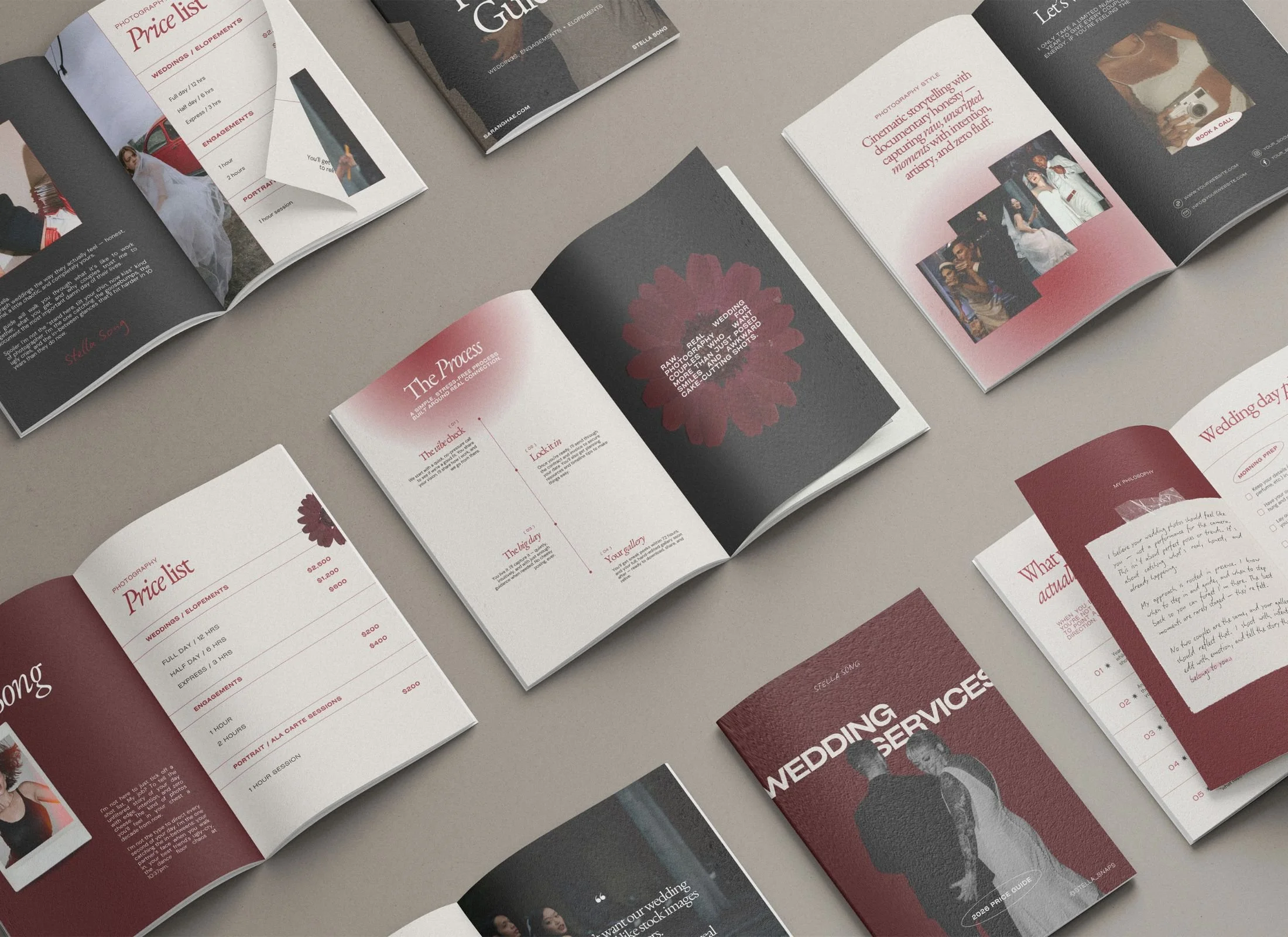
Luxury ebook
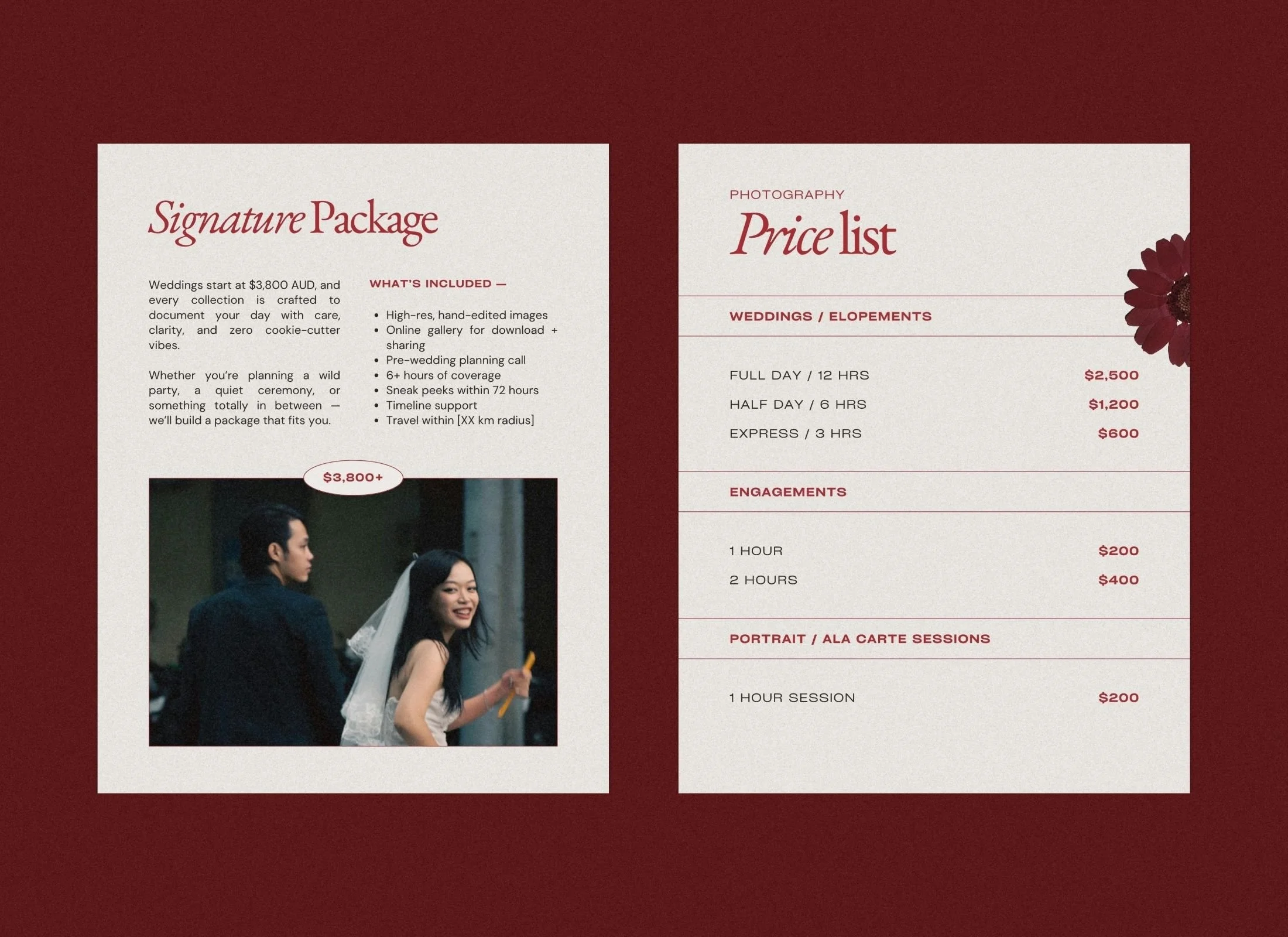
Featuring romantic mixed media elements like pressed flowers and paper textures
31 strategically designed Canva pages
that guide prospects from initial inquiry to signed contract

Fully customizable on Canva
free accounts with pre-configured color schemes and professional fonts
How do the Saranghae Canva assets match the website aesthetic?
The pricing guide and website share the same signature red tones and grainy gradients, creating a cohesive brand experience as clients move from browsing your site to reviewing your packages. Note: the headline fonts vary slightly since each template uses commercially-licensed typefaces native to its platform (Squarespace and Canva), but the overall aesthetic remains consistent.
Can I use this bundle for multiple photography niches?
While built with a wedding and elopement focus, the "edgy yet sophisticated" style is flexible enough for lifestyle, portrait, and editorial photographers who want a distinct, non-boring point of view.
Is the bundle easy to customize if I change my colors?
The Canva and Squarespace template is fully "plug-and-play". You can swap the bold red gradients for your own brand colors in minutes, maintaining the high-end editorial structure and romantic textures while making it uniquely yours.
Created for wedding photographers who want their brand to feel as real and emotive as the moments they capture, Saranghae blends cinematic flair with raw, documentary honesty. With deep red gradients, handwritten details, and editorial layouts, the design evokes intimacy, romance, and timeless drama.
The bundle includes a fully built Squarespace website template and a beautifully designed pricing guide eBook — giving you the tools to showcase your work, set clear expectations, and book clients with confidence.
WHAT'S INCLUDED:
Squarespace 7.1 website template
Pricing & services guide eBook Canva template
Bonus graphics pack: aesthetic arrows, logo options, stickers, polaroid images
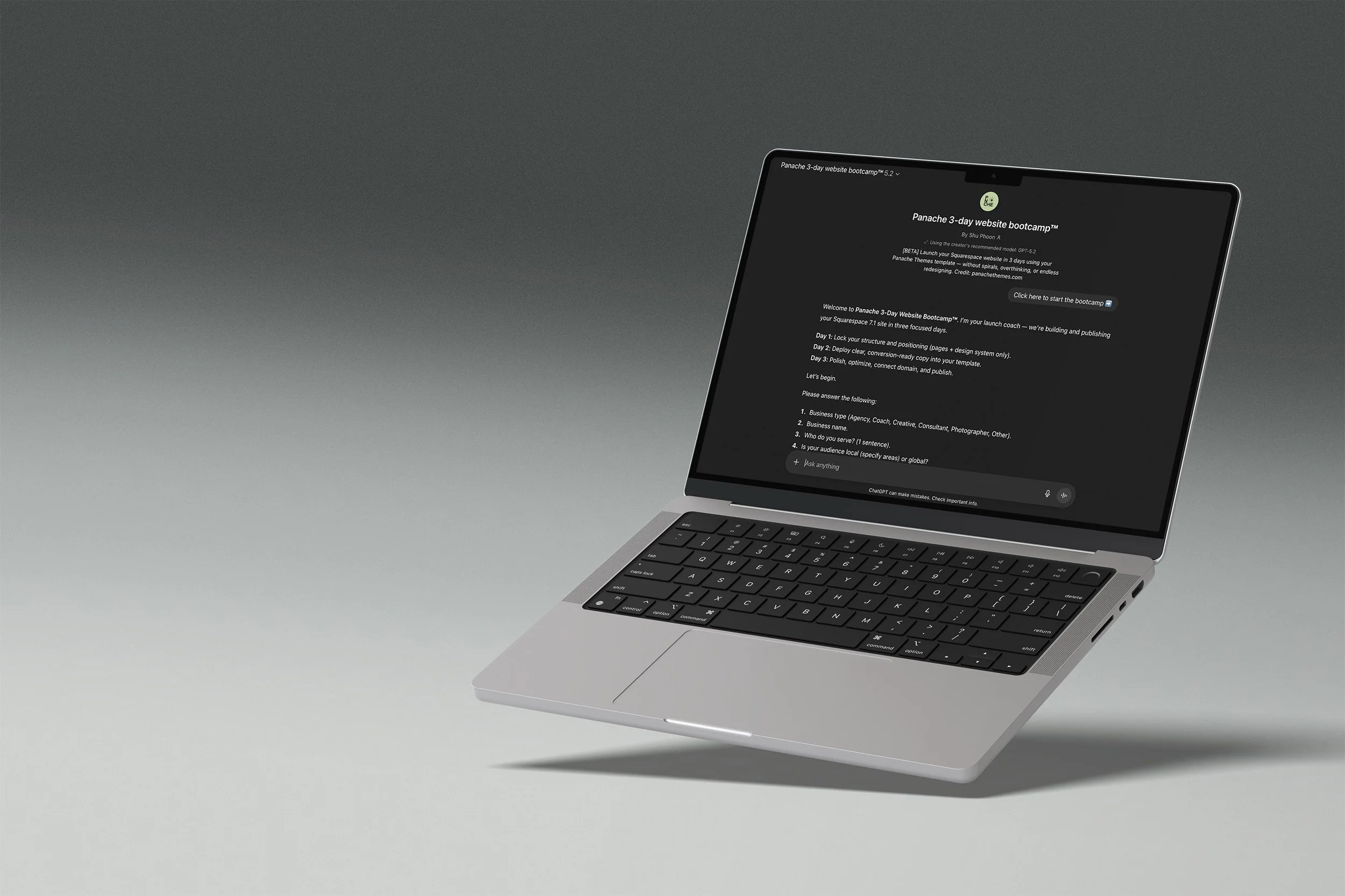
Your template comes with a launch coach
The Panache 3-Day Website Bootcamp walks you through setup, writes your page copy, and gets you to a published site in three structured days. No blank page paralysis, no getting lost in settings.
DAY 1
Structure and site styles locked in.
DAY 2
Generate copy for all pages.
DAY 3
Polish, SEO basics, and publish.
Runs on ChatGPT. Free accounts welcome, paid plans give you the best experience.
FAQ
-
Nope! You are able to start editing your website on a 6 month free trial. You will need to pay for a plan only when you want to publish your site publicly.
All Canva templates can be used with the free plan.
-
Yes! You don’t need to stick to what is provided in the Squarespace or Canva templates. Add or remove pages as you need.
Sections and elements can also be added and deleted.
-
Not at all. Everything is set up in Canva and Squarespace with drag-and-drop editing. If you can copy-paste your text and swap in your photos, you can launch your new website, social media, and client materials.
-
Yes! Canva makes it easy to apply your brand kit. If you’re on Canva Pro, you can upload custom fonts and save your palette to apply across the board.
You can easily update the website to your brand fonts and colors using Squarespace’s Site Styles. -
Once you add the website to the cart, you’ll be prompted to enter your Squarespace account email.
Within 24–48 hours, you’ll receive a site invite straight to the email address specified so you can start editing your new website.
-
Your purchase is for one personal or business use license. If you’re a designer and want to use them for clients, each client needs their own license (or you can reach out for a bulk license discount).
-
Because these are digital products, all sales are final. But if you hit a tech issue or something feels off, just reach out — we’ll get you sorted.
-
Each purchase comes with setup instructions. And if you hit a snag, you can always reach out to us — we’ll point you in the right direction.