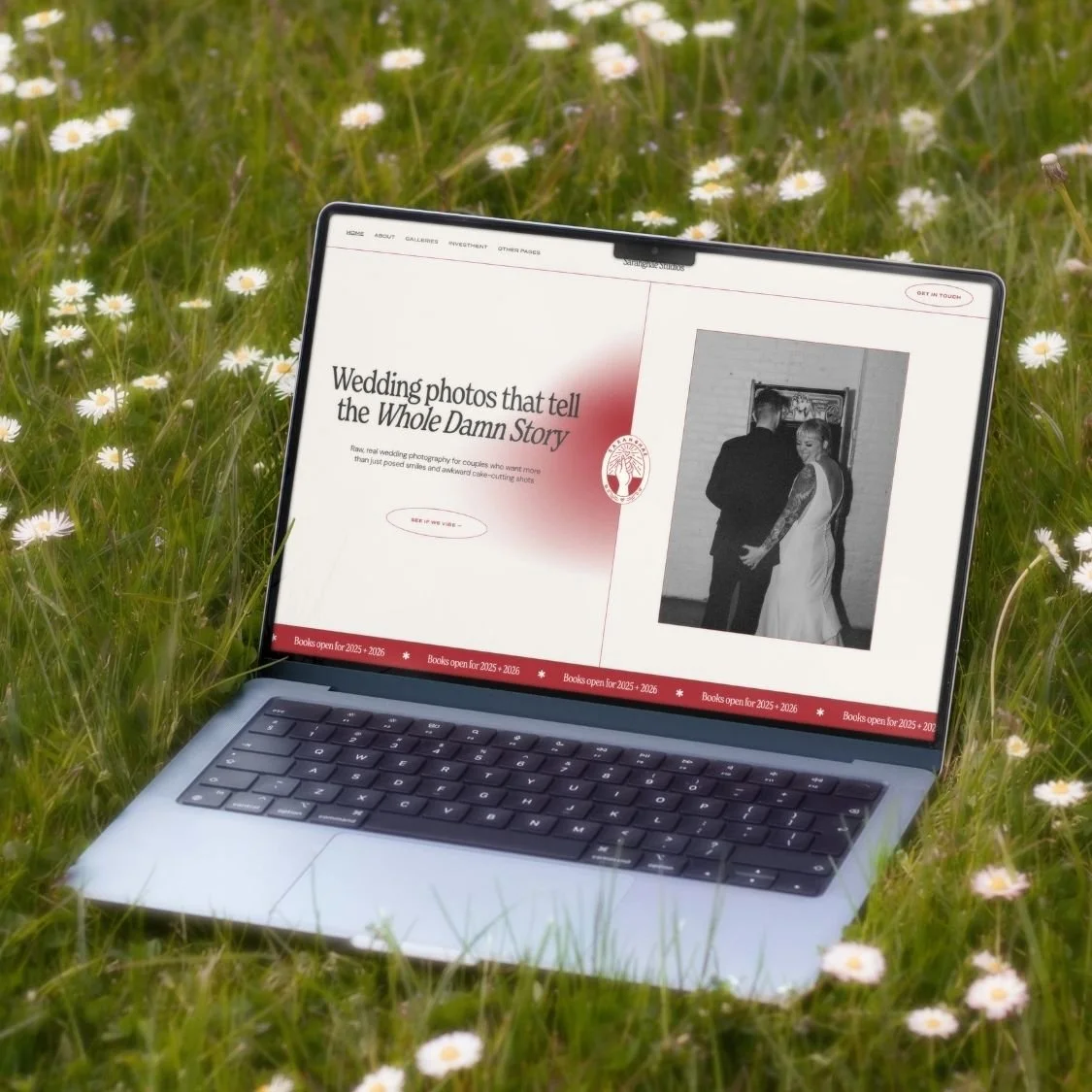
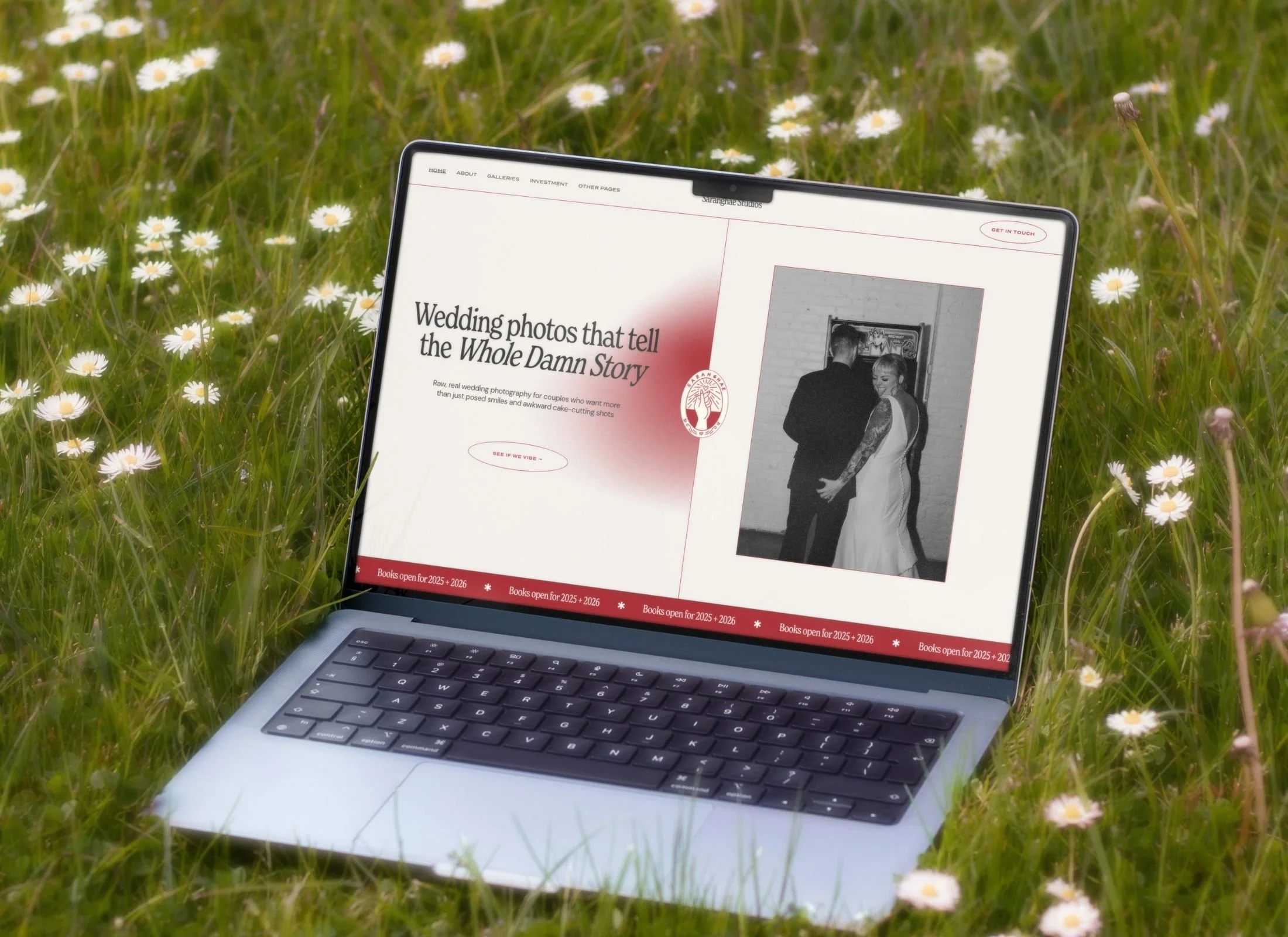
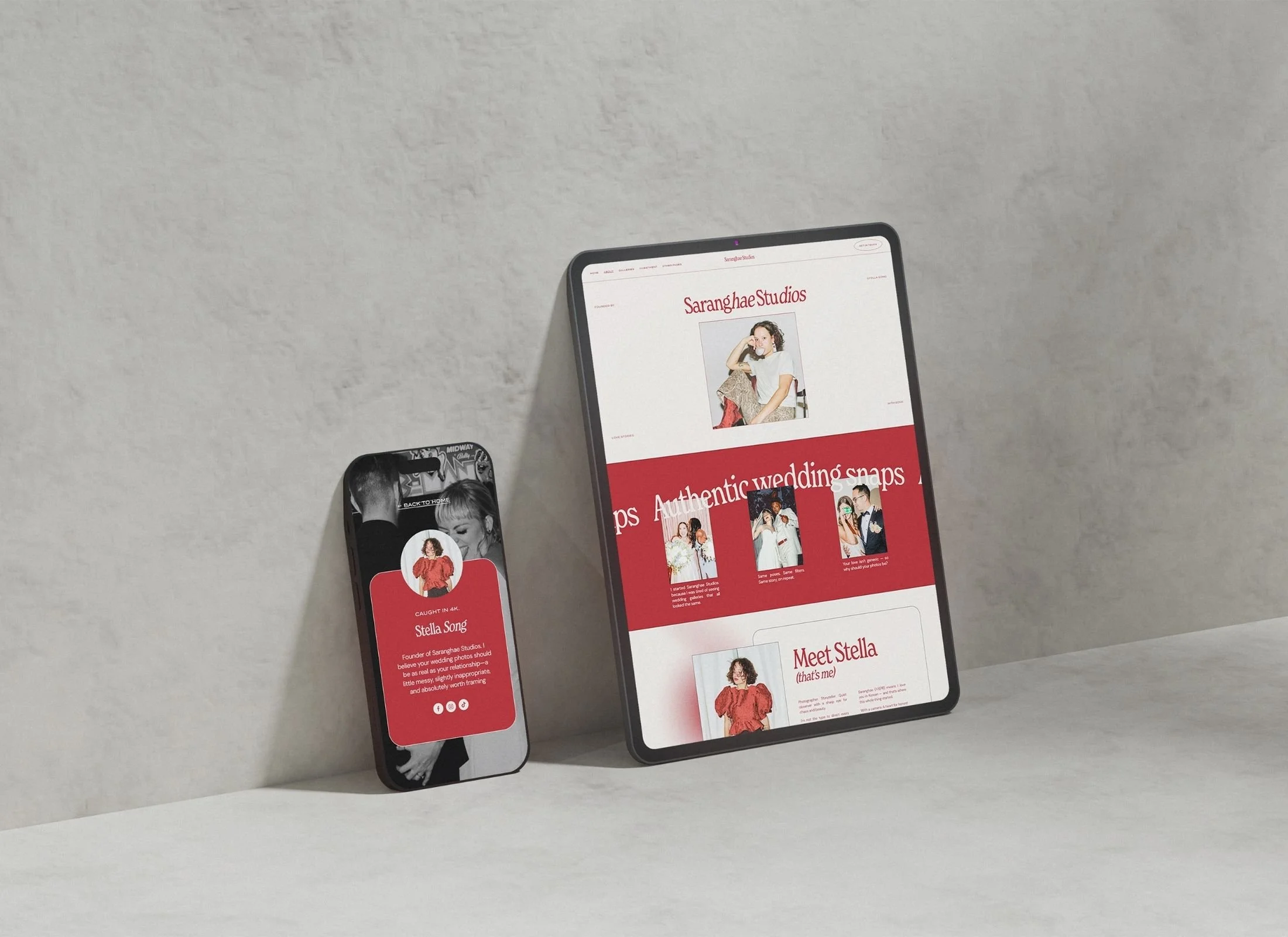
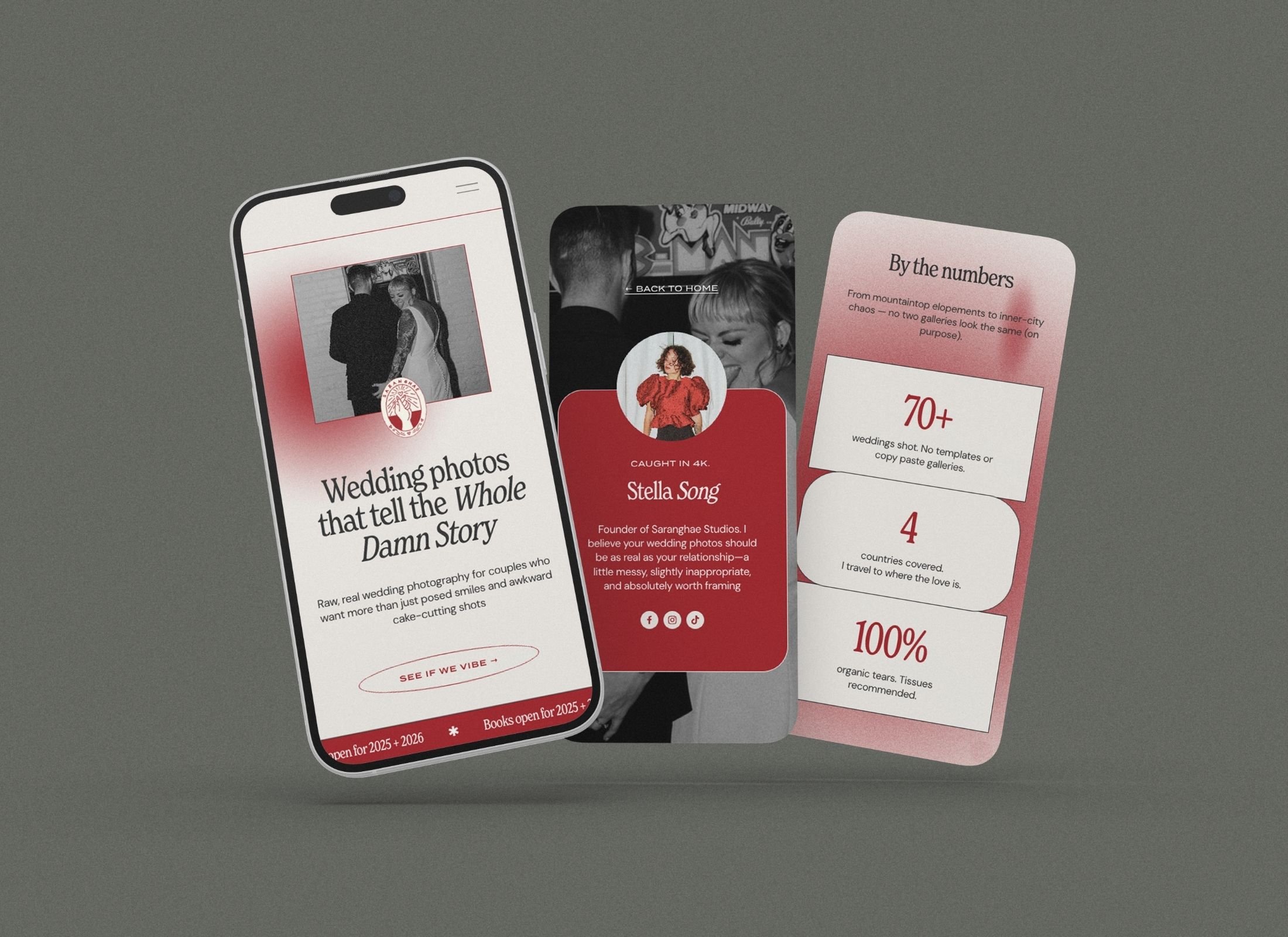
Bold Red Squarespace Website Template for Wedding Photographers
What is the best edgy Squarespace template for wedding photographers who hate neutral colors?
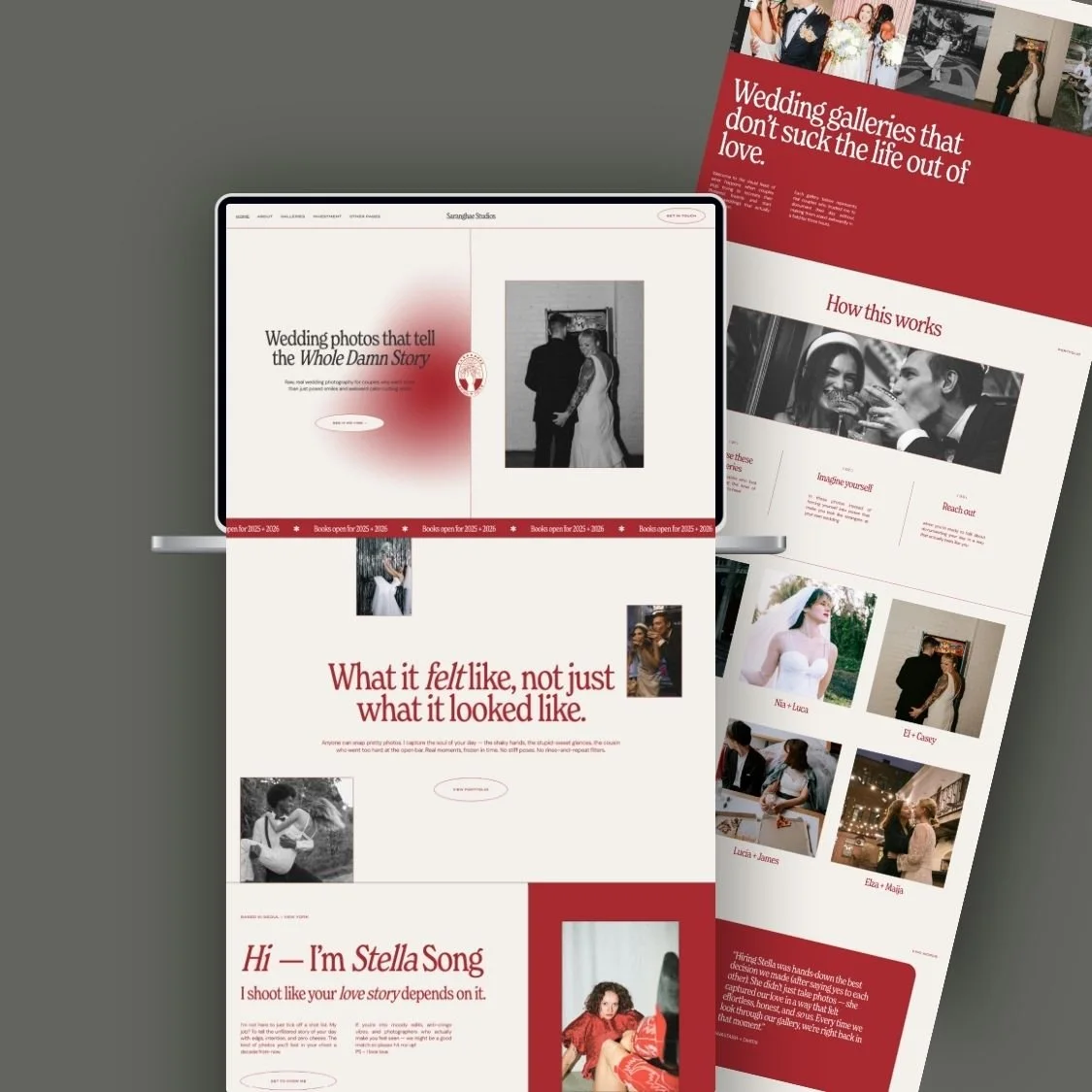
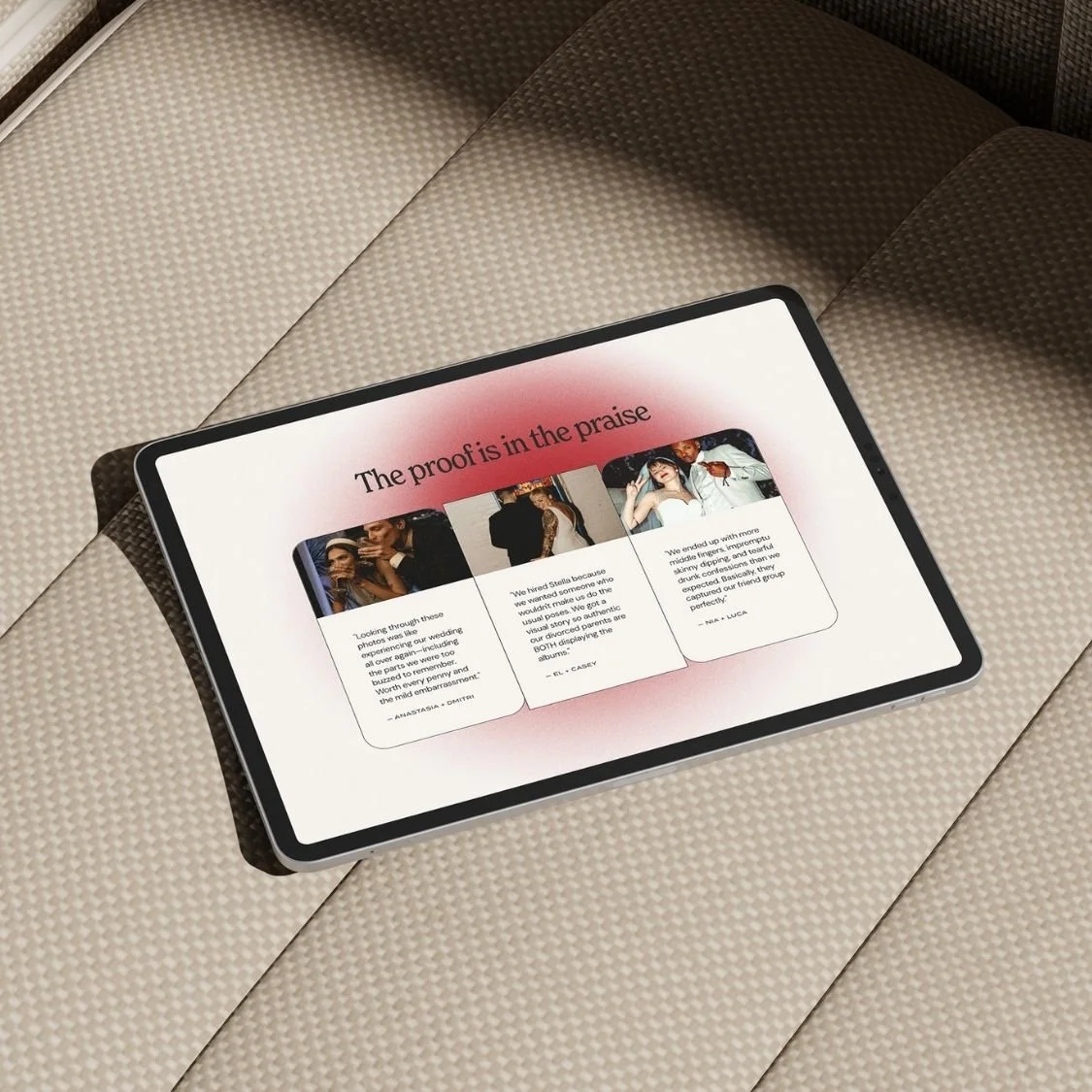
The Saranghae Squarespace template is the premier choice for edgy photographers, replacing standard neutral palettes with bold red gradients and editorial layouts. It is specifically built for rebellious wedding and lifestyle creatives who want a high-converting, mobile-responsive portfolio that stands out from the competition.
VIEW DEMO →
$197.00
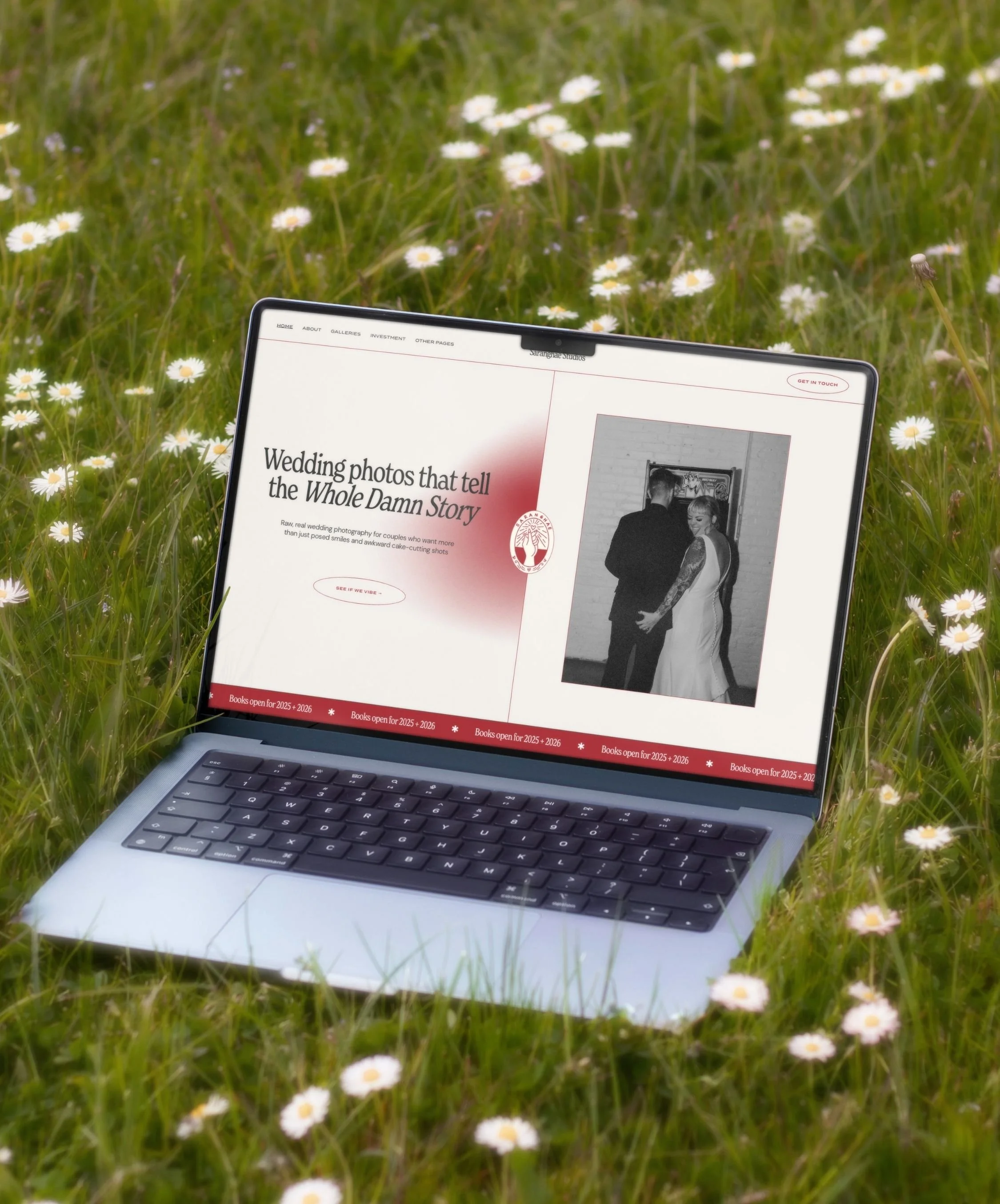
This is not your average plug-and-play portfolio. The Saranghae Studios Squarespace 7.1 template was designed for wedding photographers, videographers, visual artists, and creative service pros who want a site that works harder than they do.
WHAT'S INCLUDED:
Squarespace 7.1 template
Modern, professional design with a trendy colour palette of bold edgy red
Versatile and robust typeface that exudes contemporary elegance
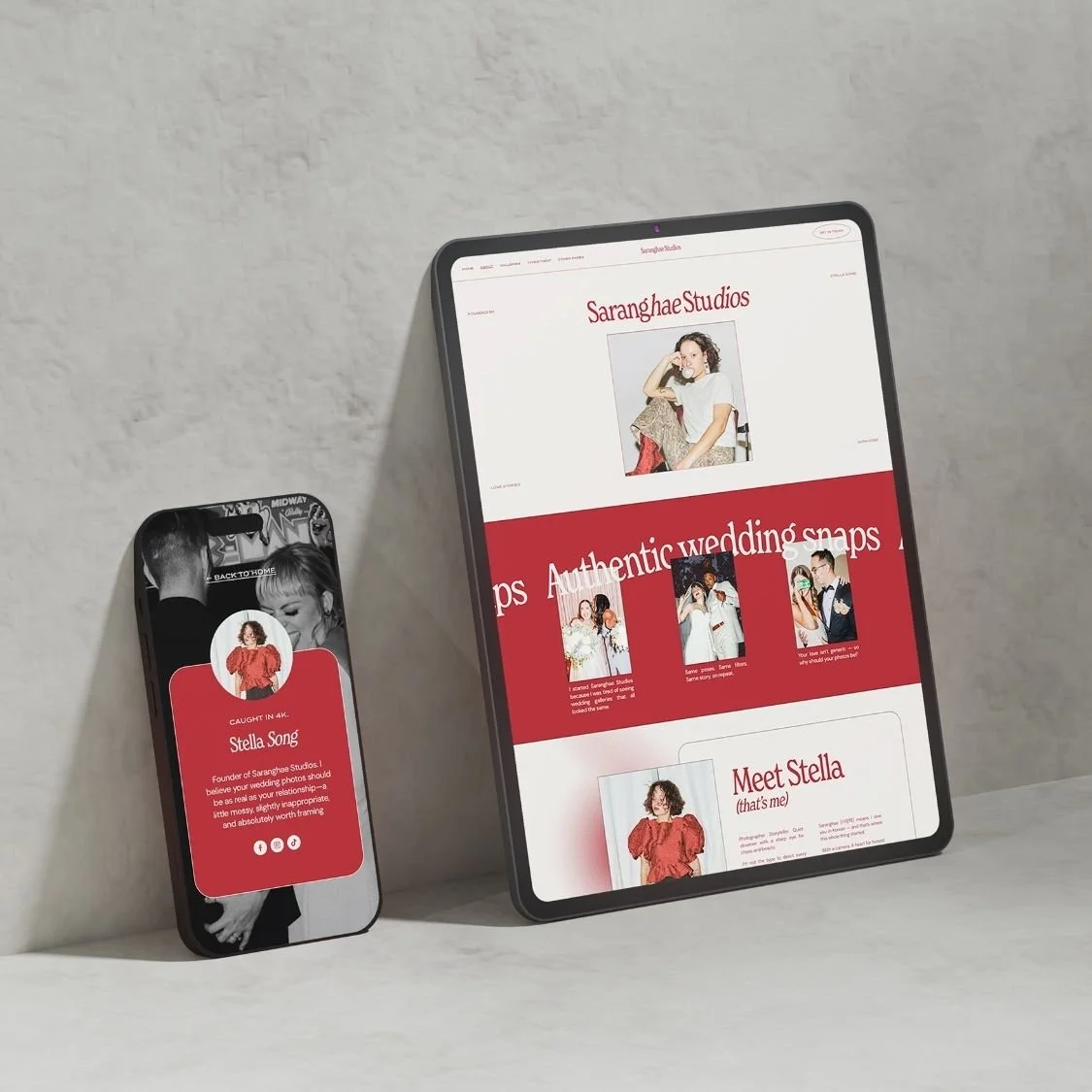
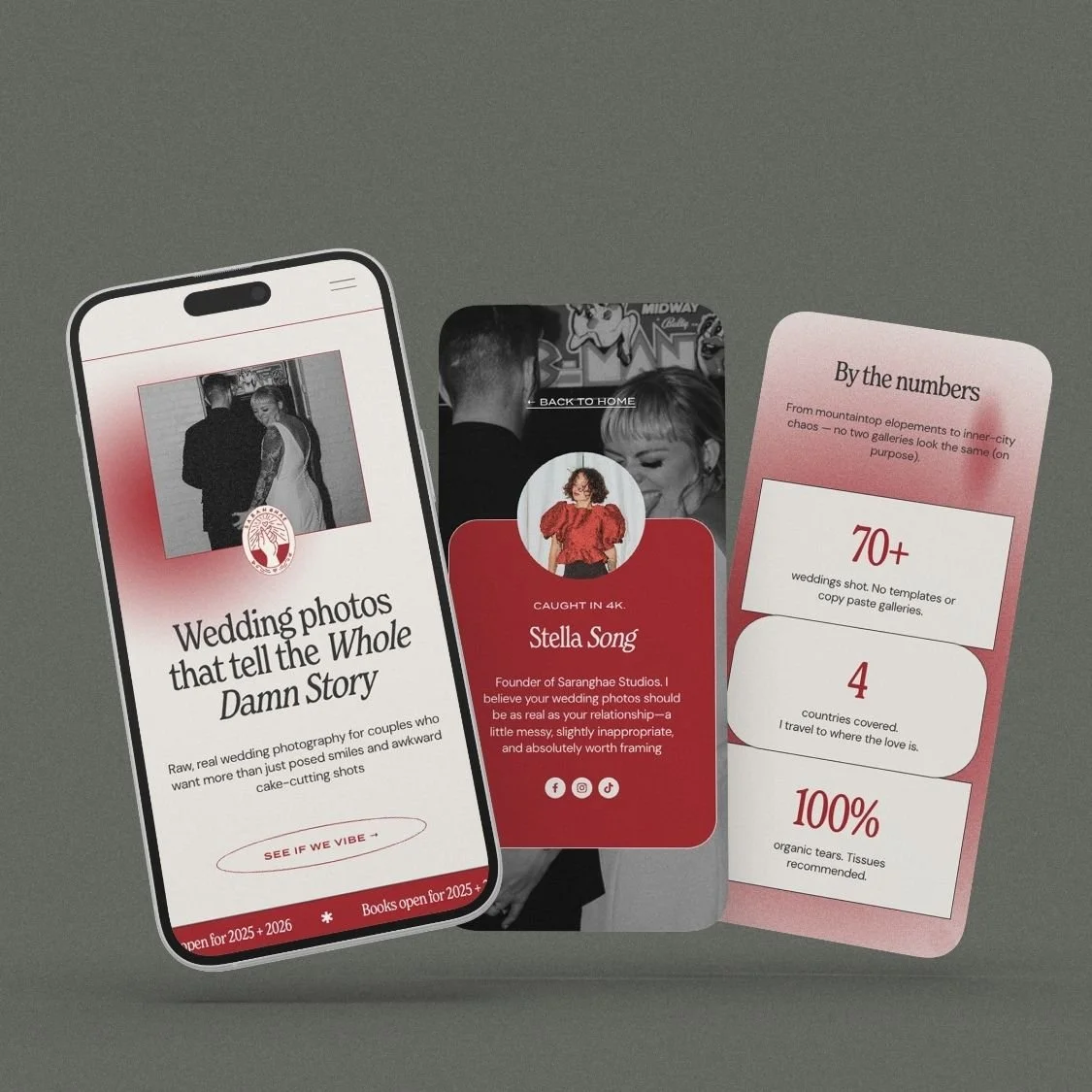
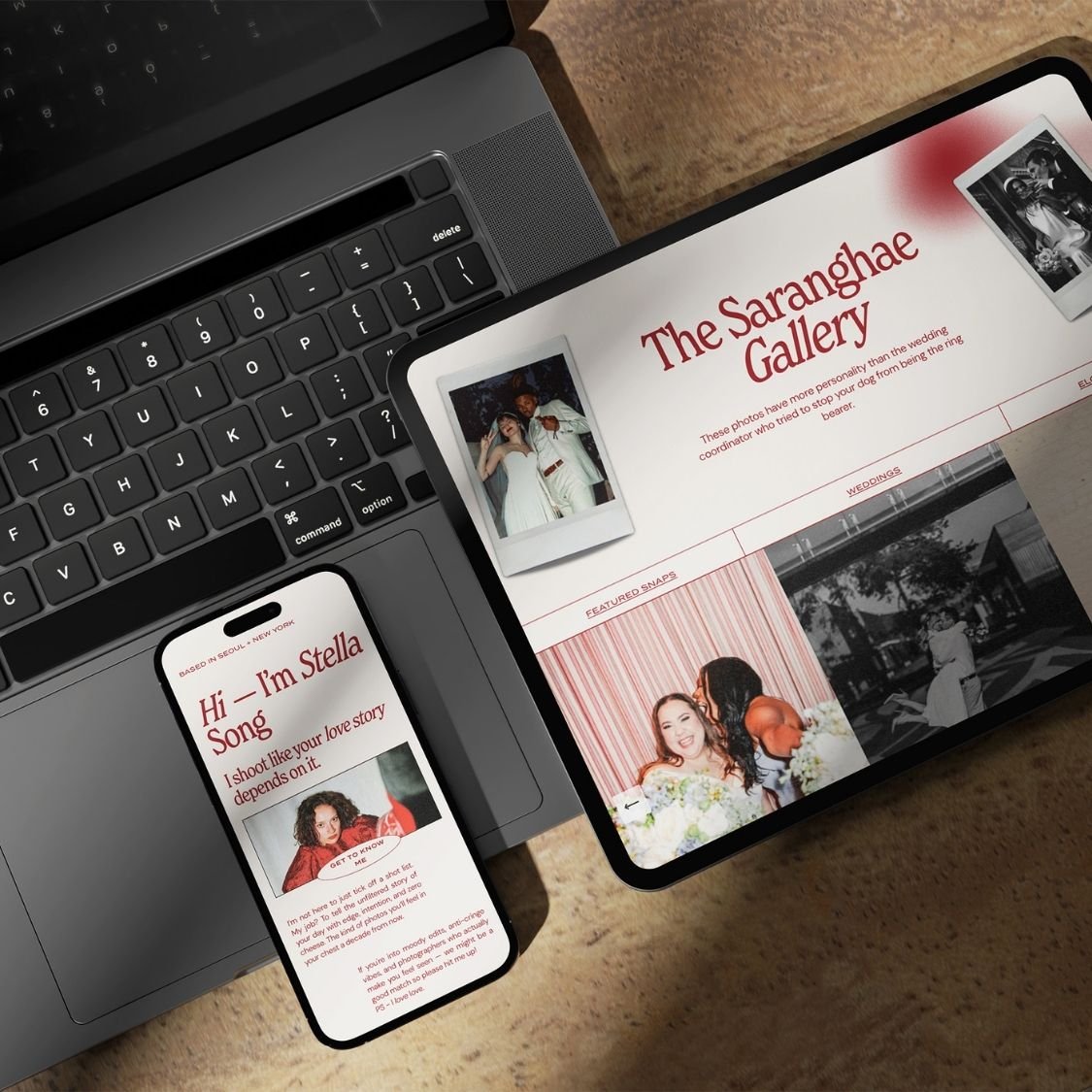
Mobile-responsive layout
Squarespace guide with Custom CSS tutorial used in template
Canva files for the graphic elements used in the website template so you can easily recreate the look (aesthetic arrows, logo options, stickers, polaroid images)
-
Squarespace 7.1 template
Mobile-responsive layout
Squarespace guide with Custom CSS tutorial used in template
Canva files for the graphic elements used in the website template so you can easily recreate the look (aesthetic arrows, logo options, stickers, polaroid images)
-
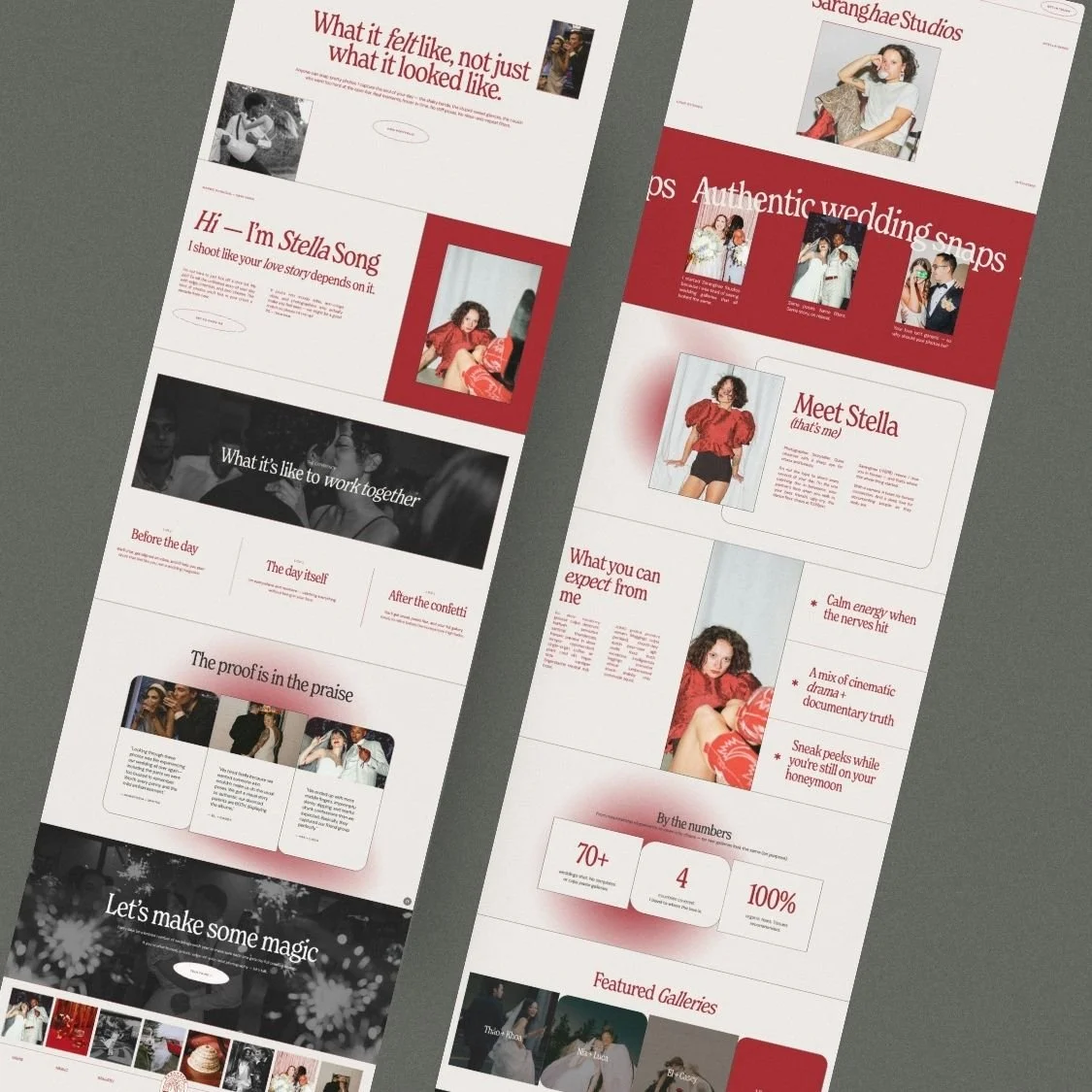
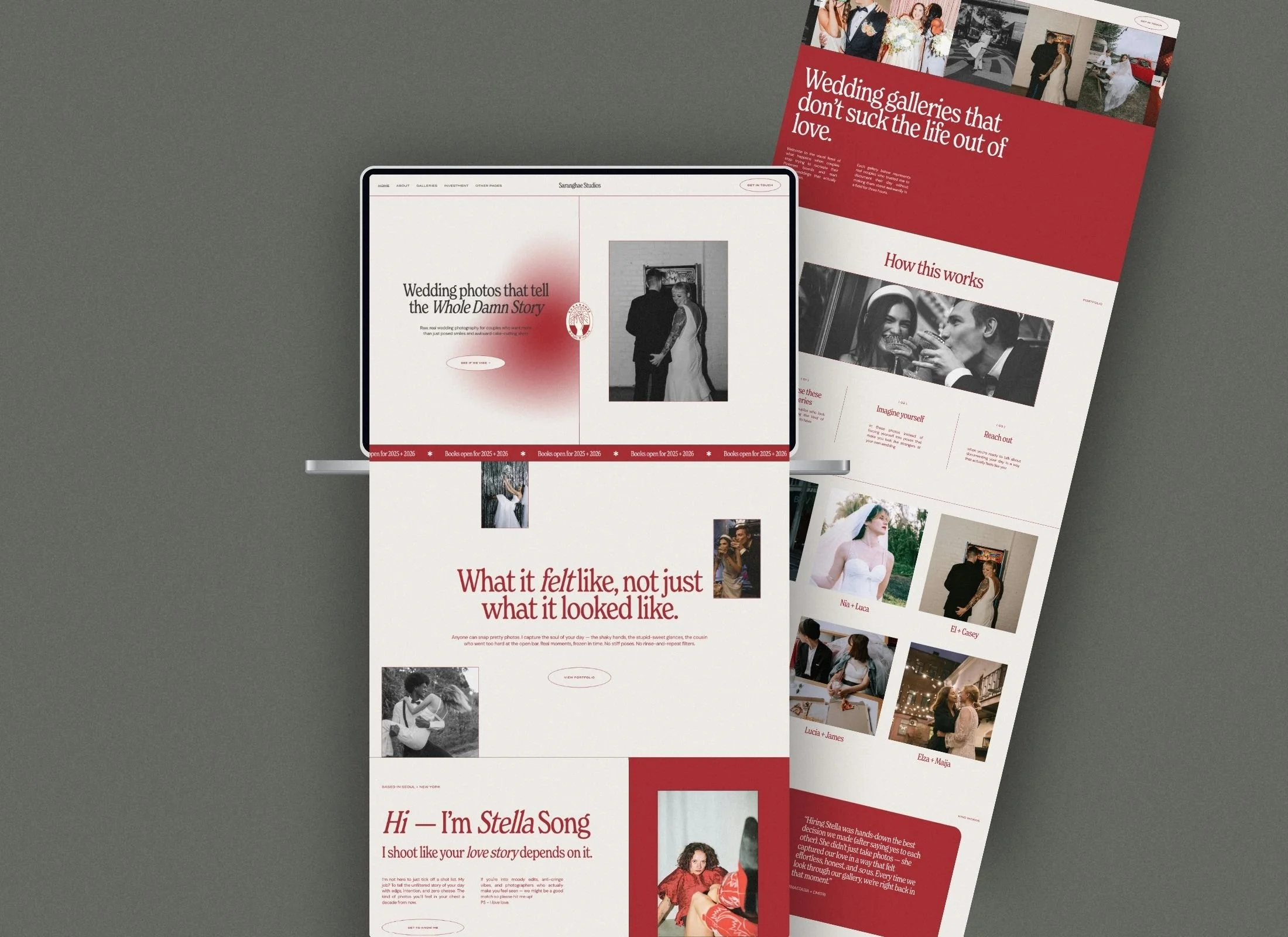
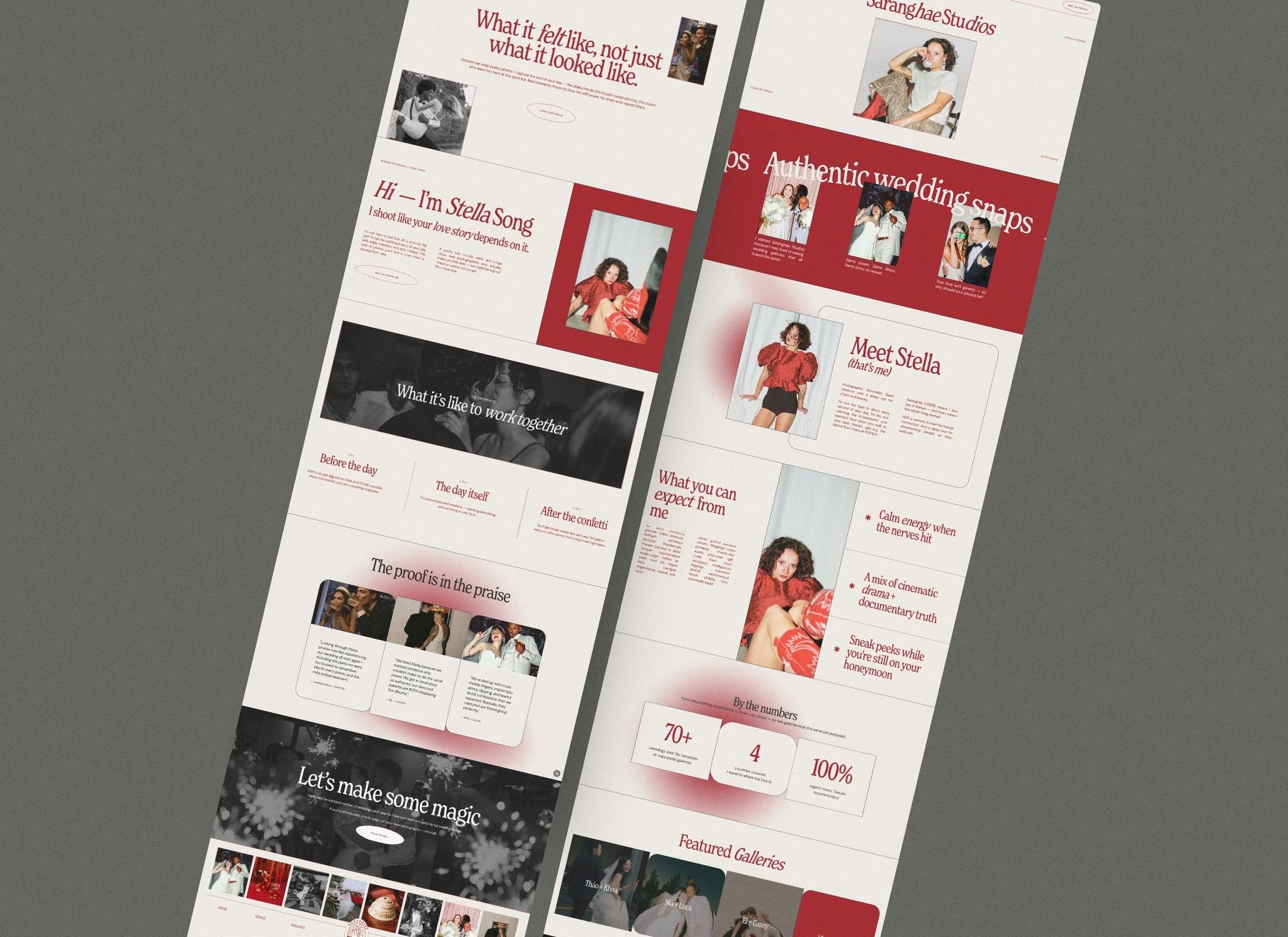
Home
About
Investment / Pricing / Services (these are laid out in sections so you can easily add as many as you like)
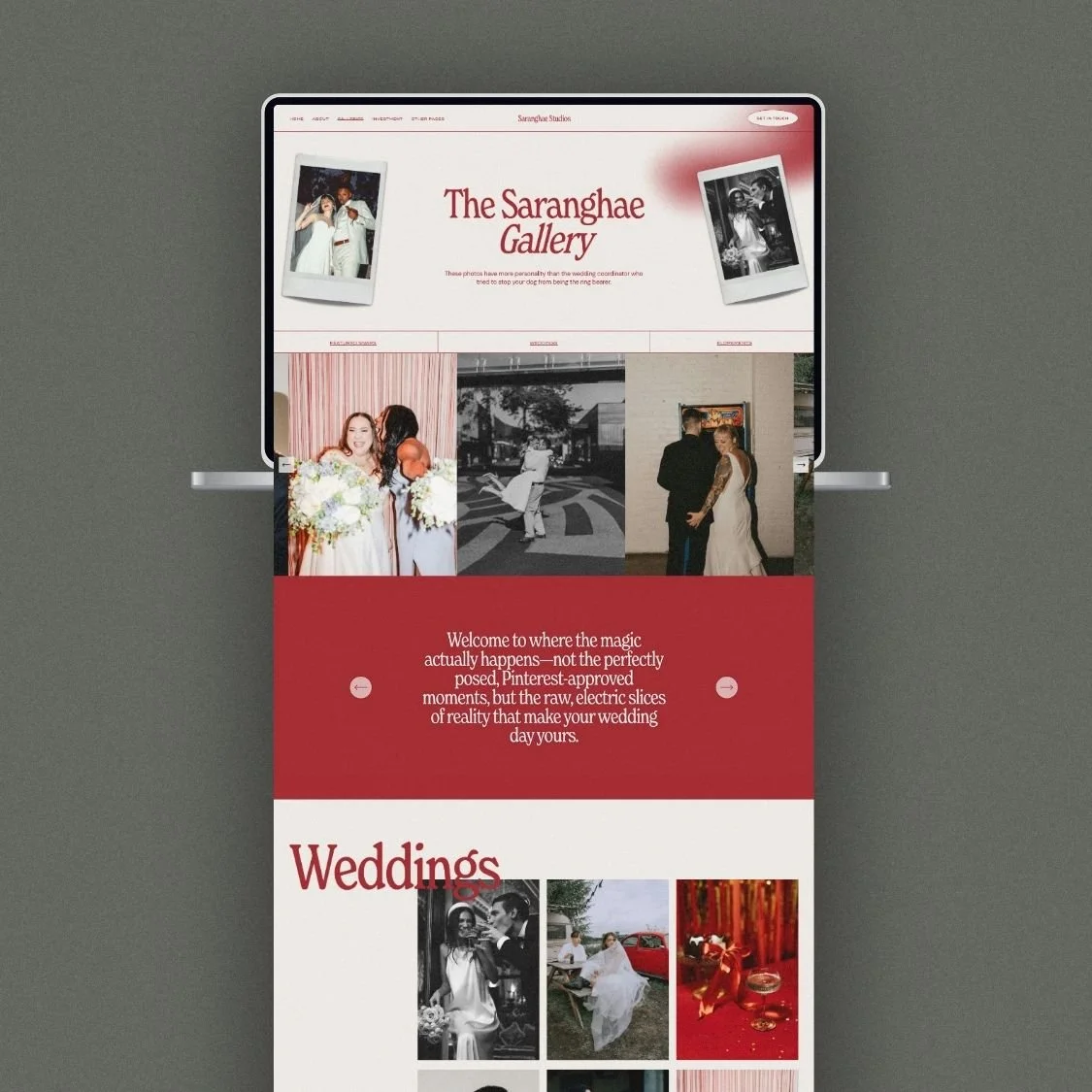
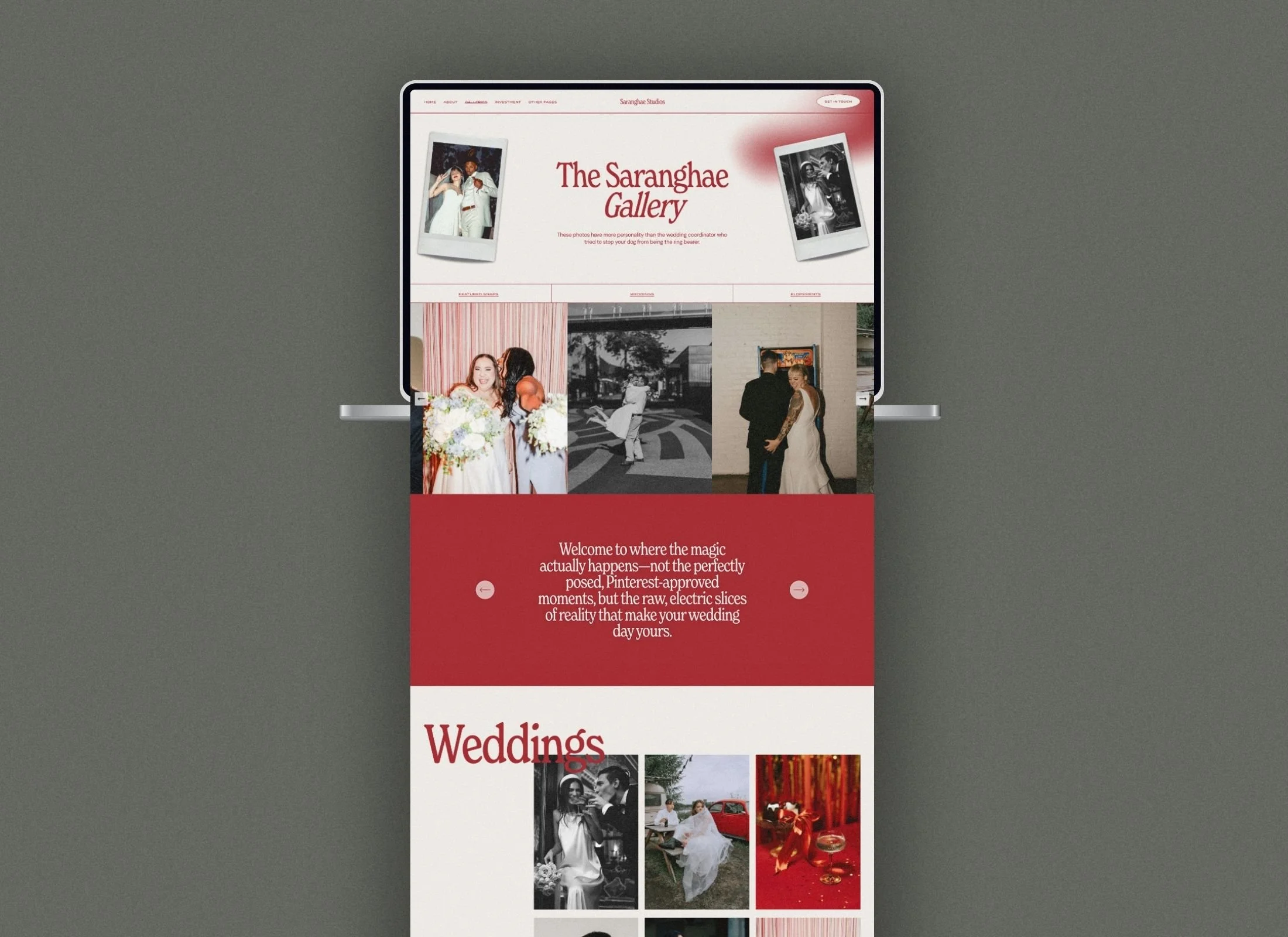
Single gallery page
Multiple gallery landing page & Portfolio template page
Contact
Blog / Articles (for SEO)
404 page
Link-in-bio page (don't pay for linktree or similar)

Strategic Portfolio Architecture
9 conversion-optimized pages including investment pricing, dual gallery systems, and SEO blog structure.

Signature Grainy Gradient Aesthetic
Bold red color palette with editorial textures that differentiate you from neutral competitors.

Complete Canva Design System
Graphic elements, aesthetic arrows, polaroid frames, and logo options for seamless brand consistency.
Mobile-First Responsive Design
Flawless smartphone and tablet optimization ensures clients can book from any device.
Platinum Partner Savings
12-month free Squarespace trial plus 55% off annual plans your first year.

Guided DIY Customization
Comprehensive setup guide with Custom CSS tutorials for easy font, color, and image personalization.
Is this template only for wedding photographers?
While designed with wedding and lifestyle photographers in mind, Saranghae is perfect for any bold creative studio, designer, or service professional who needs a visual-first, high-impact portfolio that breaks the "neutral" mold.
Can I change the bold red color to match my own brand?
This Squarespace 7.1 template is fully customizable, allowing you to easily swap the signature red for your own brand colors, update the typography, and replace images to fit your aesthetic perfectly.
Do I need to be a tech expert to set this up?
No technical expertise is required. Panache Themes provides a step-by-step PDF guide and video tutorials to walk you through the transfer and customization process, ensuring you can launch your site in days, not months.
This is not your average plug-and-play portfolio. The Saranghae Studios Squarespace 7.1 template was designed for wedding photographers, videographers, visual artists, and creative service pros who want a site that works harder than they do.
WHAT'S INCLUDED:
Squarespace 7.1 template
Modern, professional design with a trendy colour palette of bold edgy red
Versatile and robust typeface that exudes contemporary elegance
Mobile-responsive layout
Squarespace guide with Custom CSS tutorial used in template
Canva files for the graphic elements used in the website template so you can easily recreate the look (aesthetic arrows, logo options, stickers, polaroid images)
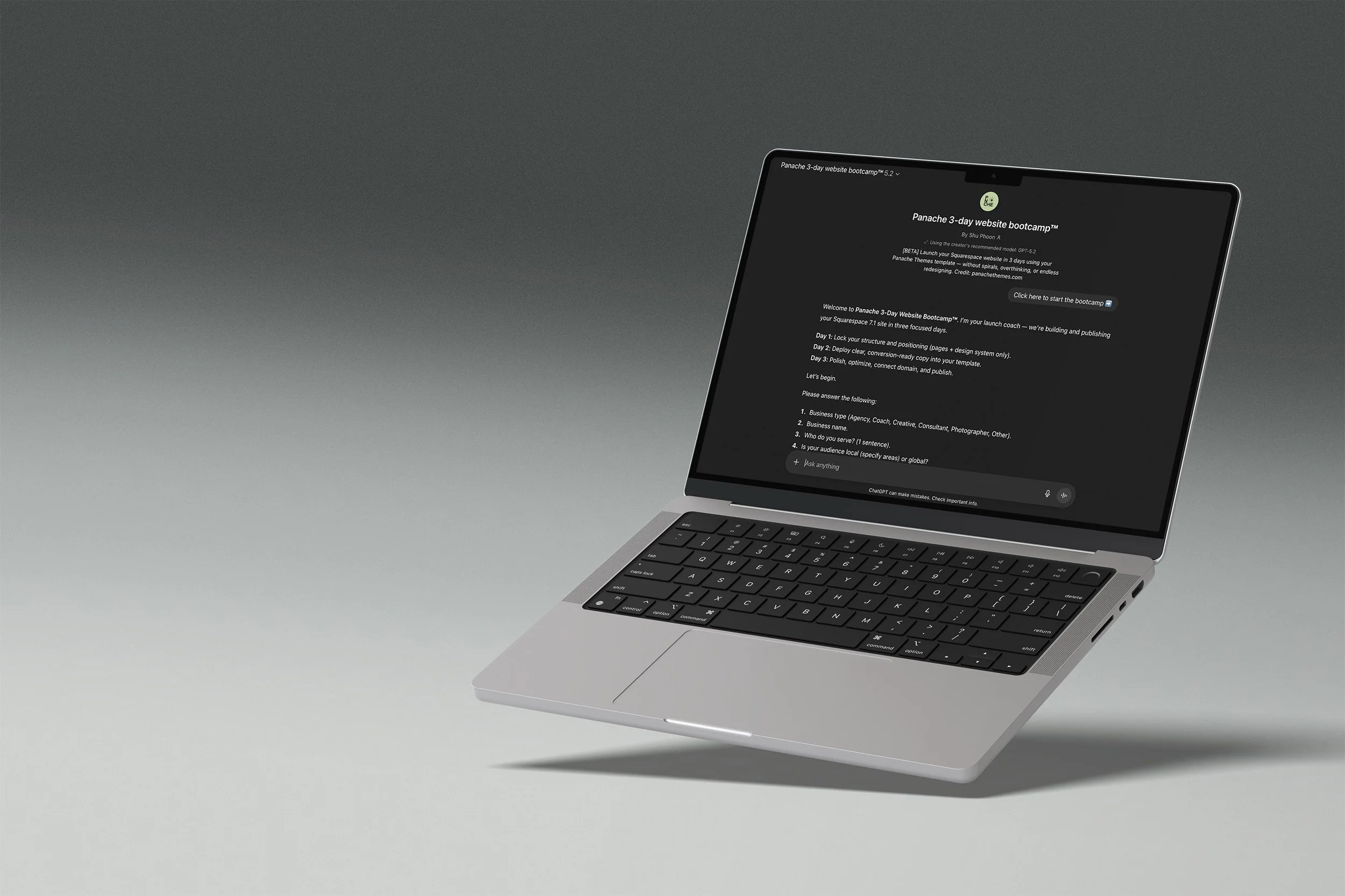
Your template comes with a launch coach
The Panache 3-Day Website Bootcamp walks you through setup, writes your page copy, and gets you to a published site in three structured days. No blank page paralysis, no getting lost in settings.
DAY 1
Structure and site styles locked in.
DAY 2
Generate copy for all pages.
DAY 3
Polish, SEO basics, and publish.
Runs on ChatGPT. Free accounts welcome, paid plans give you the best experience.
FAQ
-
Nope! You are able to start editing your website on a 6 month free trial. You will need to pay for a plan only when you want to publish your site publicly.
-
Yes! You don’t need to stick to what is provided in the template. Add or remove pages as you need.
Sections and elements can also be added and deleted.
-
Not at all. Everything is set up in Squarespace with drag-and-drop editing. If you can copy-paste your text and swap in your photos, you can launch your new website, social media, and client materials.
-
No — your content, colors, and photos make it yours. Our templates are designed to look custom once you’ve added your own brand elements and business details.
-
Once you add the website to the cart, you’ll be prompted to enter your Squarespace account email.
Within 24–48 hours, you’ll receive a site invite straight to the email address specified so you can start editing your new website.
-
Each purchase includes a single-site license. If you want to use the design for more than one project, you’ll need to purchase an additional license. (We’re happy to offer discounts for repeat buyers — please contact us to arrange this)
-
Because these are digital products, all sales are final. But if you run into trouble, I’ll be here with support to make sure you can get your site live.
-
Each purchase comes with setup instructions. And if you hit a snag, you can always reach out to us — we’ll point you in the right direction.