Wedding Photographer Price Guide Canva Template
What makes a luxury pricing brochure convert photography leads into booked clients?
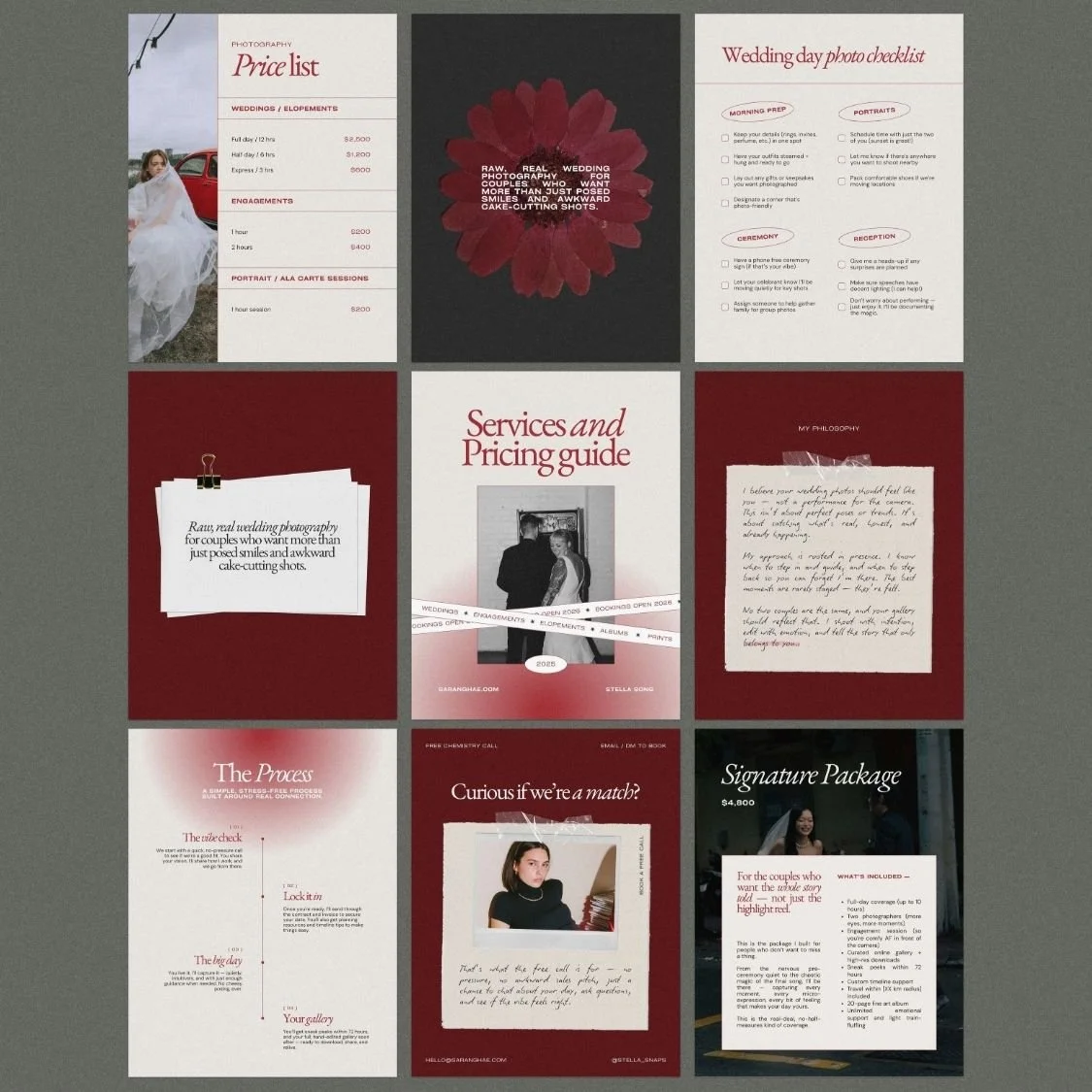
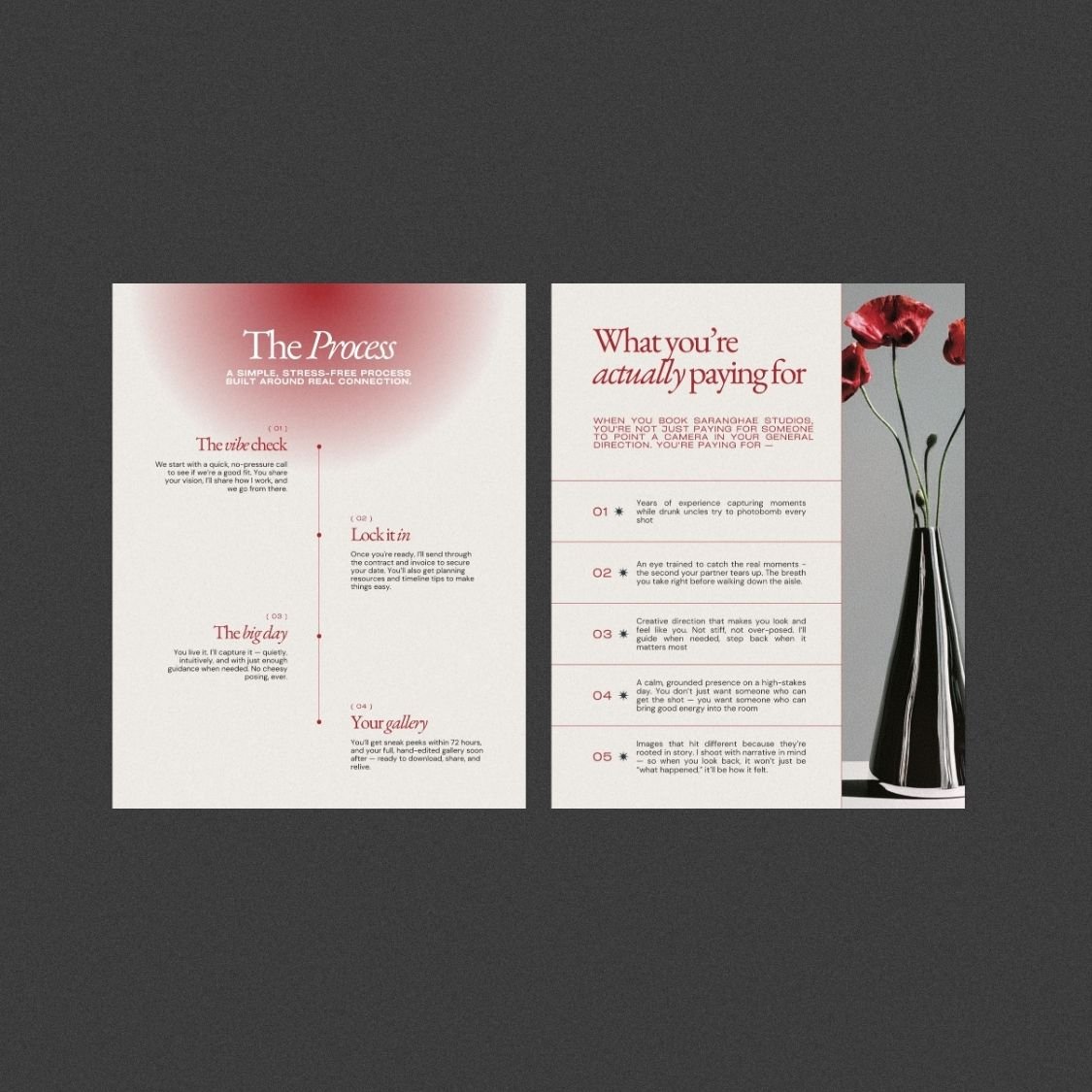
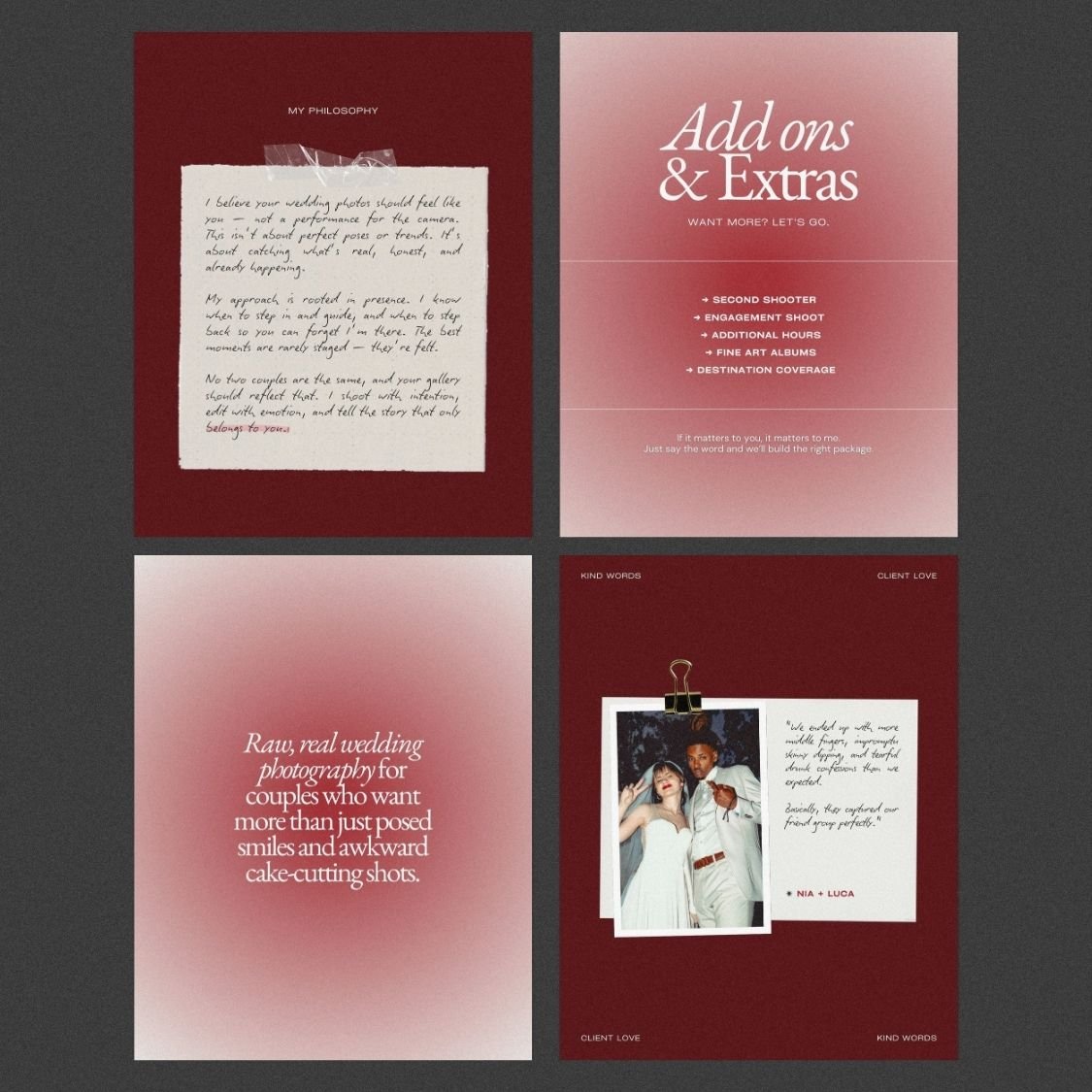
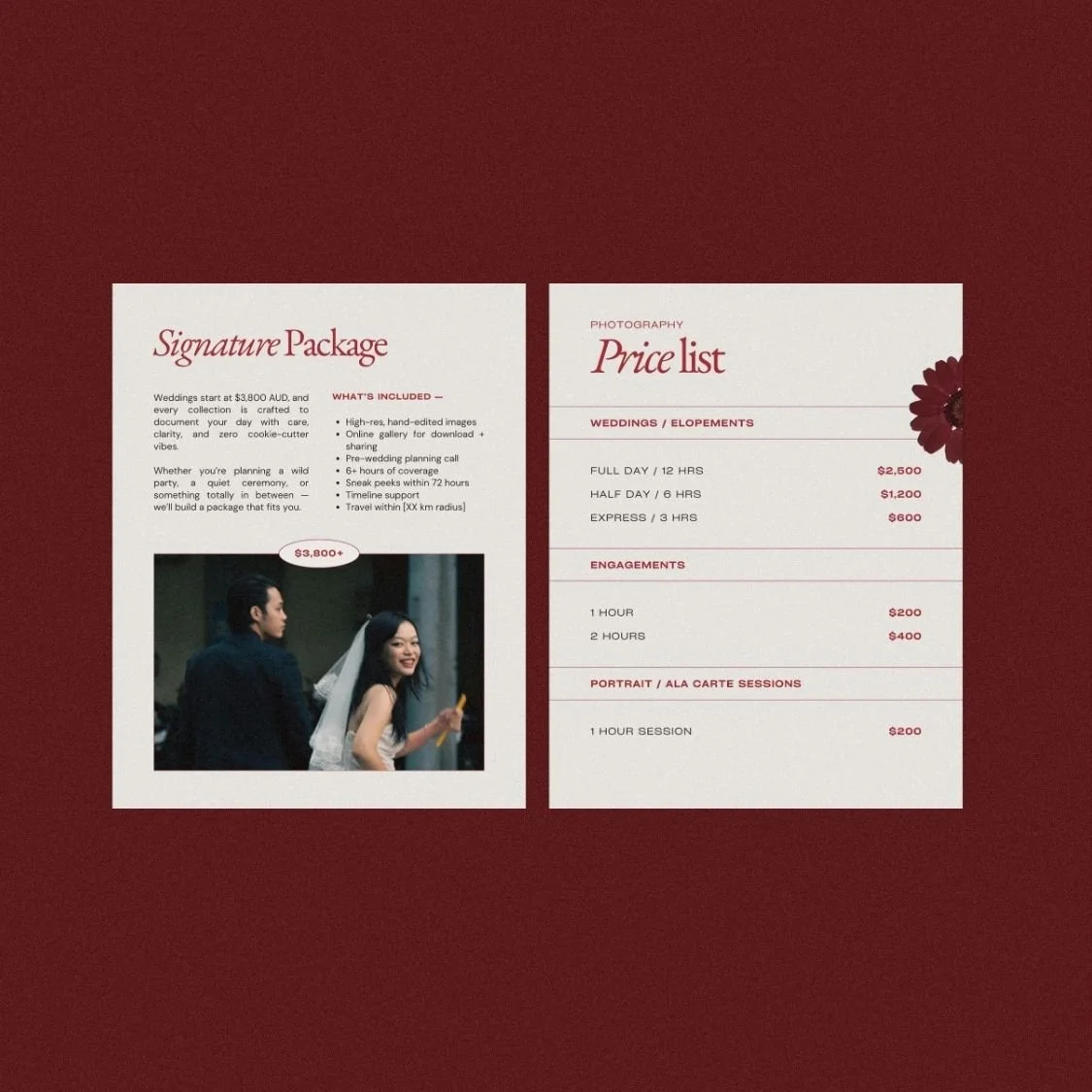
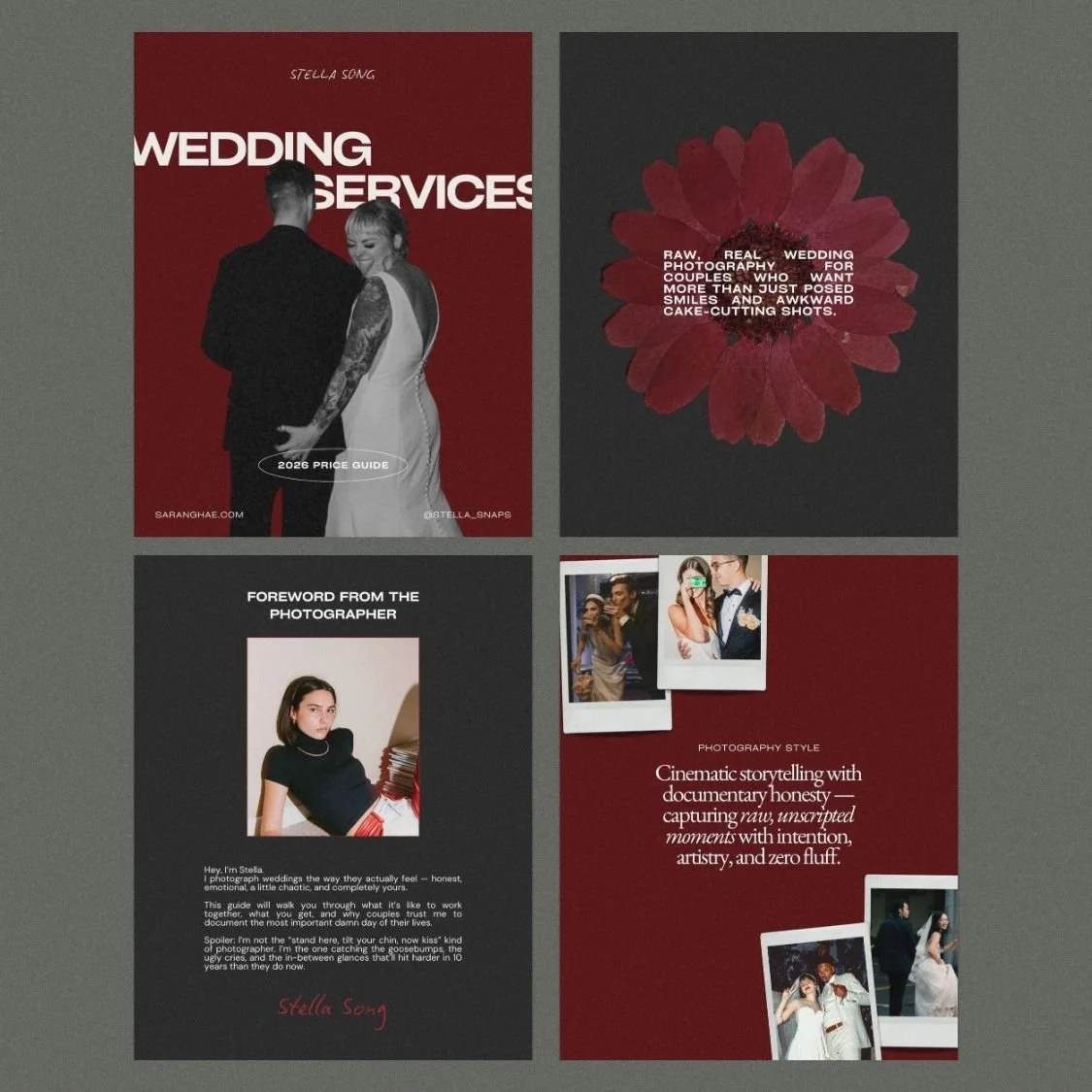
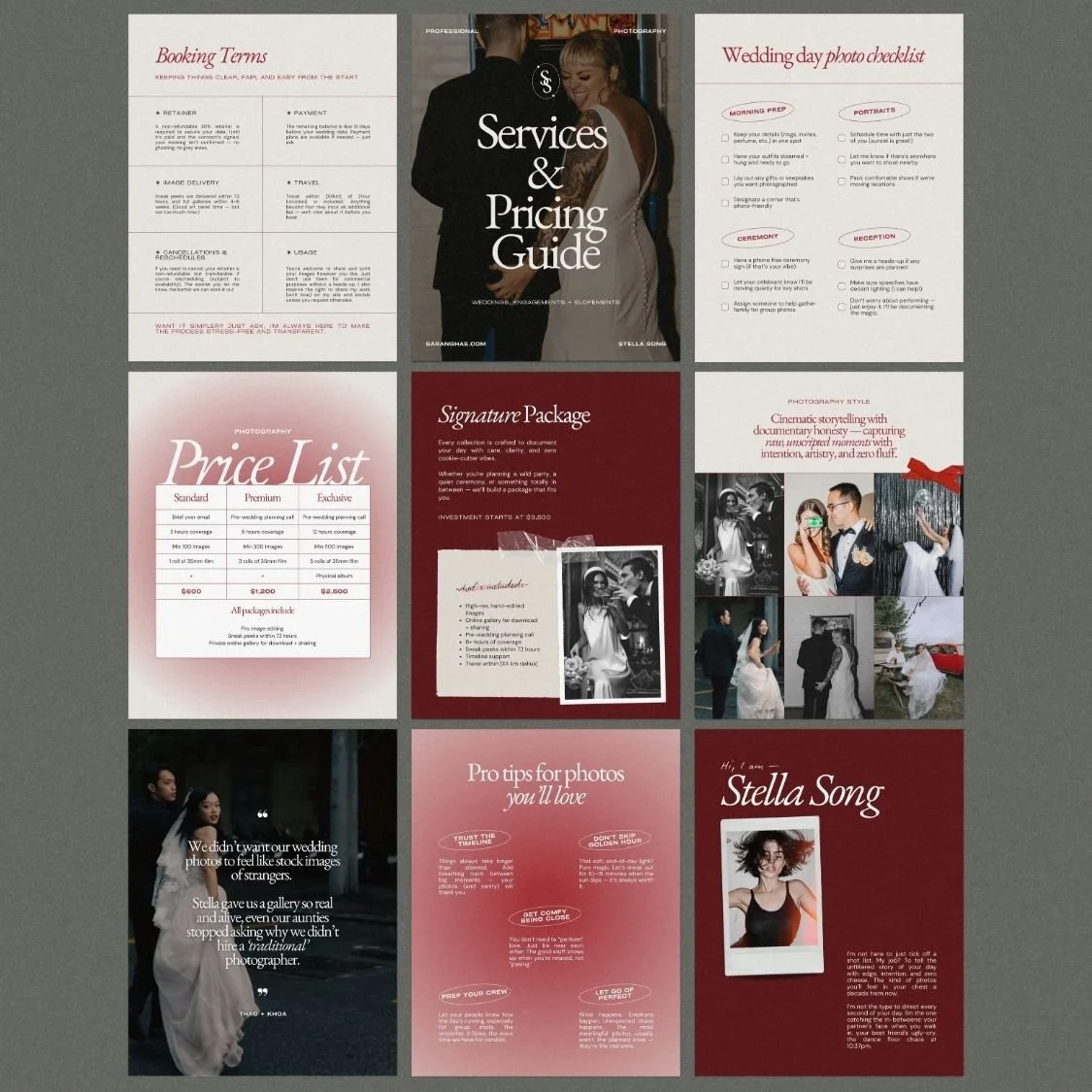
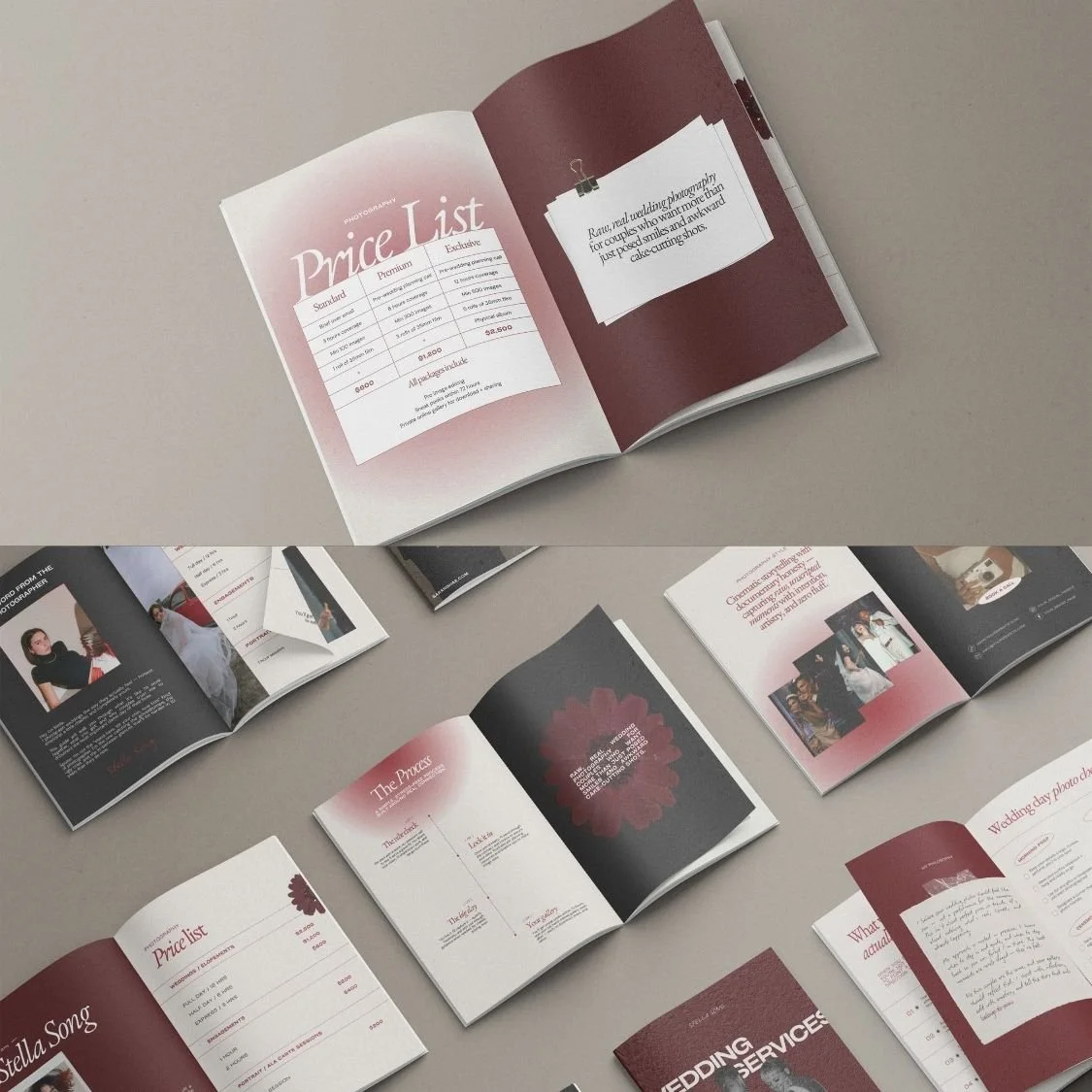
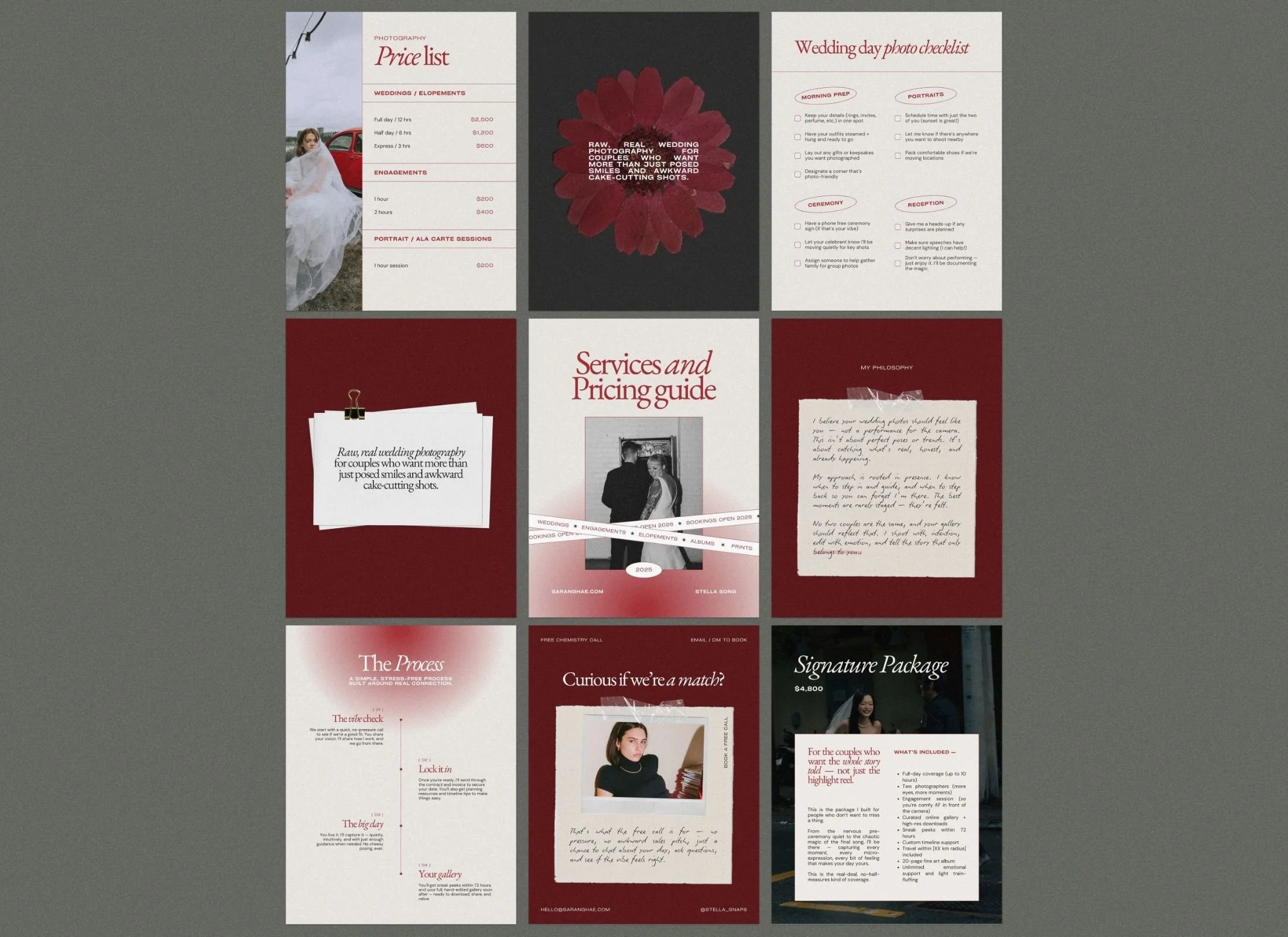
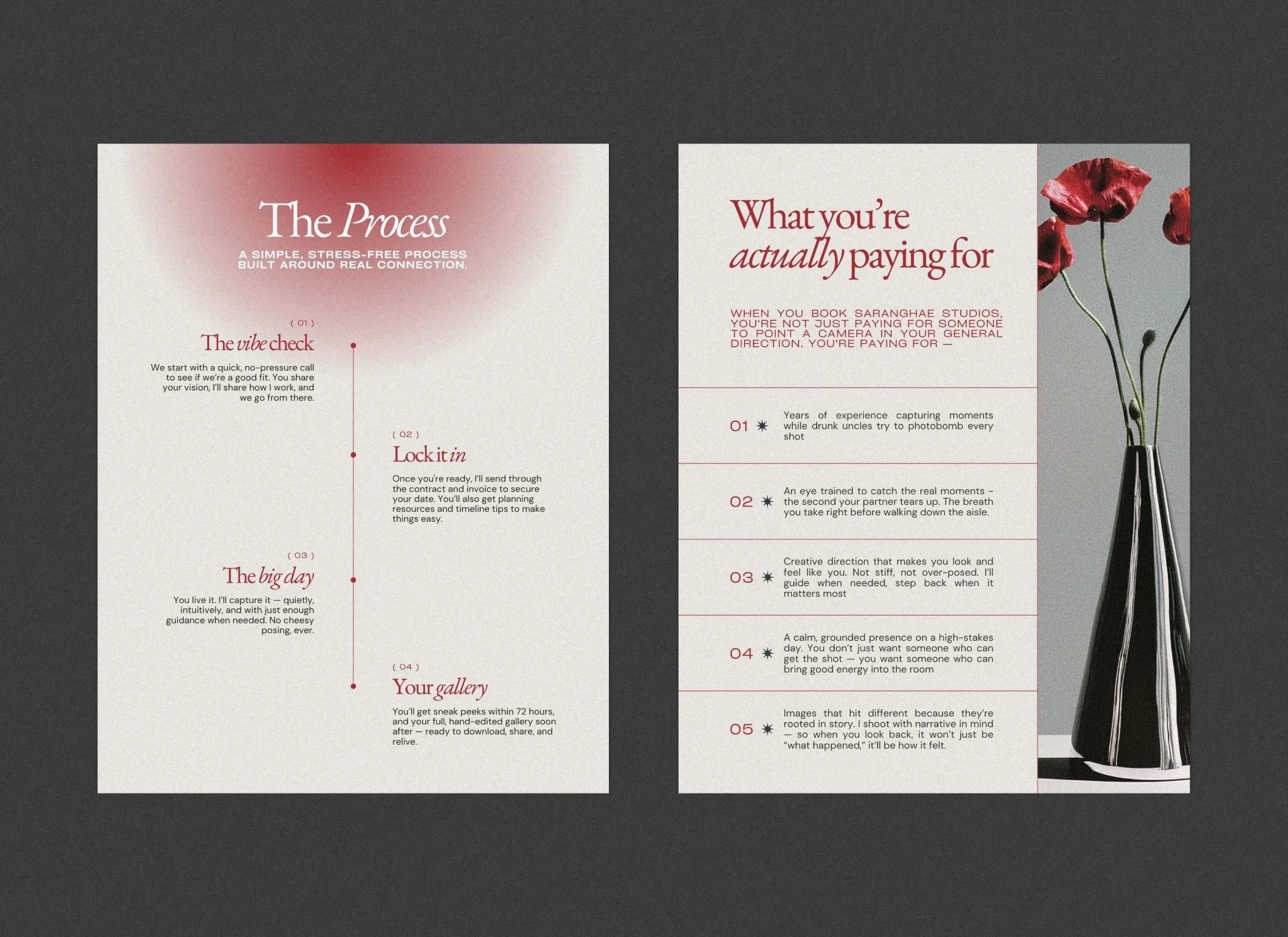
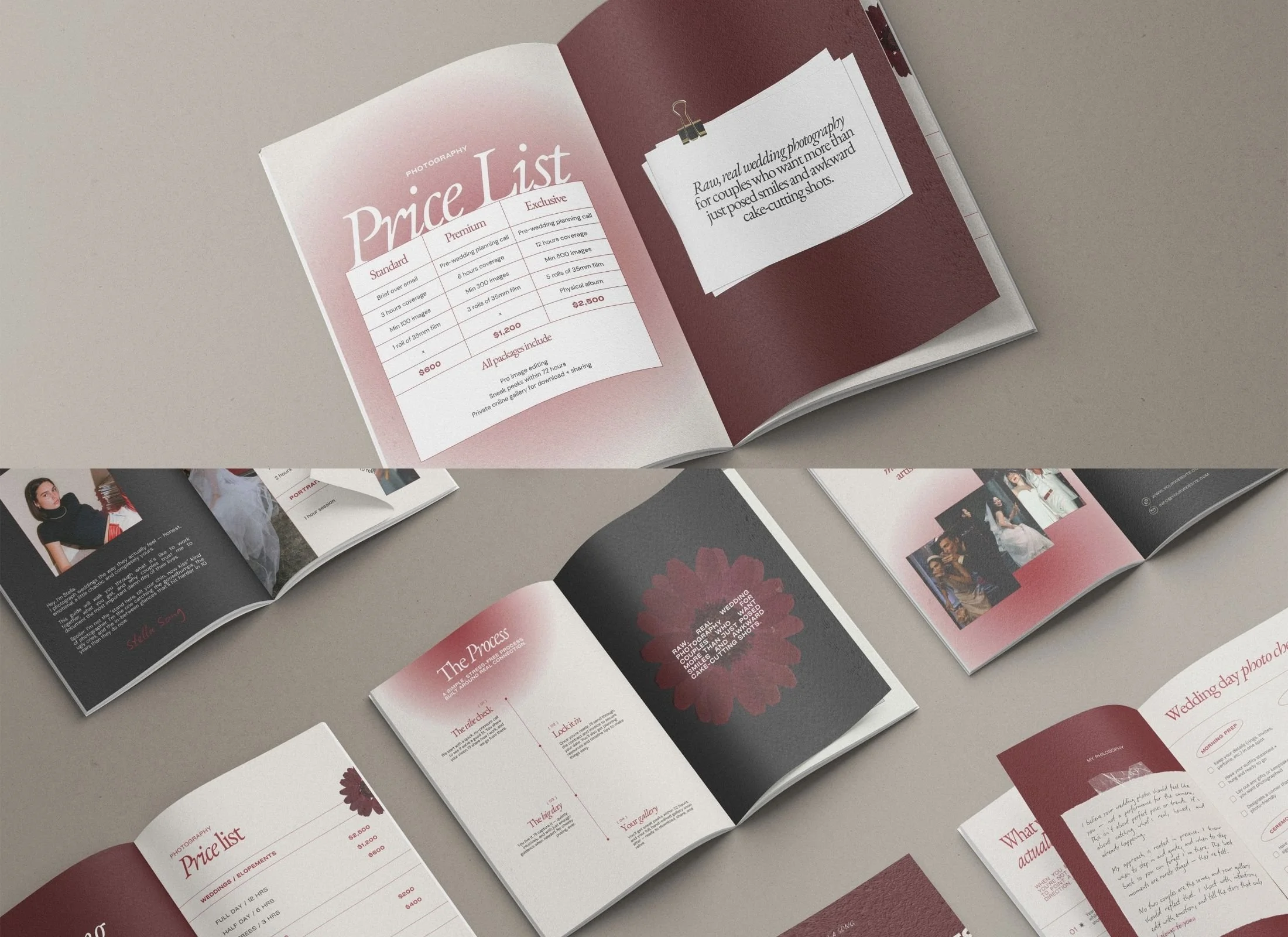
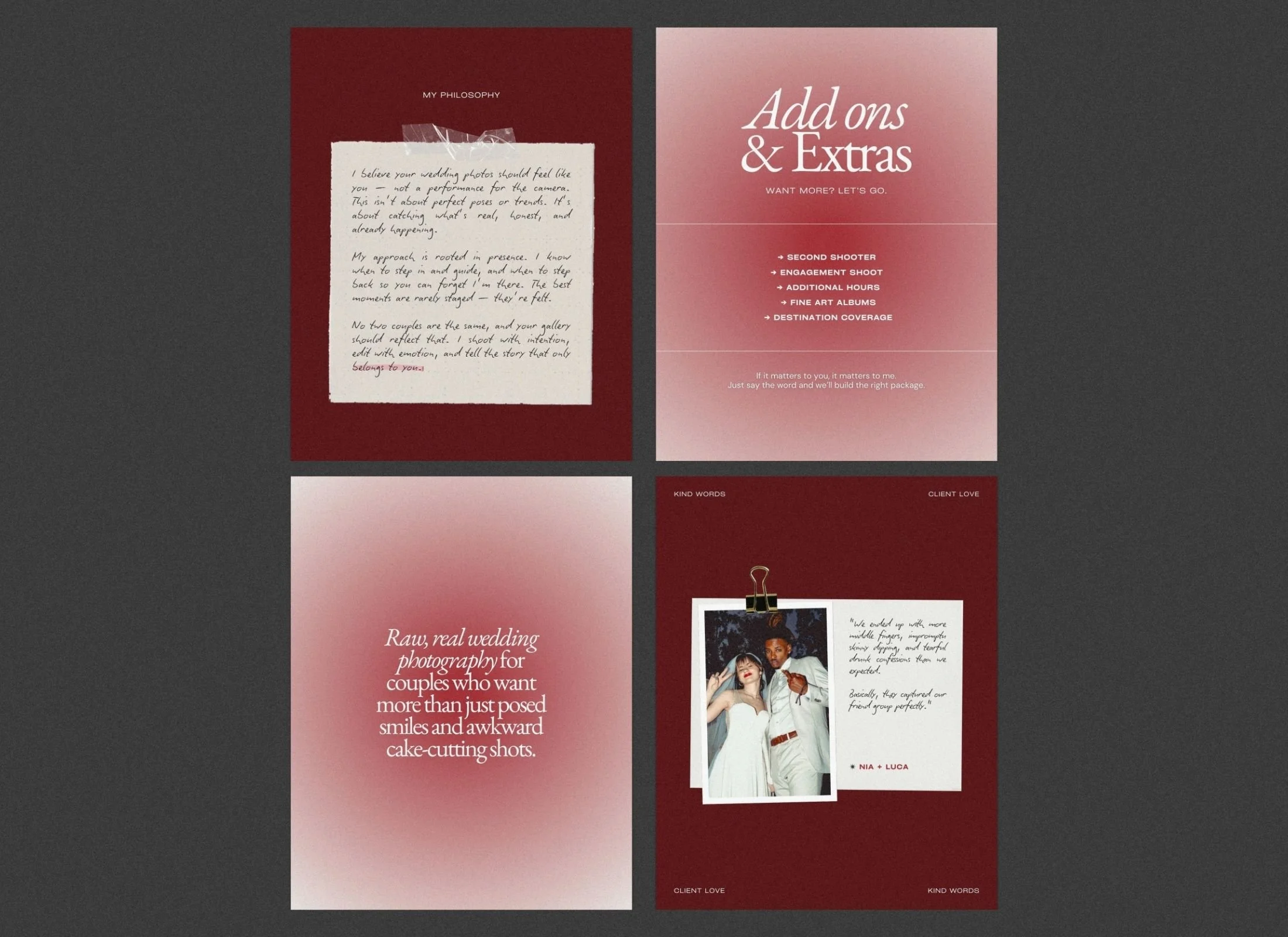
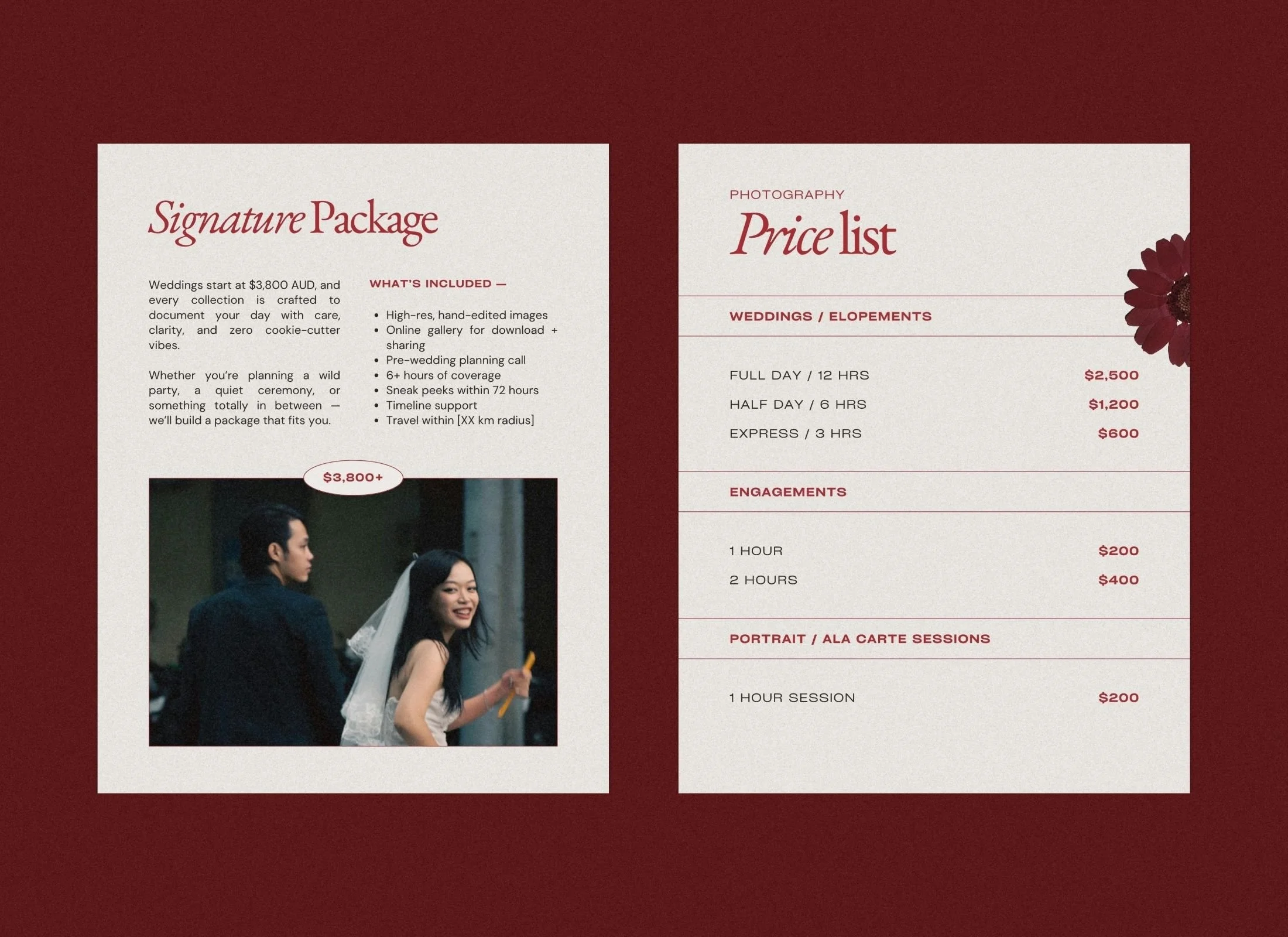
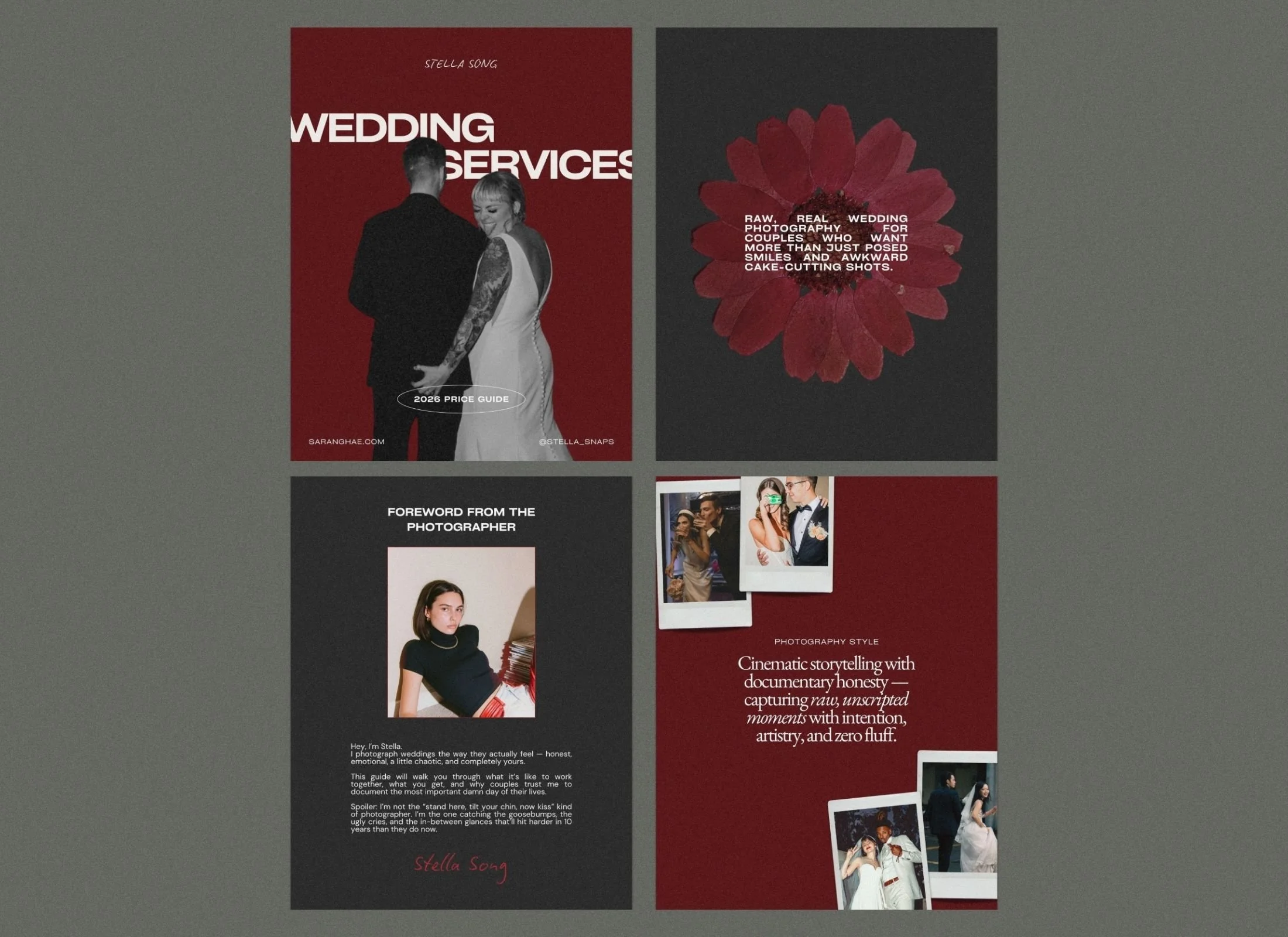
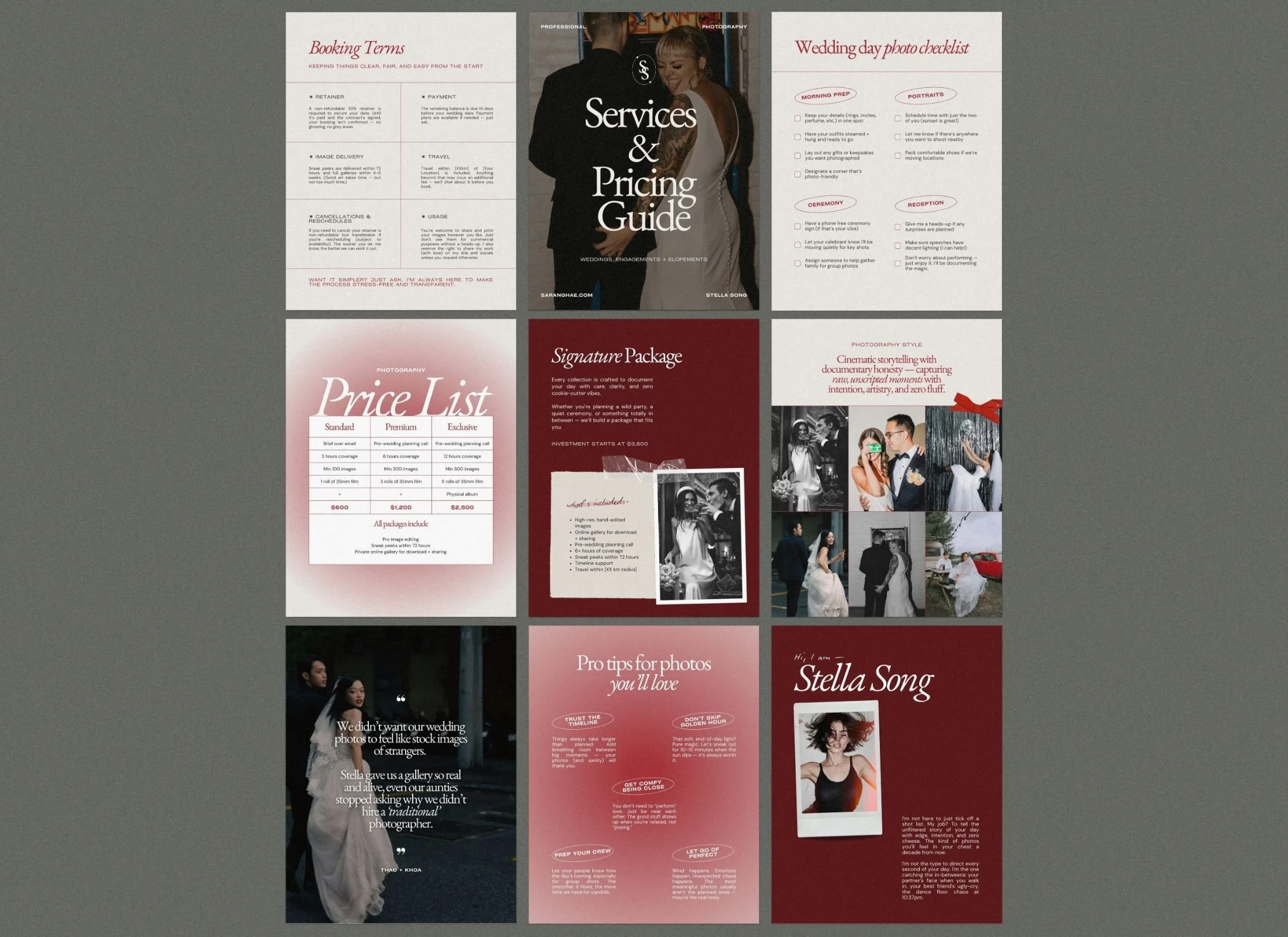
A luxury pricing brochure positions your photography services as premium experiences. The Saranghae Canva template features 31 pages with romantic mixed media elements (pressed flowers, paper textures, bold gradients) that mirror high-end editorial design. Built for wedding photographers, elopement specialists, and portrait artists, this price guide transforms inquiries into signed contracts through intentional layout and brand-aligned aesthetics.
$40.00
What’s included
31 modern pages for wedding photographers
SIZE - US letter (8.5" x 11")
-
Covers x 3
About x 3
Quotes
Photography style
The experience
Price list x 3
Package / Service details x 3
Extras / Add-ons x 2
The process
FAQs
Skill / Why invest
Checklist
Tips
Testimonial x 2
Booking terms
Call to action x 2

31 strategically designed pages
guide clients from initial interest to booking confirmation with zero friction.

Comprehensive client journey mapping
includes FAQs, process timelines, testimonials, and booking terms that preempt objections.

Romantic mixed media aesthetic
features pressed flowers, paper textures, and gradient overlays for editorial-level sophistication.

US Letter format (8.5" x 11")
optimized for digital delivery, linkinbio downloads, or professional printing.

Fully customizable in Canva
with pre-configured color schemes and professionally paired fonts requiring no design experience.

License-free curated imagery
included so you can launch immediately or swap with portfolio work.
What makes this pricing guide different from other photographer templates?
Saranghae is built for "colorful, rebellious" photographers who want an edgy, editorial look that highlights their personality and style instead of the usual safe, neutral beige. It uses bold red gradients and tactile mixed-media elements to ensure your brand is memorable from the first page.
Can I customize this template to match my own brand colors?
Yes, every element of the Saranghae price guide is fully editable in Canva. You can swap the signature bold red gradients for your own brand palette, change the typography, and drop in your own photography to make the design uniquely yours.
Is this pricing guide template suitable for elopement photographers?
The layouts are versatile enough for wedding, elopement, engagement, and even portrait photographers who want a refined, editorial-style welcome packet for their leads.
What’s included
31 modern pages for wedding photographers
SIZE - US letter (8.5" x 11")
FAQ
-
Nope! All Canva templates can be used with the free plan.
-
Once you check out, you’ll receive a PDF with a link to open the templates in Canva. One click and they’re ready for you to edit.
-
Your purchase is for one personal or business use license. If you’re a designer and want to use them for clients, each client needs their own license (or you can reach out for a bulk license discount).
-
Not at all. Everything is set up in Canva with drag-and-drop editing. If you can copy-paste your text and swap in your photos, you can publish your ebook.
-
Yes! Canva makes it easy to apply your brand kit. If you’re on Canva Pro, you can upload custom fonts and save your palette to apply across the board.
-
Because these are digital products, all sales are final. But if you hit a tech issue or something feels off, just reach out — we’ll get you sorted.
-
No — these are for your own use. Sharing or reselling isn’t allowed. If you love them enough to recommend, send people our way (we love referrals!).
-
Each purchase comes with setup instructions. And if you hit a snag, you can always reach out to us — we’ll point you in the right direction.