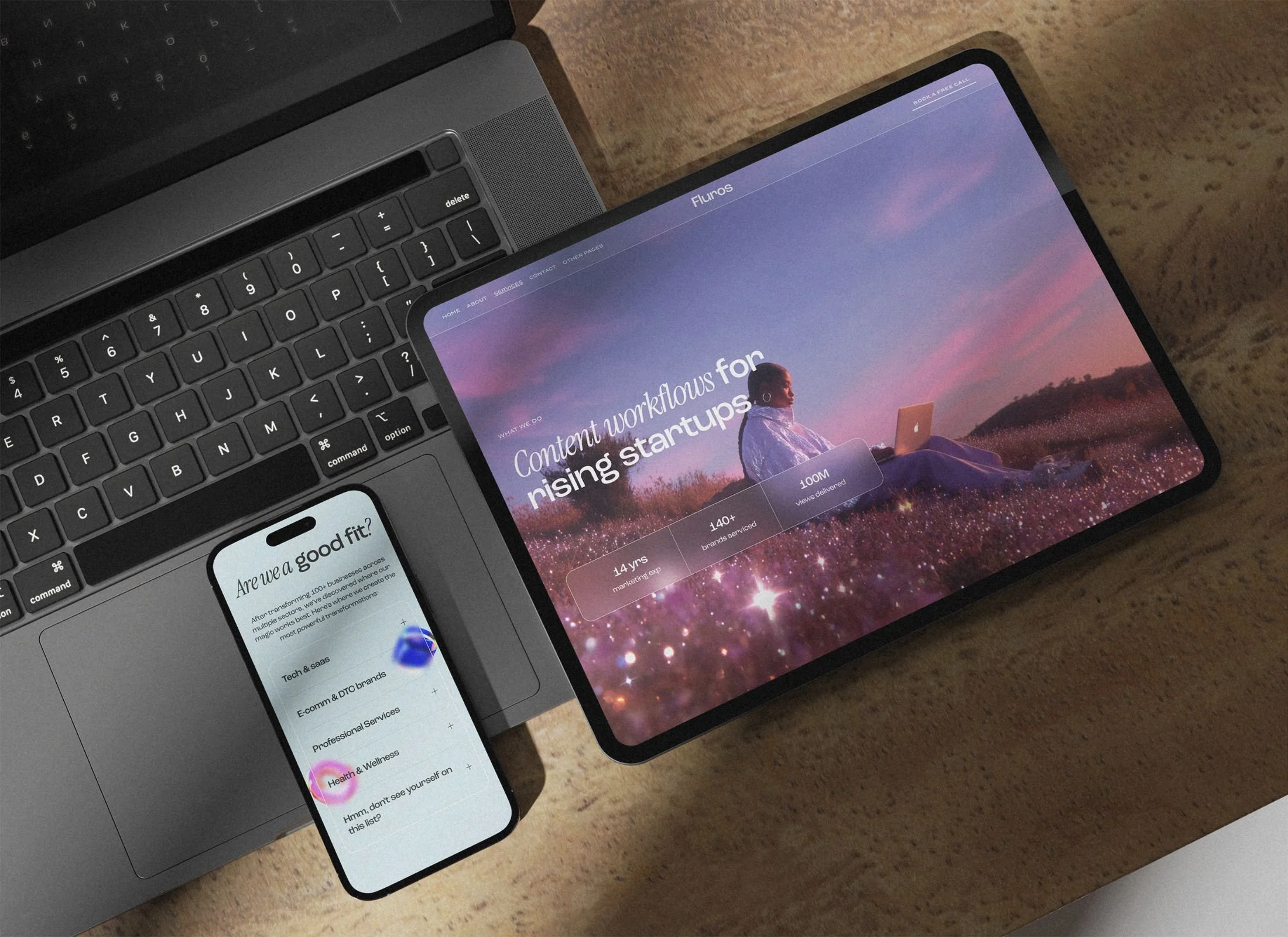
Y2K Futuristic Squarespace Template for Creative Brands
What is the best Y2K Squarespace template for creative tech agencies?
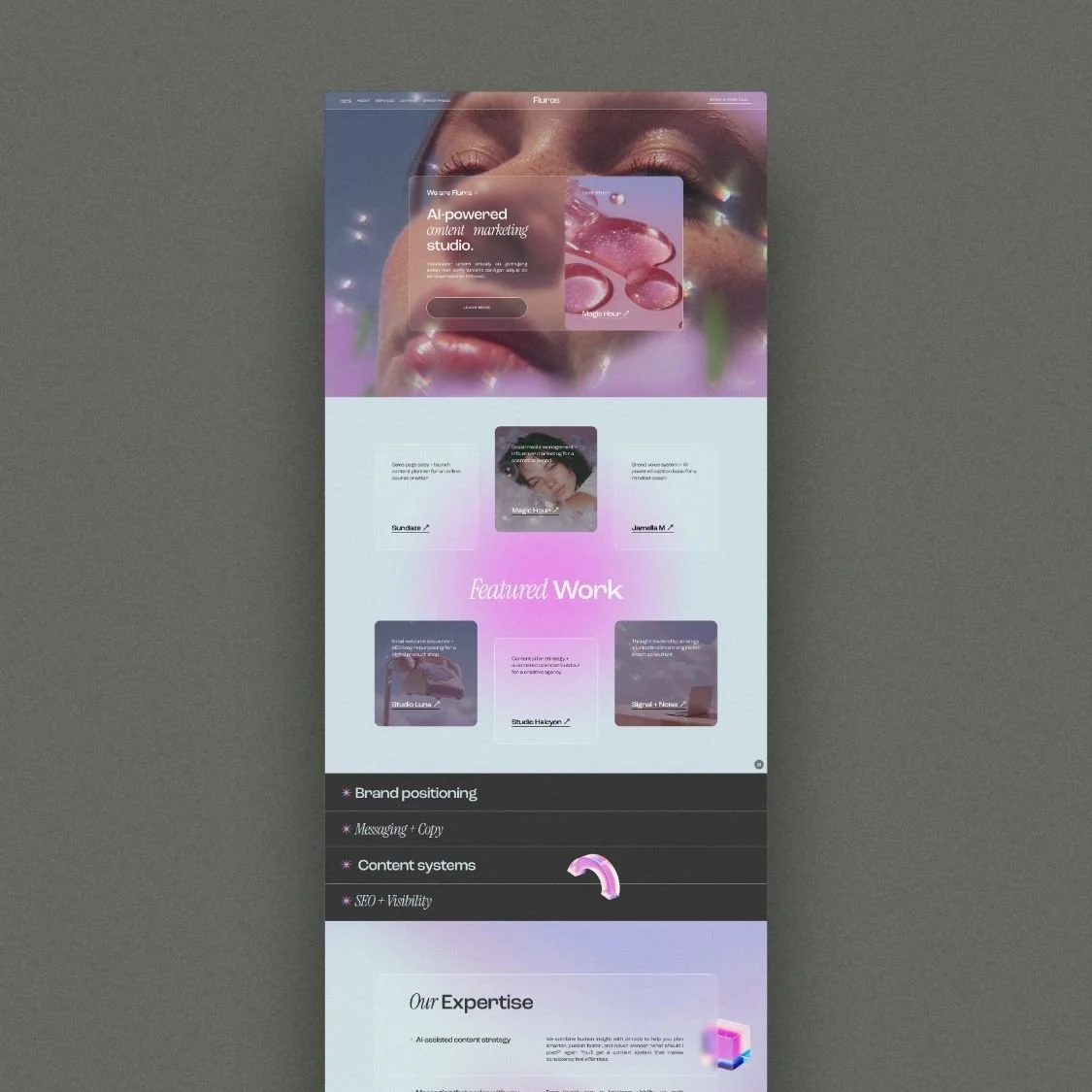
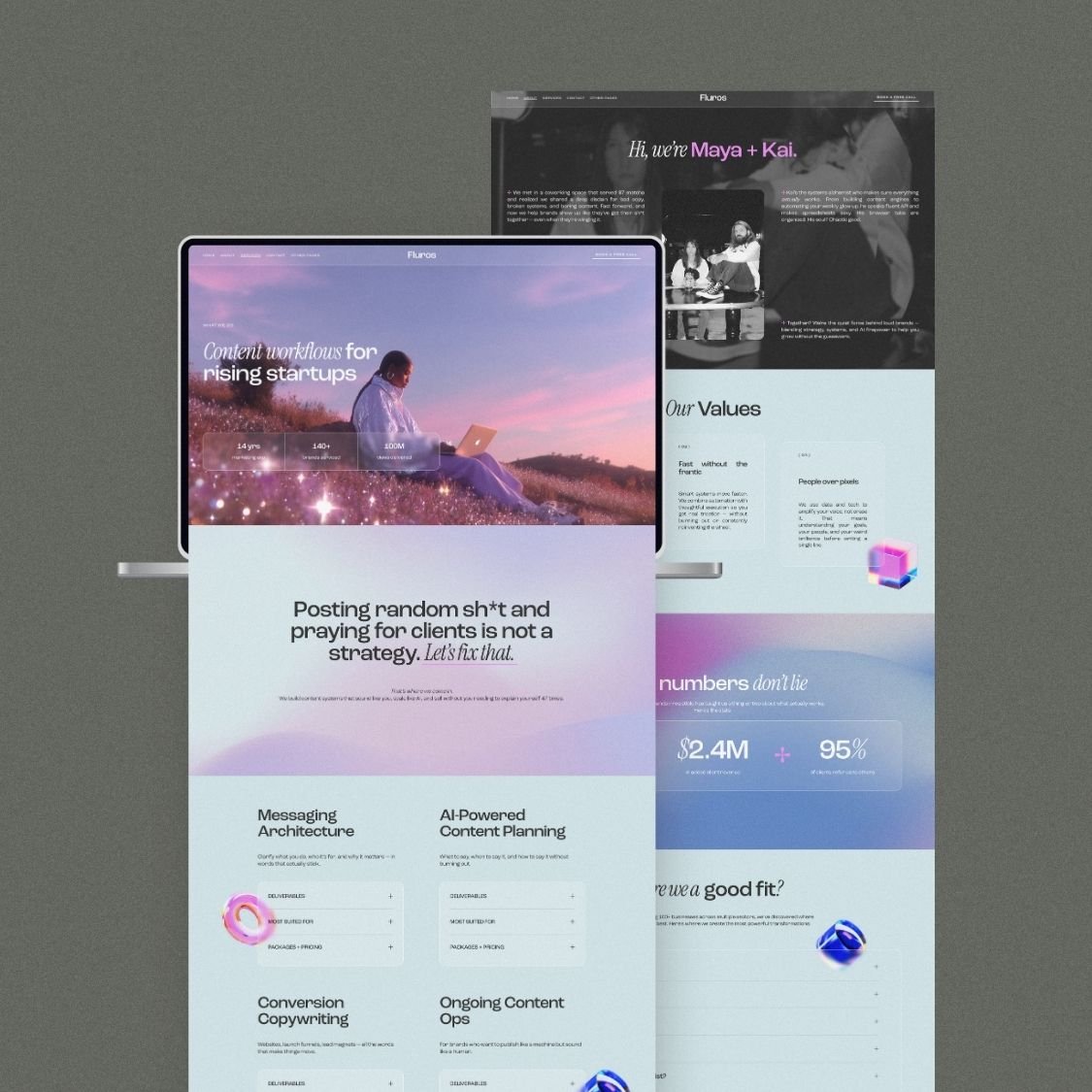
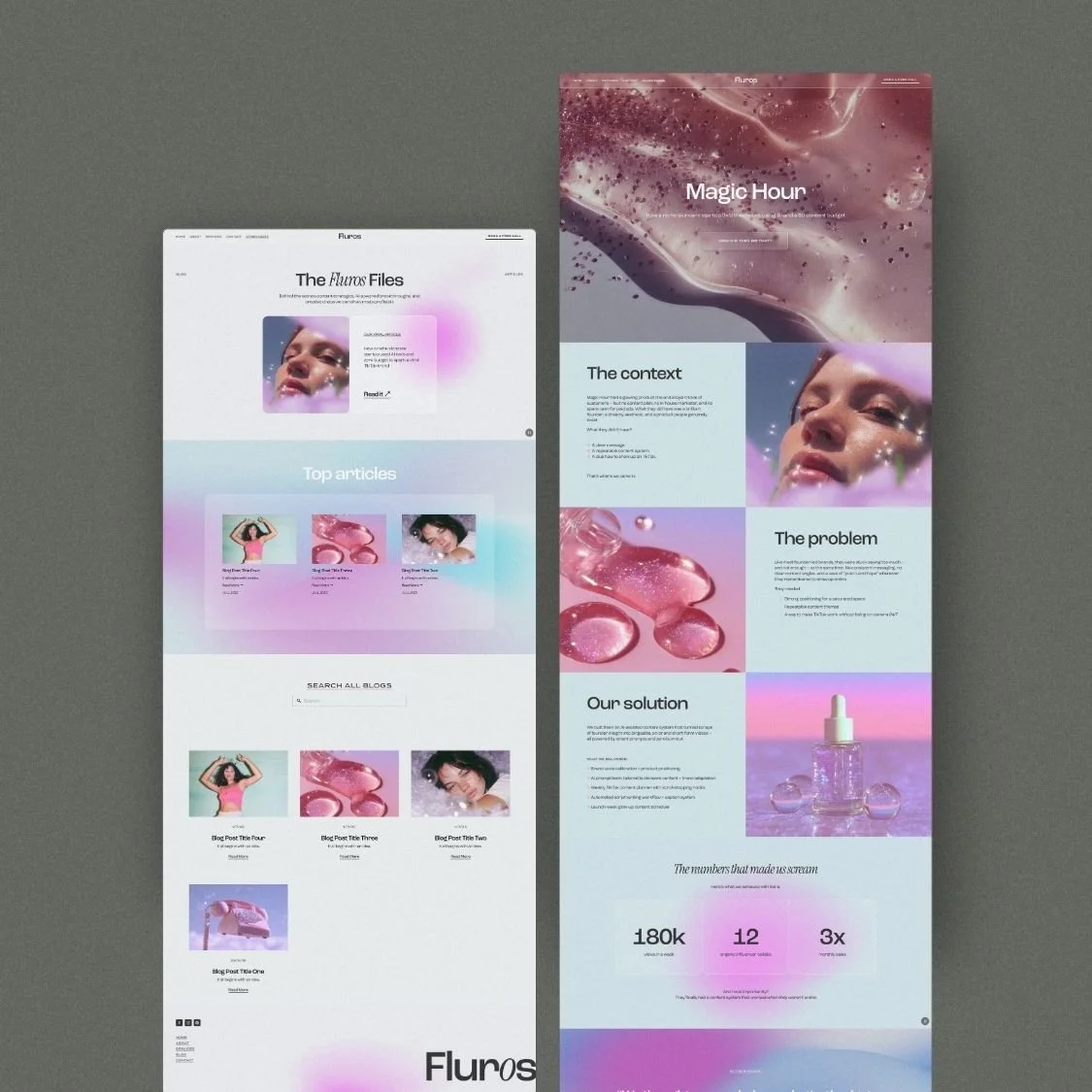
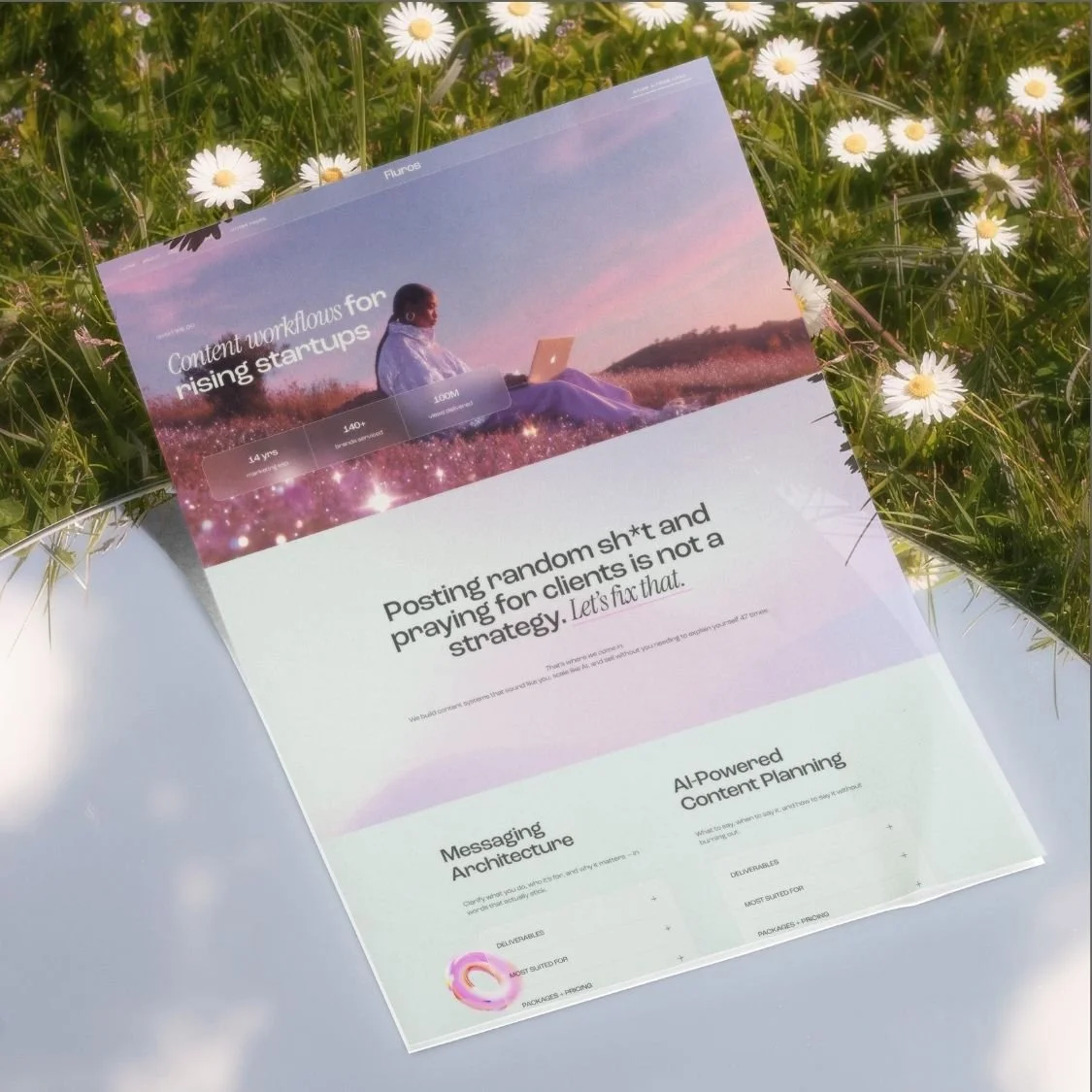
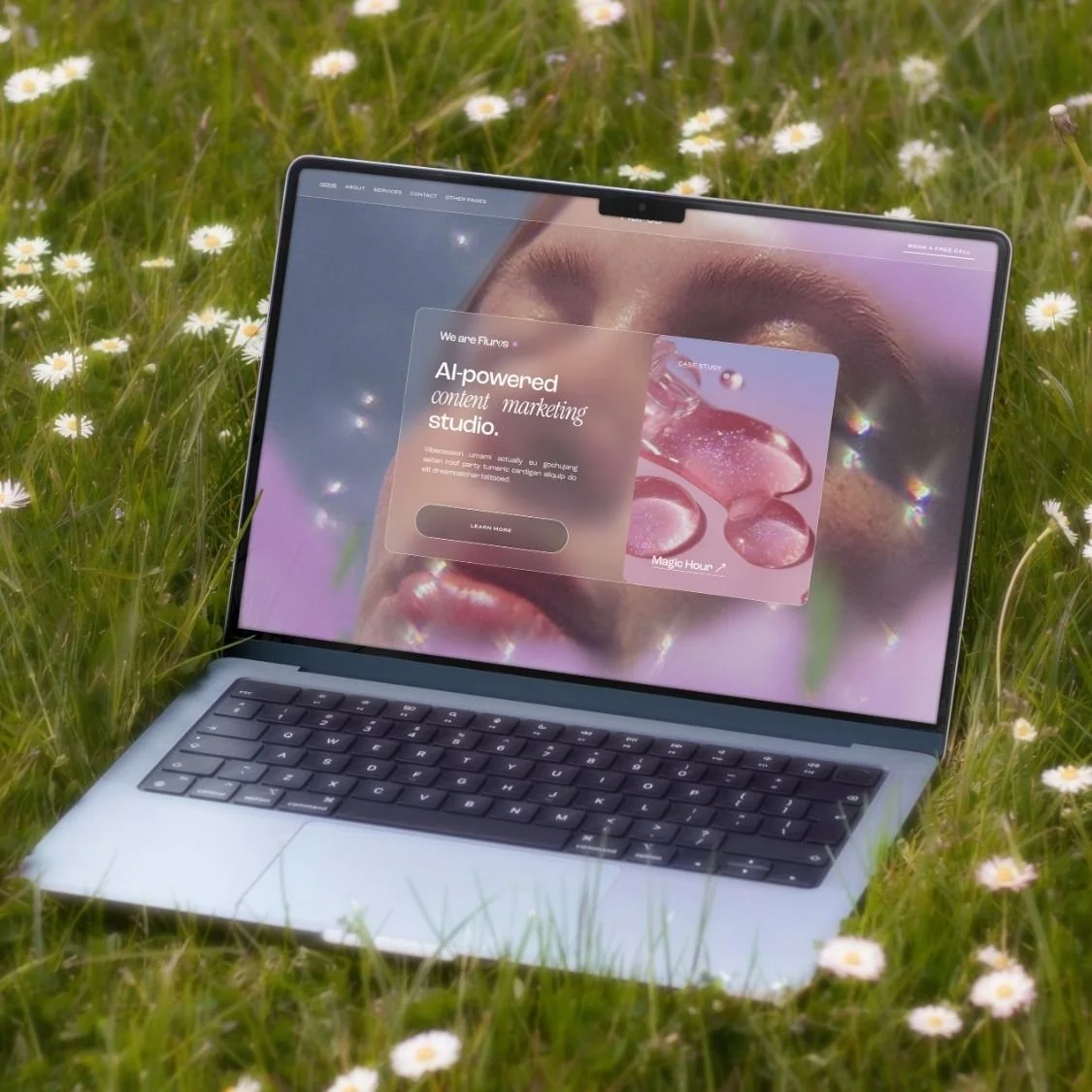
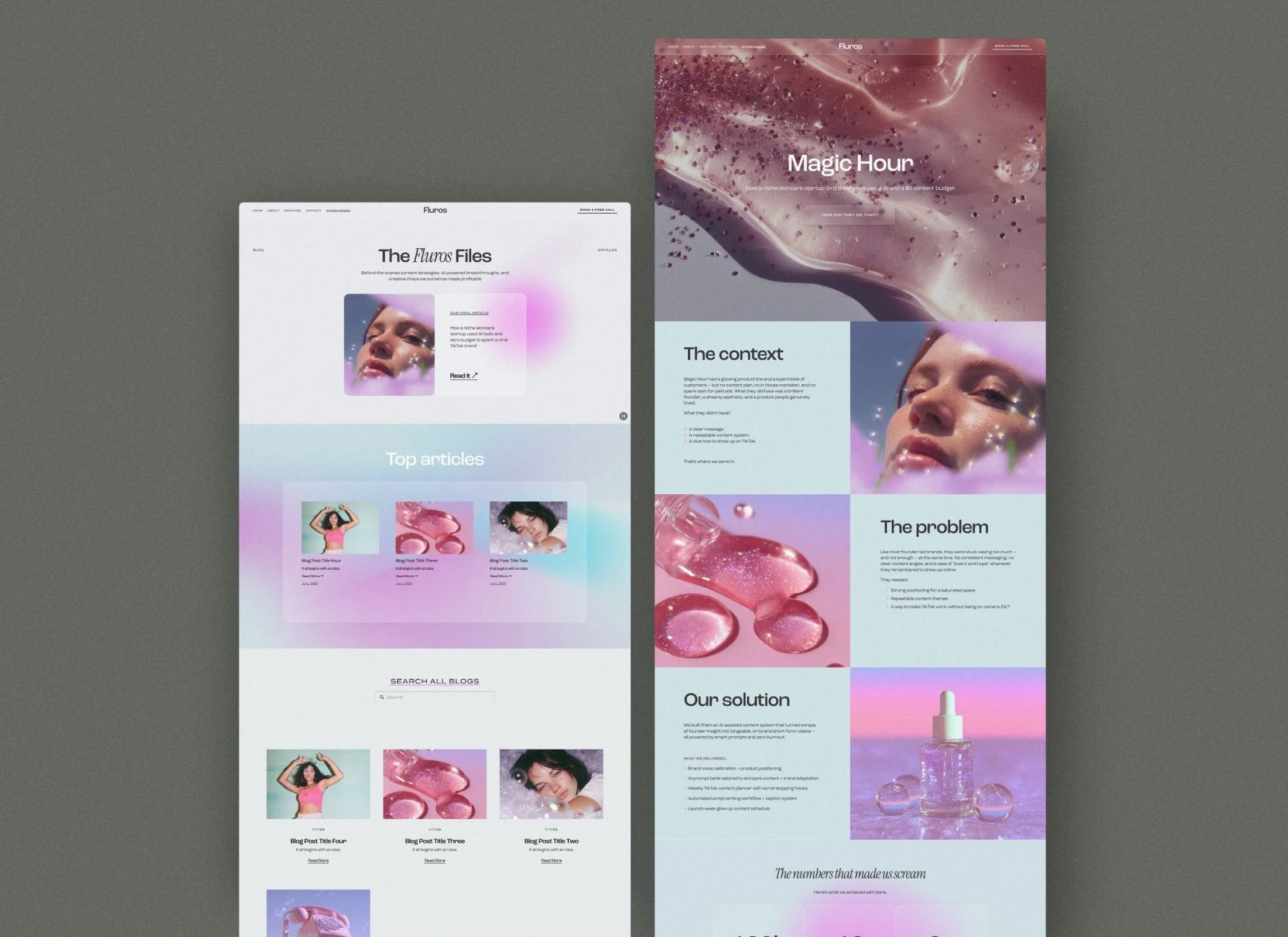
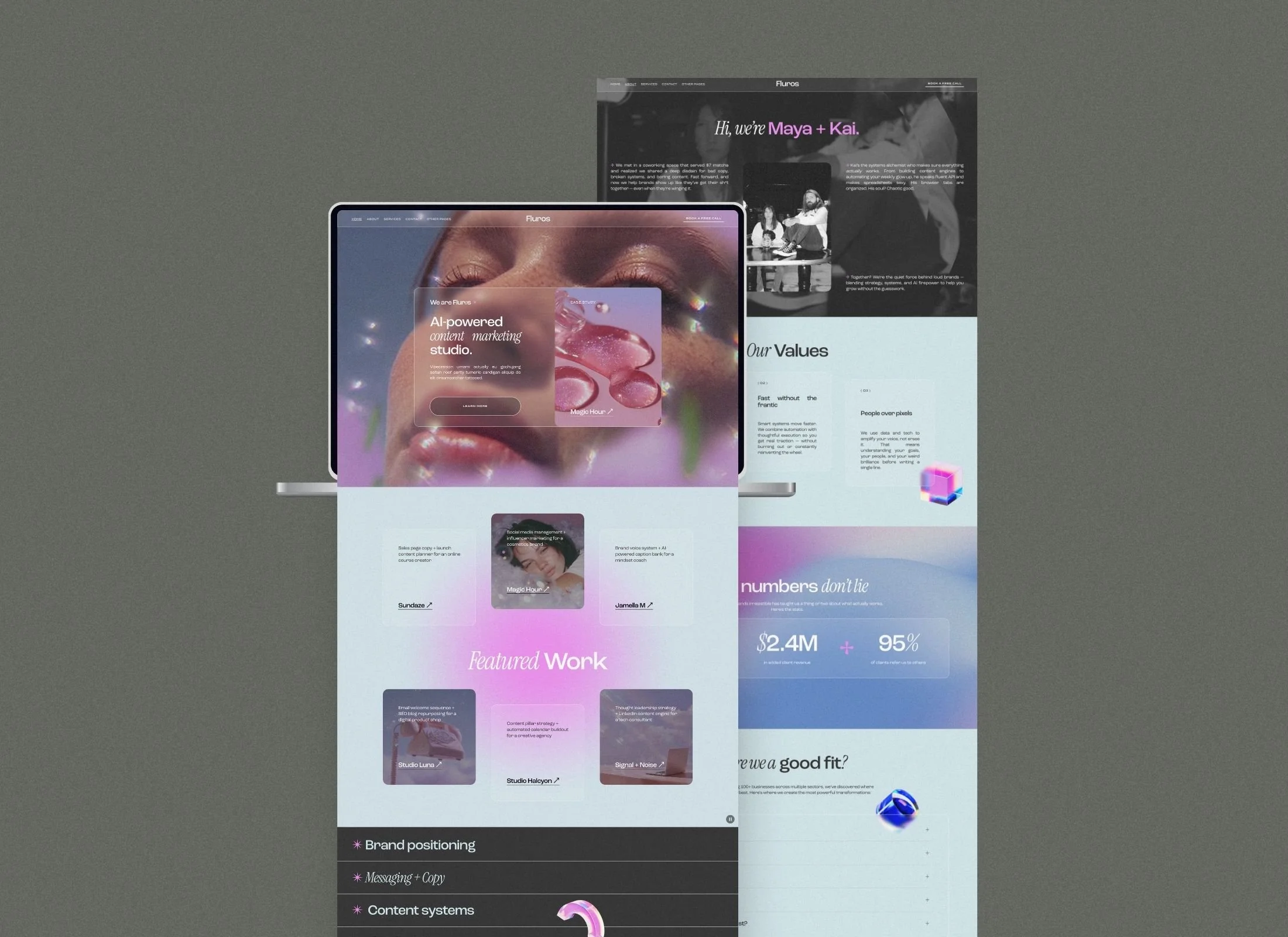
Fluros is a Y2K-inspired Squarespace 7.1 template for creative entrepreneurs and AI startups wanting a dreamy, futuristic aesthetic. This website template features liquid glass effects, soft gradient kits, 3D elements, and strategic landing pages designed to convert visitors into clients.
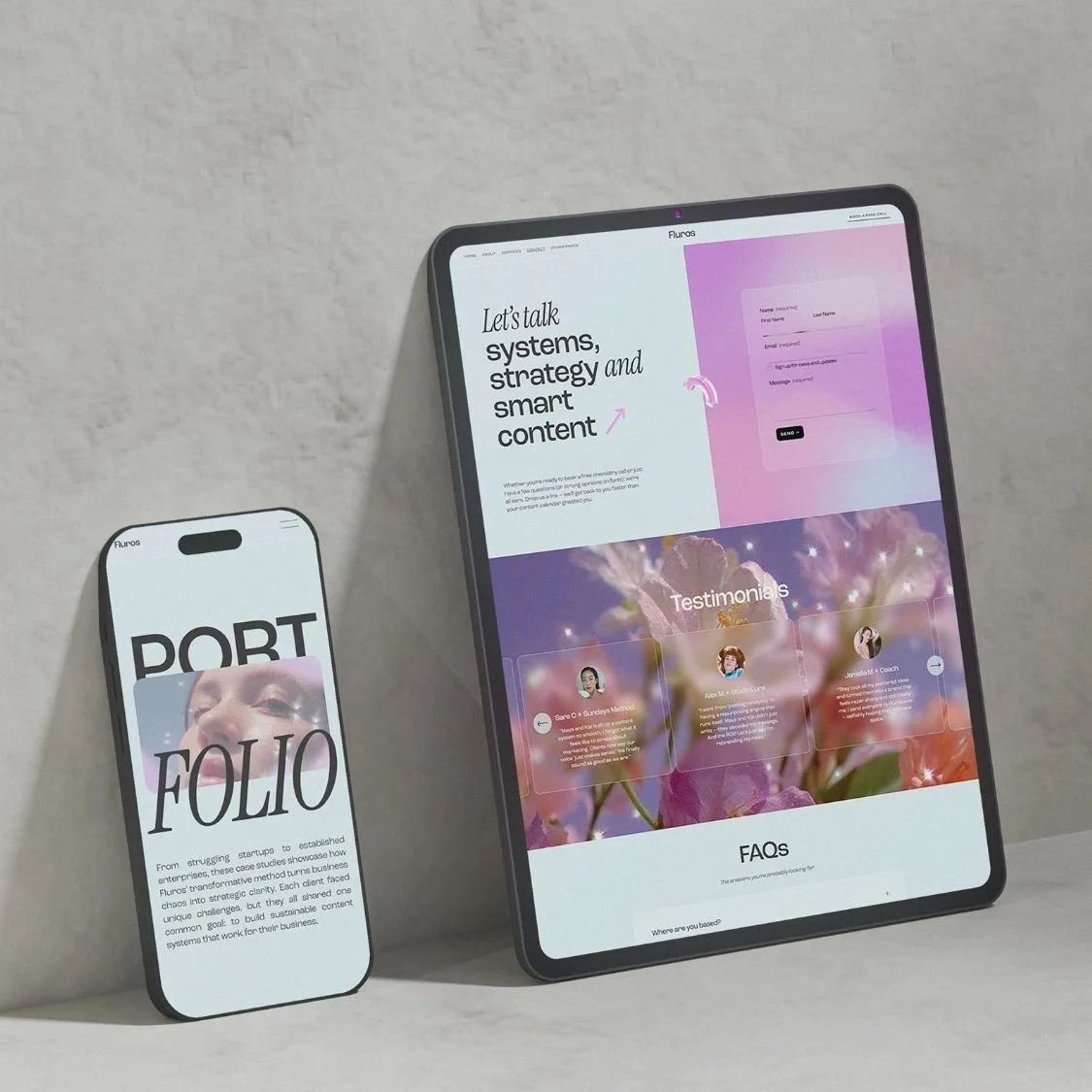
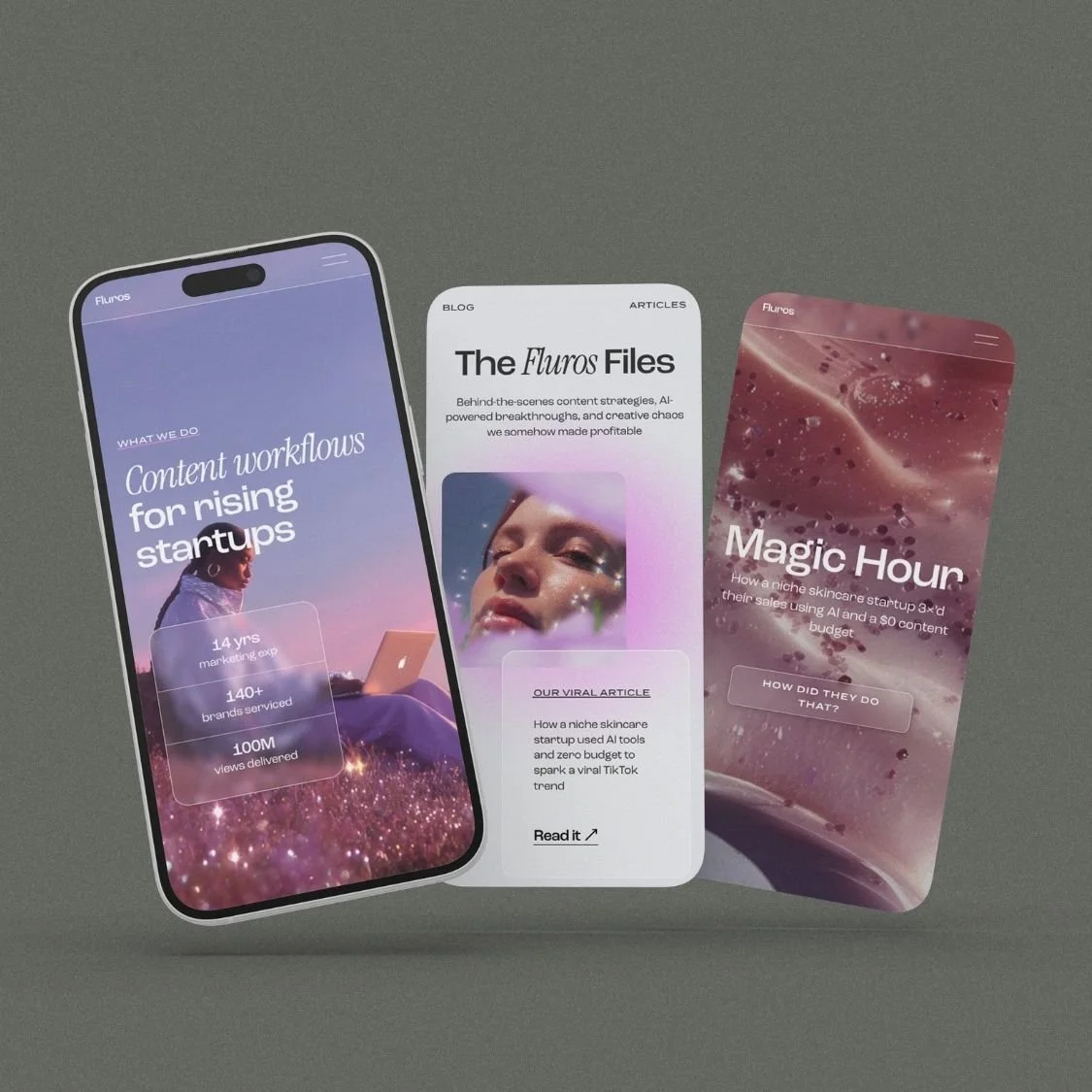
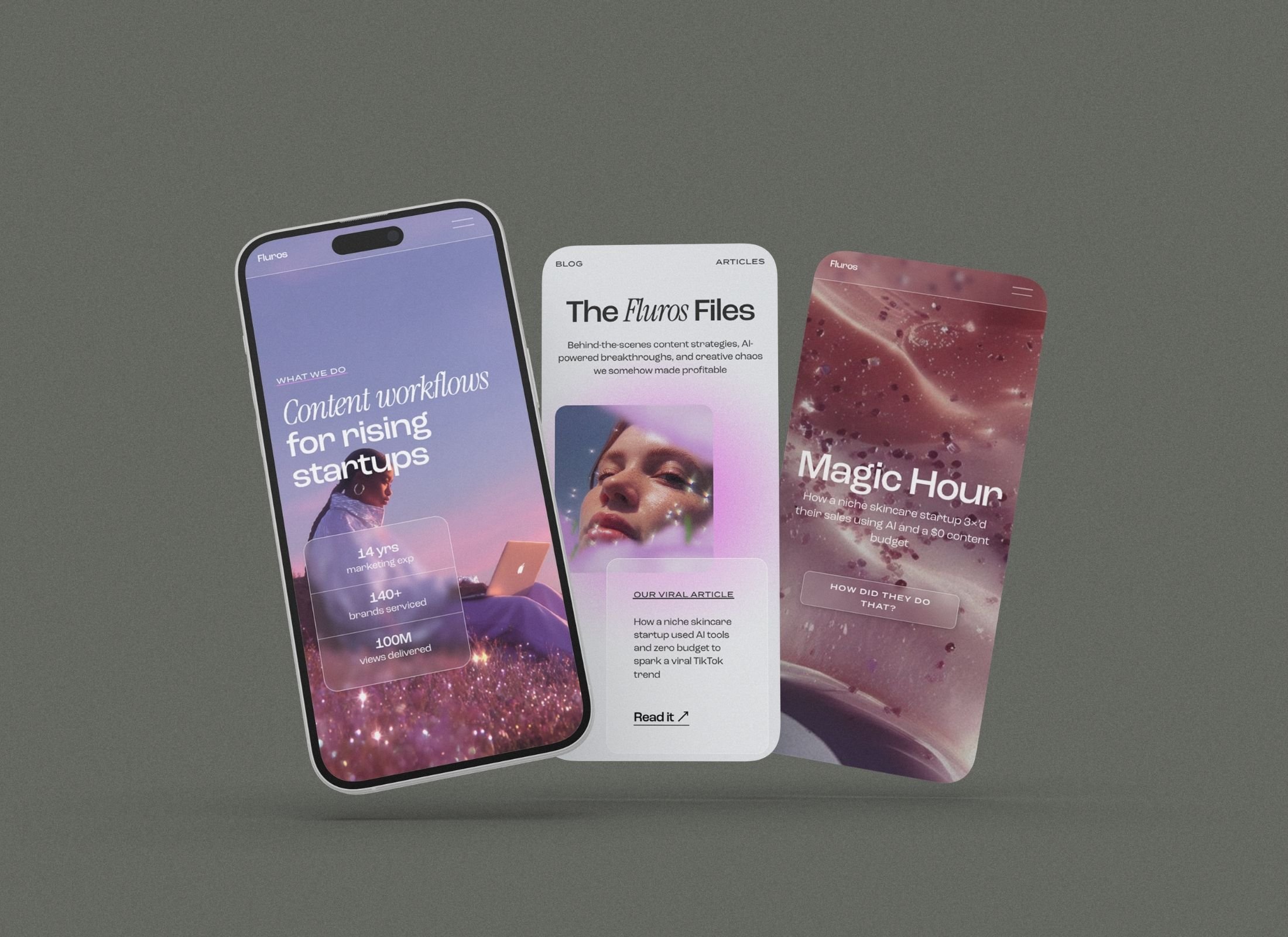
Nine mobile-responsive pages and editorial layouts position your brand as design-forward from first click, with a custom link-in-bio page that eliminates third-party tools.
VIEW DEMO →
$197.00
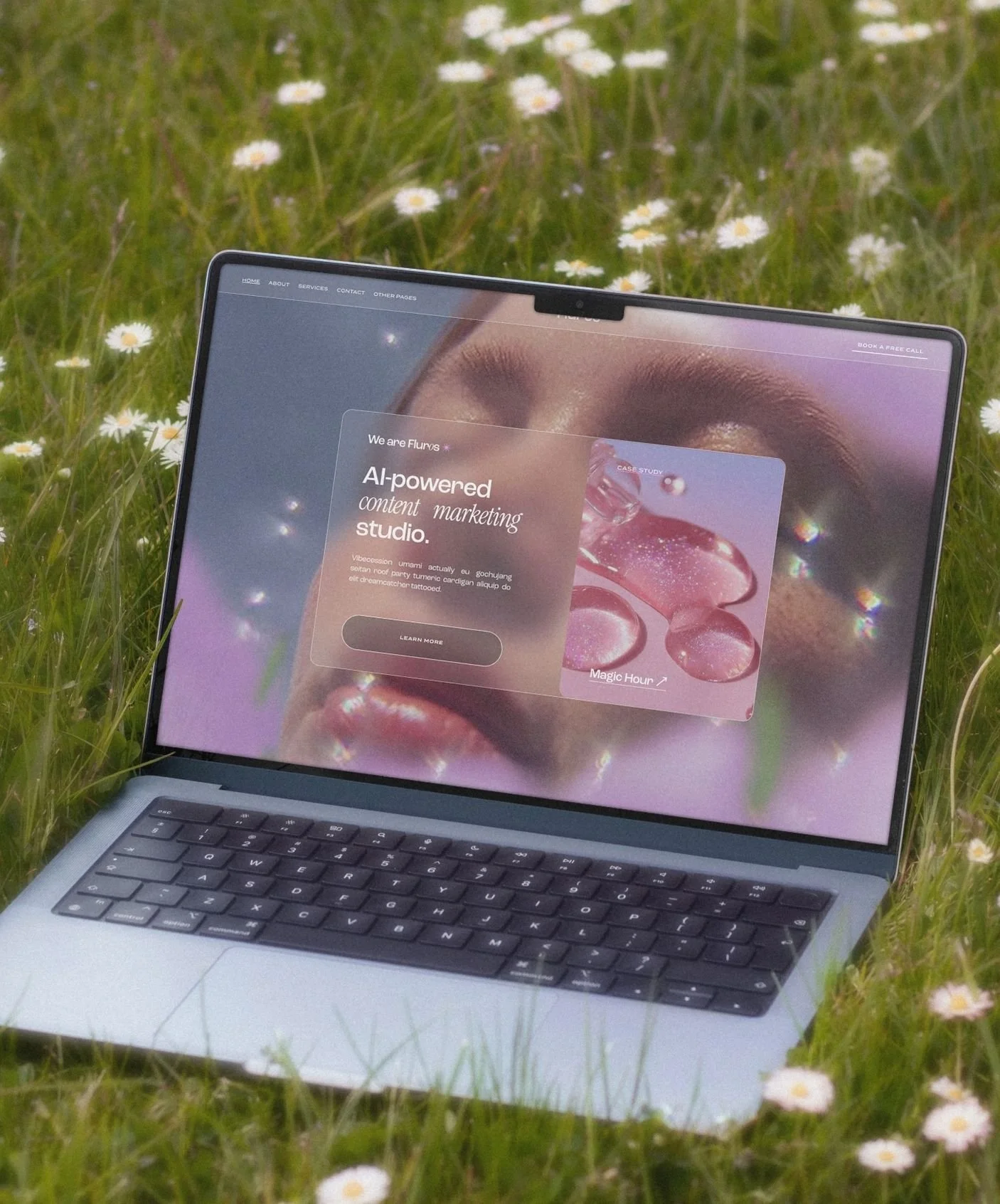
Fluros is a fully customizable Squarespace 7.1 website template built for bold brands ready to glow online. Inspired by a dreamy Y2K aesthetic, it features iridescent gradients, 3D objects, glassmorphism / liquid glass elements, and a futuristic feminine edge.
WHAT'S INCLUDED:
Squarespace 7.1 template
Modern, professional design with a trendy colour palette of light blue & soft pink
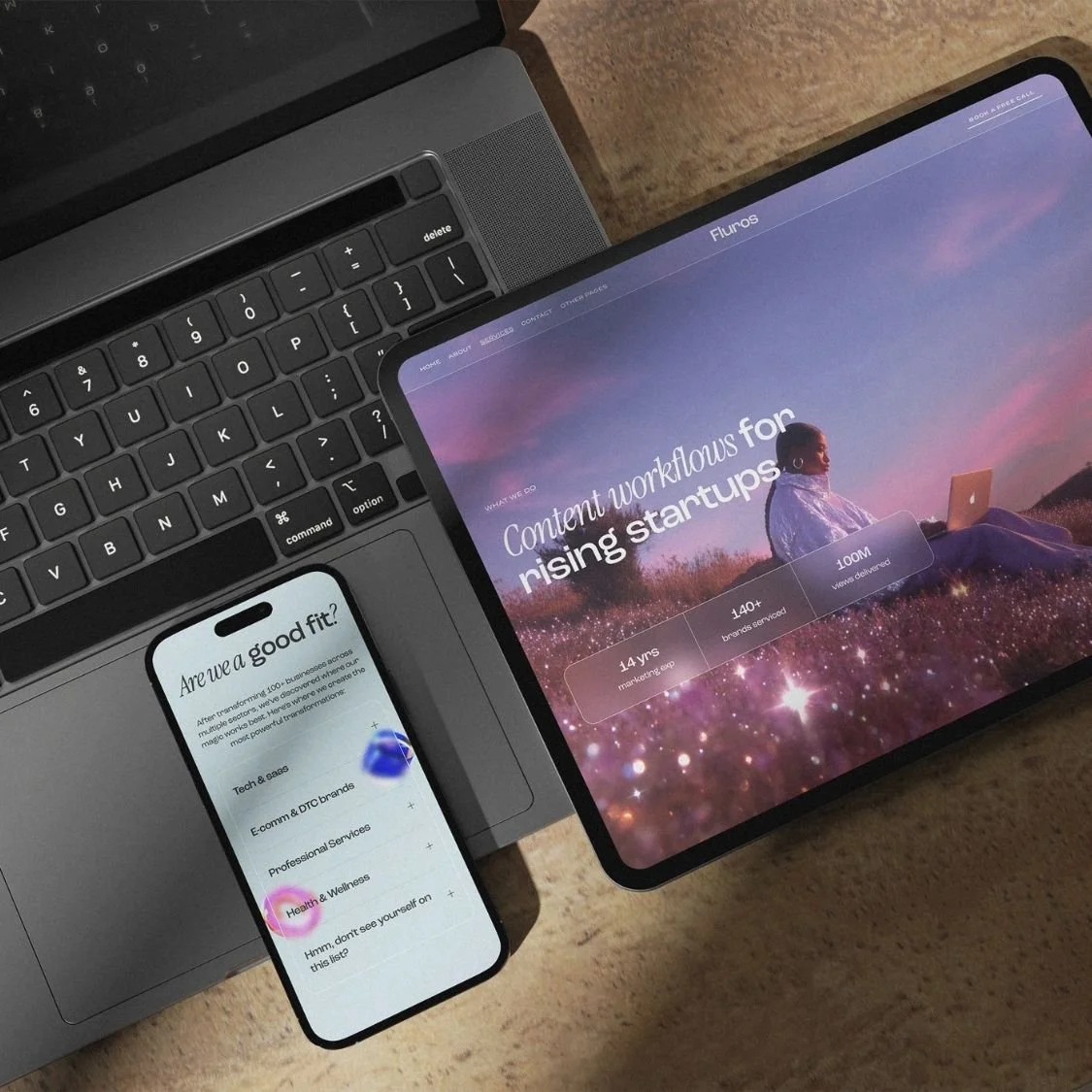
Mobile-responsive layout
Setup guide + Canva assets
Gradient kit + 3D visuals
Mockups for lead magnets
Custom CSS tutorial for floating animations
-
Squarespace 7.1 template
Mobile-responsive layout
Setup guide + Canva assets
Gradient kit + 3D visuals
Mockups for lead magnets
Custom CSS tutorial for floating animations
-
Home
About
Services
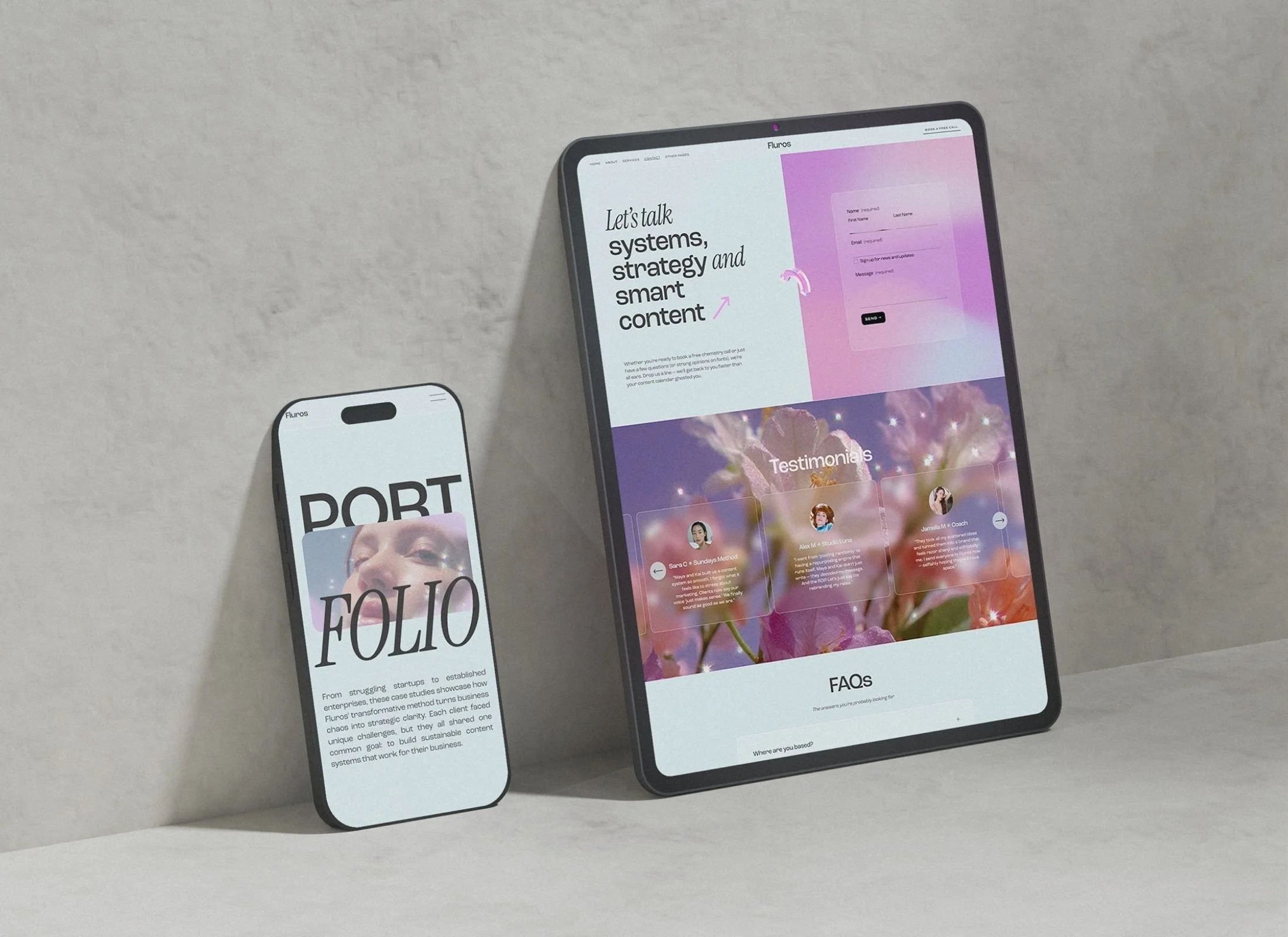
Contact
Blog
Projects / Clients / Case study page (tell a success story for more social proof)
Sales landing page (based on best practices for high conversion, follow the gist of the copy in there and sell anything you want!)
404 page
Link-in-bio page (don't pay for linktree or similar)
9 Strategic Pages
Home, About, Services, Blog, Case Study, Sales Landing, Contact, 404, and Link-in-Bio.

Dreamy Nostalgia Aesthetic
Soft gradients, frosted glass effects, and 3D objects in pink-blue palette.

Canva Brand Assets
Matching gradient kit, 3D visuals, and lead magnet mockups included.

Platinum Partner Savings
12-month free Squarespace trial plus 55% off annual plans your first year.
Mobile-Optimized Layout
Responsive design ensures flawless experience on all devices and screen sizes.

Custom CSS Animations
Step-by-step tutorial for advanced floating and motion effects.
How do I install the Fluros Squarespace template?
After purchase, you provide your Squarespace account email. Within 24–48 hours, Panache Themes transfers the template directly to your dashboard as a new website, allowing you to start customizing immediately without manual installation.
Can I change the Y2K colors and 3D elements?
Every part of the Fluros template is fully customizable. You can use the included Canva assets to modify gradients or swap the 3D objects for your own imagery using the Squarespace editor.
Is this template suitable for a service-based business?
Fluros includes dedicated layouts for Services, Case Studies, and a Sales Landing Page. It is specifically designed for coaches, copywriters, and AI creators who need a professional yet trendy platform to showcase their expertise.
Fluros is a fully customizable Squarespace 7.1 website template built for bold brands ready to glow online. Inspired by a dreamy Y2K aesthetic, it features iridescent gradients, 3D objects, glassmorphism / liquid glass elements, and a futuristic feminine edge.
WHAT'S INCLUDED:
Squarespace 7.1 template
Modern, professional design with a trendy colour palette of light blue & soft pink
Mobile-responsive layout
Setup guide + Canva assets
Gradient kit + 3D visuals
Mockups for lead magnets
Custom CSS tutorial for floating animations
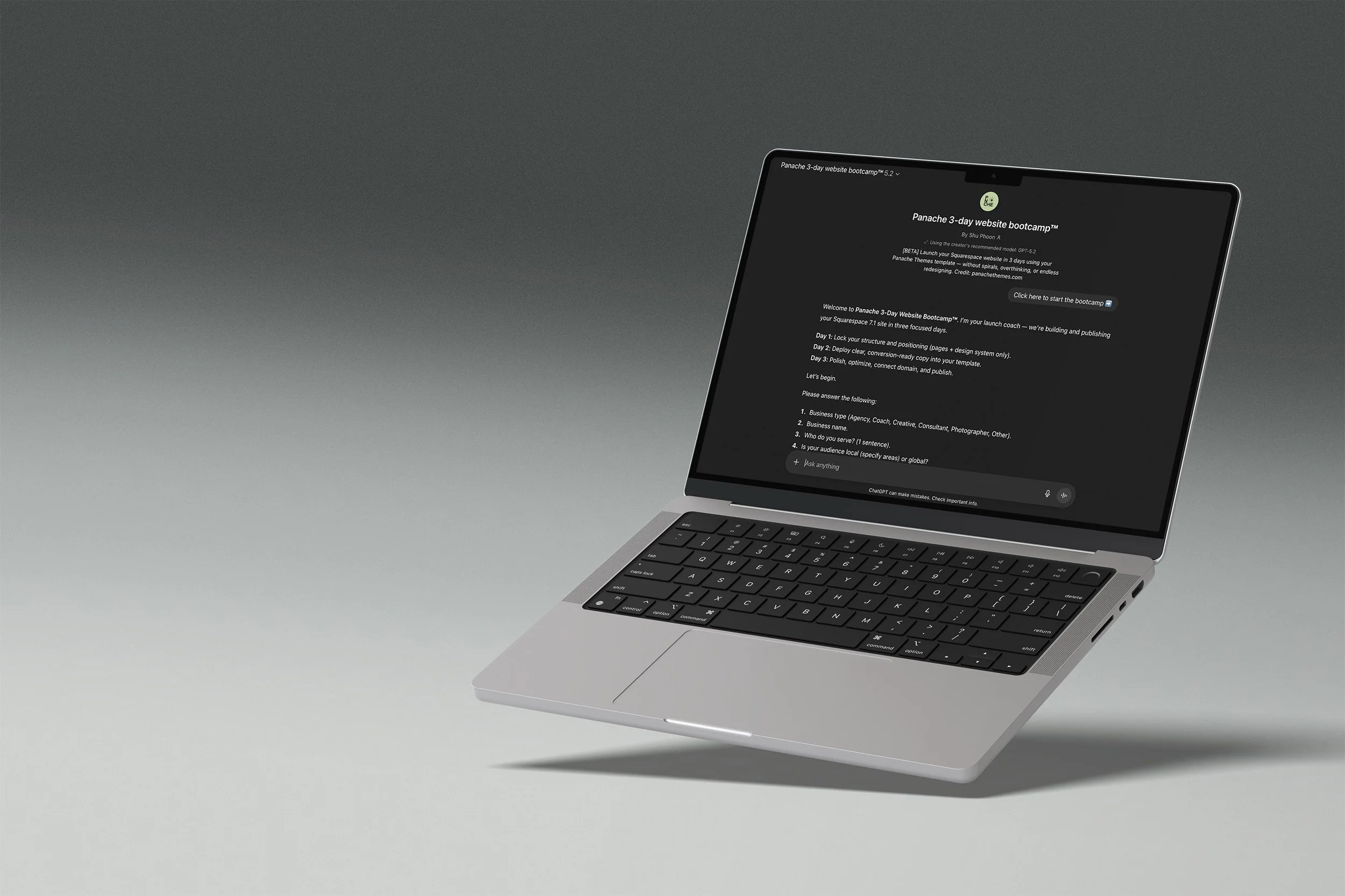
Your template comes with a launch coach
The Panache 3-Day Website Bootcamp walks you through setup, writes your page copy, and gets you to a published site in three structured days. No blank page paralysis, no getting lost in settings.
DAY 1
Structure and site styles locked in.
DAY 2
Generate copy for all pages.
DAY 3
Polish, SEO basics, and publish.
Runs on ChatGPT. Free accounts welcome, paid plans give you the best experience.
FAQ
-
Nope! You are able to start editing your website on a 6 month free trial. You will need to pay for a plan only when you want to publish your site publicly.
-
Yes! You don’t need to stick to what is provided in the template. Add or remove pages as you need.
Sections and elements can also be added and deleted.
-
Not at all. Everything is set up in Squarespace with drag-and-drop editing. If you can copy-paste your text and swap in your photos, you can launch your new website, social media, and client materials.
-
No — your content, colors, and photos make it yours. Our templates are designed to look custom once you’ve added your own brand elements and business details.
-
Once you add the website to the cart, you’ll be prompted to enter your Squarespace account email.
Within 24–48 hours, you’ll receive a site invite straight to the email address specified so you can start editing your new website.
-
Each purchase includes a single-site license. If you want to use the design for more than one project, you’ll need to purchase an additional license. (We’re happy to offer discounts for repeat buyers — please contact us to arrange this)
-
Because these are digital products, all sales are final. But if you run into trouble, I’ll be here with support to make sure you can get your site live.
-
Each purchase comes with setup instructions. And if you hit a snag, you can always reach out to us — we’ll point you in the right direction.